01 60 MIN
Your CRM. Your brand.
Start with the setup, then make Seedly feel like your business.
- Walk through the Seedly setup and deployment
- Add your logo, colors, and domain
- Set up your workspace, contacts, and first pipeline
Set up and customize Seedly for your business, then repeat the process for a client. Three recorded sessions to work through at your own pace.
All three session recordings + your setup agent file + one CRM kit.
For Seedly owners and anyone exploring it.

GoSeedly / DevLaunch is an independent tools and training provider. We do not own Seedly CRM or receive affiliate commissions on Seedly purchases. Explore Seedly CRM
Start with the setup, then make Seedly feel like your business.
Bring phone, email, and social into the way you work.
Turn your own setup into a process you can repeat for someone else.
Three hours is our guided session time. Phone ports, domain verification, and provider approvals may take longer. We’ll show you the process and what to check while they’re pending.
$149USD · one-time payment
Download your agent file and choose your kit in the portal after purchase. Recordings are added after the live sessions are processed.
All sales are final. Due to the digital educational nature of this bundle, purchases are non-refundable, except where required by law. Refund policy
Already have active All Access? Open the challenge in your portal.
Seedly CRM, hosting, phone/email usage, and optional software are separate. Privacy · Terms
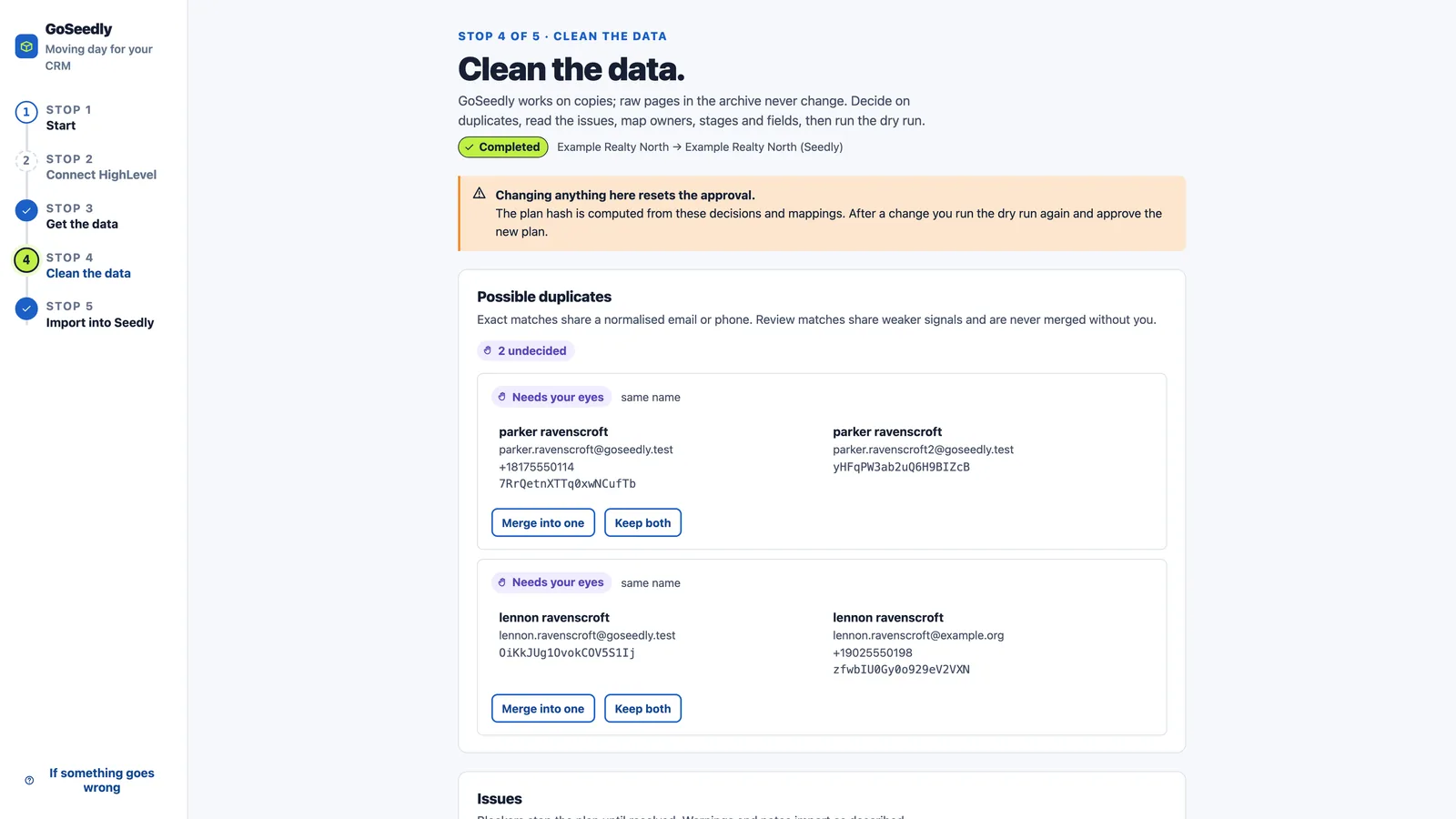
Export, review, and move supported HighLevel records into your Seedly workspace.
Explore Transfer Tool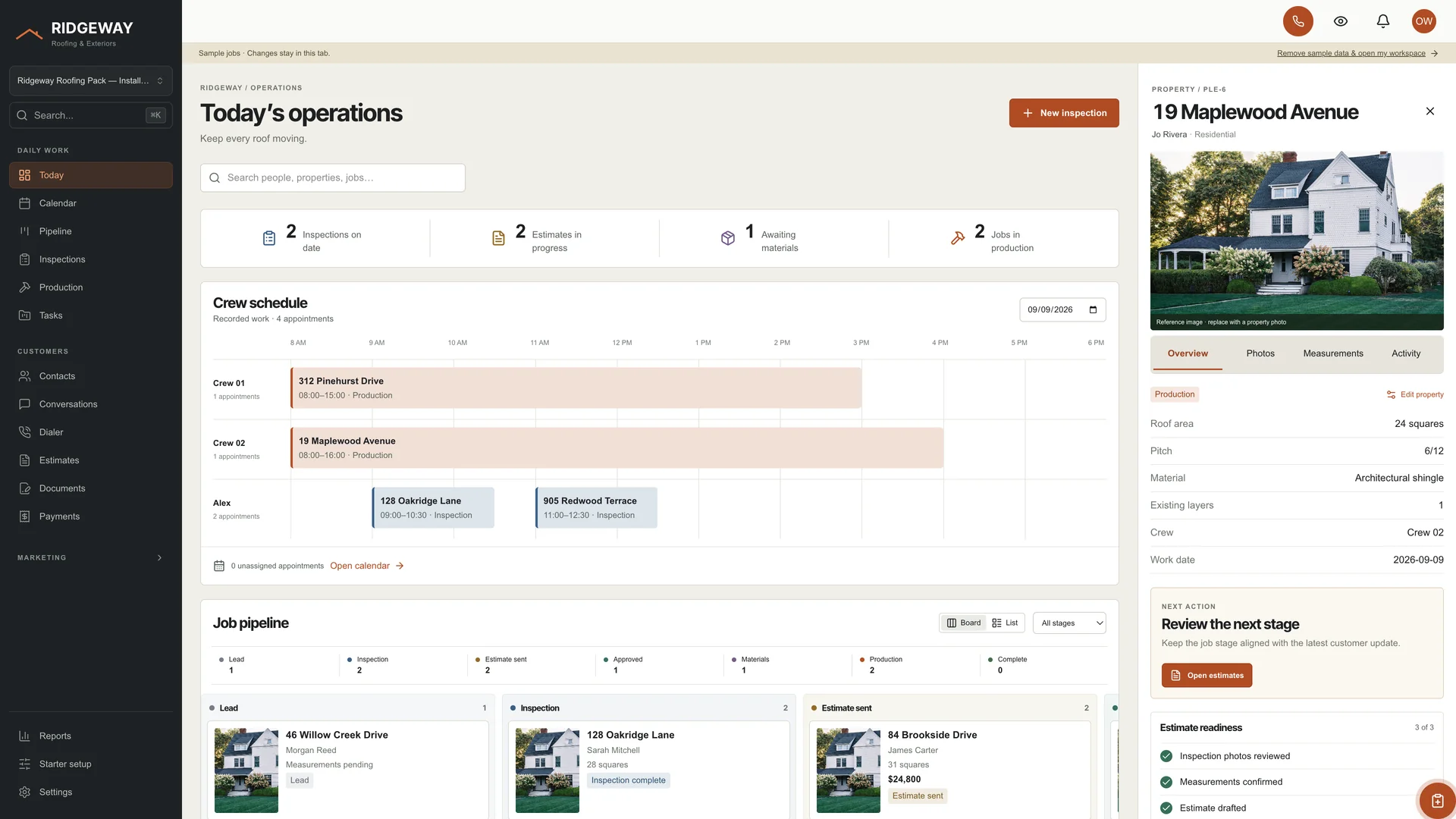
Give your workspace an industry-specific starting point, with editable source to make it yours.
Explore Industry CRM Kits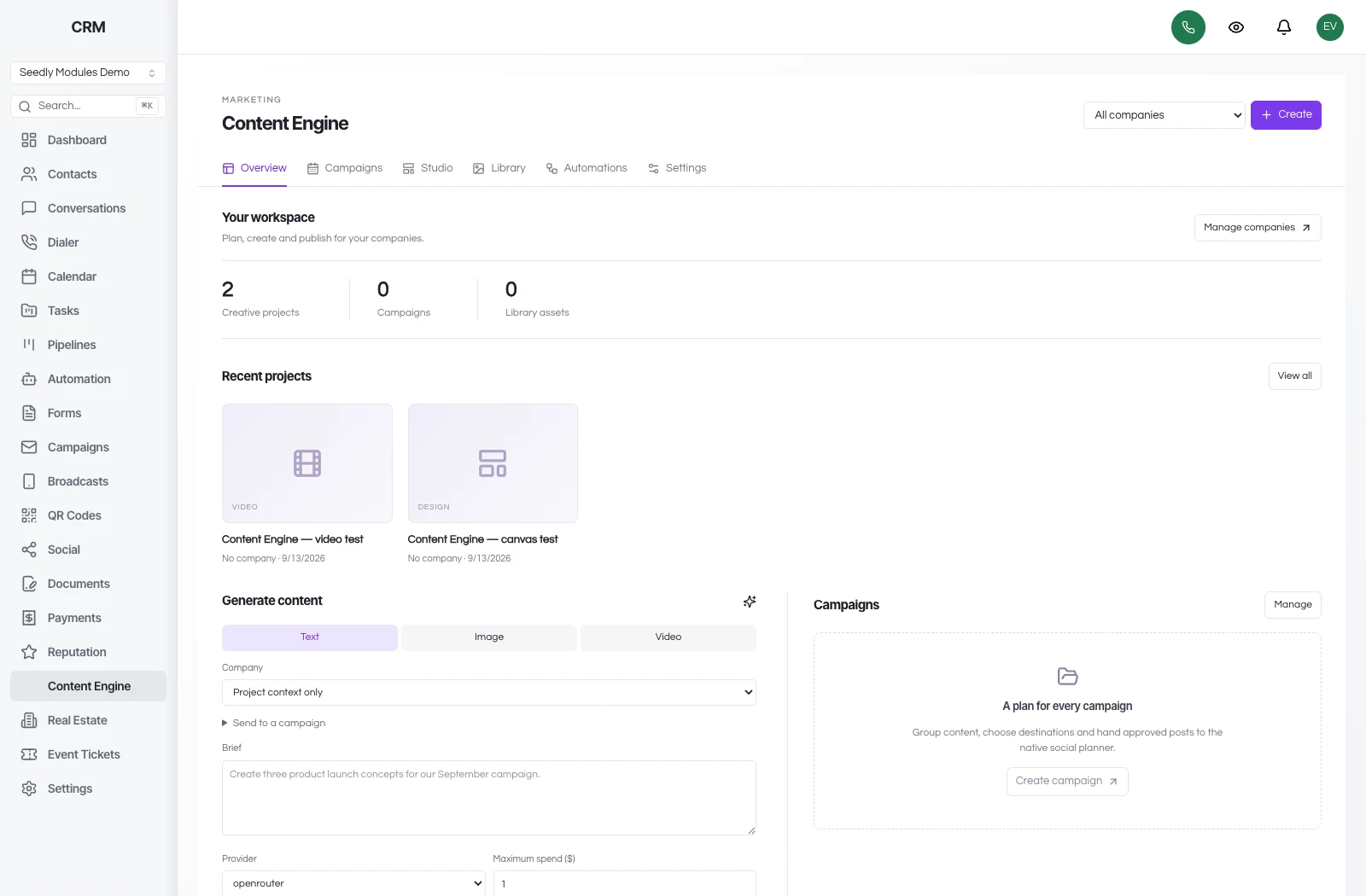
Bring brand profiles, campaigns, and a creative workspace into your compatible Seedly installation.
Explore Content Engine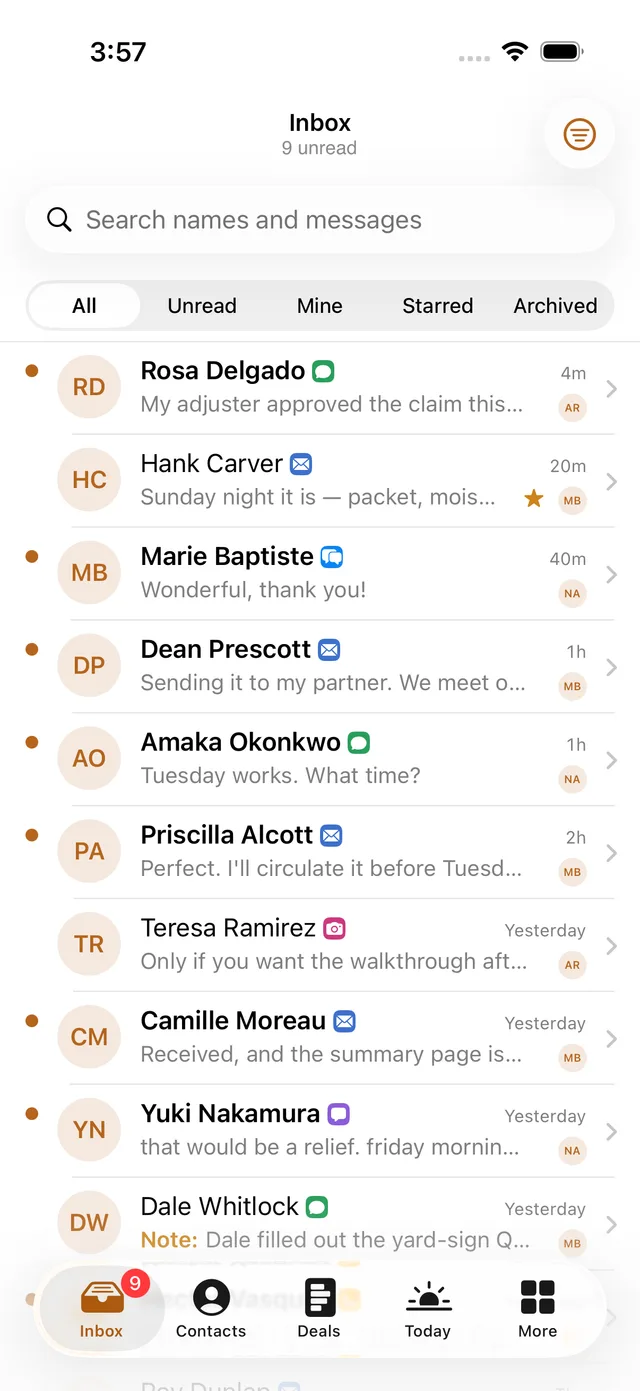
Native iOS and Android source code for a mobile CRM you can brand and customize.
Explore Mobile App Pack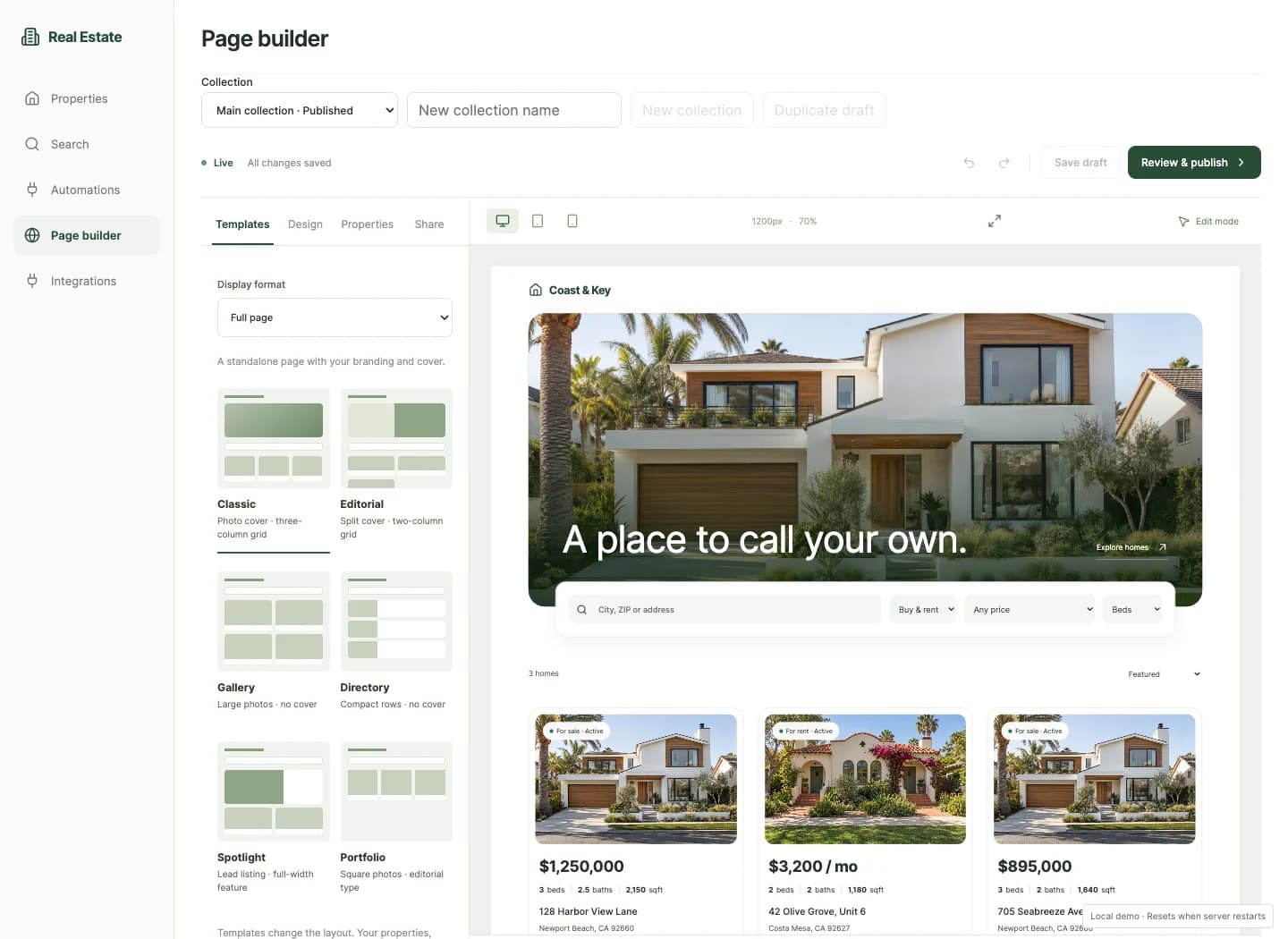
Explore additional tools for property pages, events, and other work inside Seedly.
Explore GoSeedly ModulesThe DevLaunch collection
Pick the tool you need. Or get the collection with All Access.
Social automation
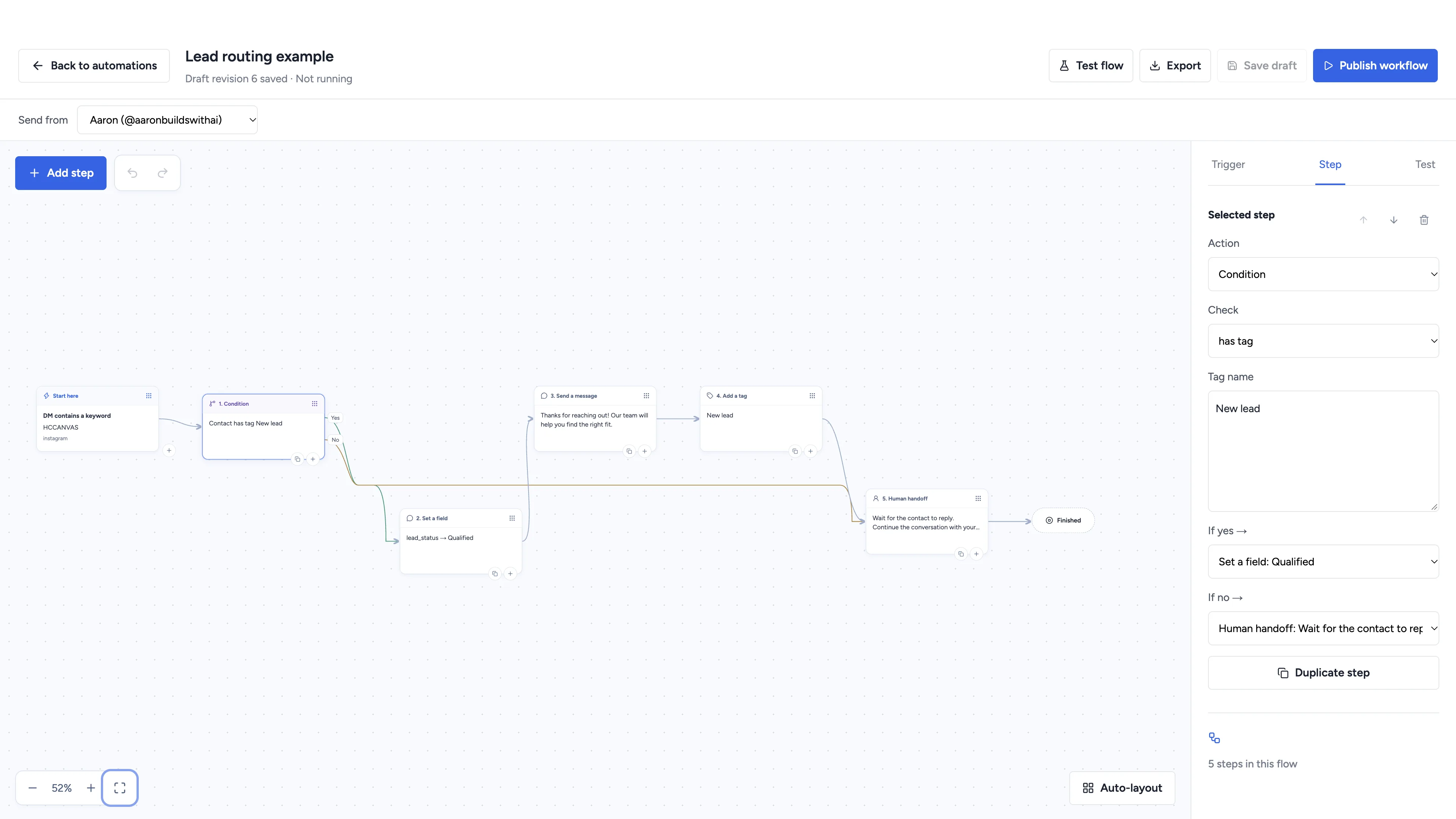
Automate conversations, schedule social content, and manage client workspaces with software you own.
Inventory management
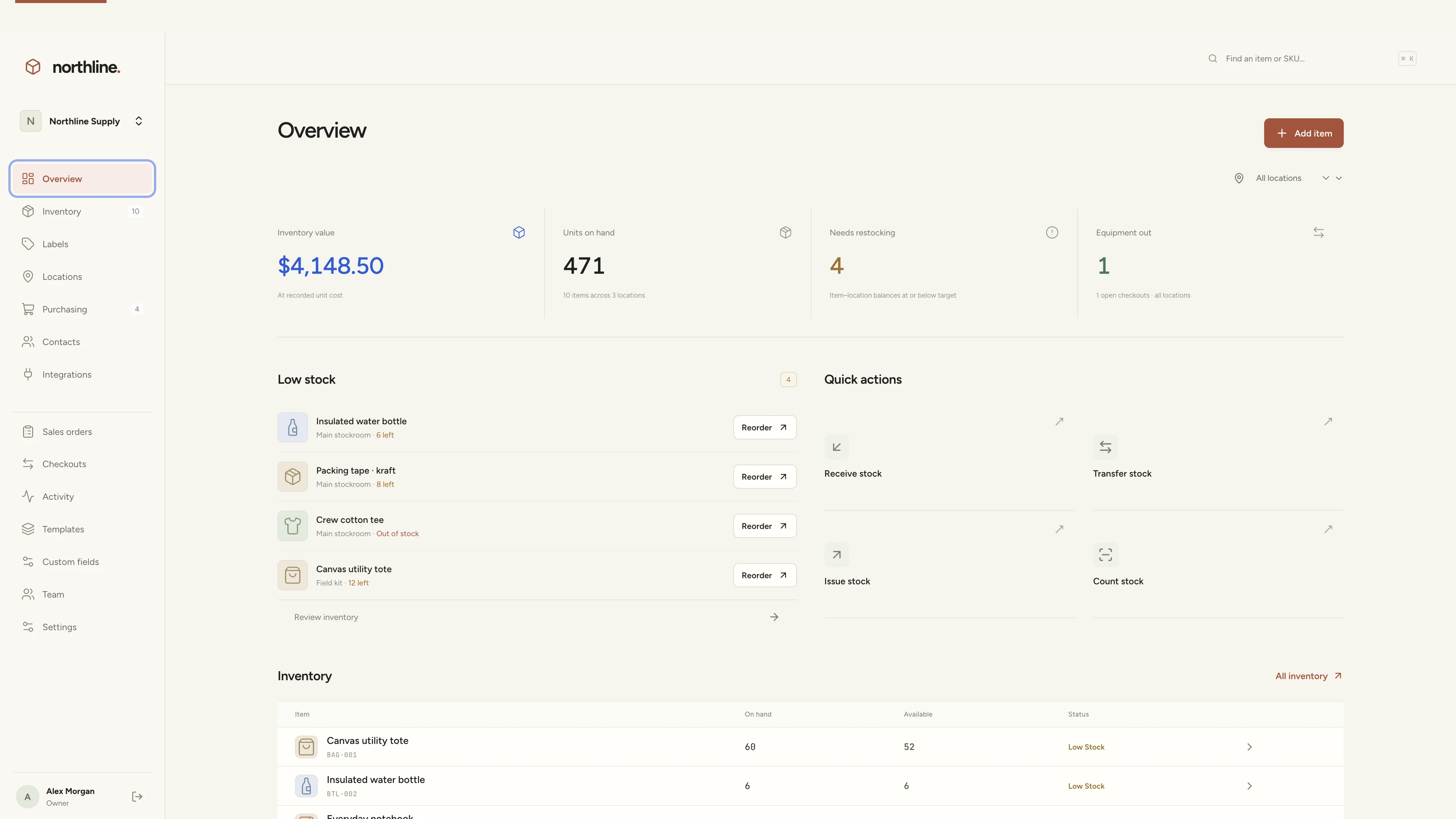
Manage products, supplies, equipment, and custom labels in a workspace you own.
AI app builder
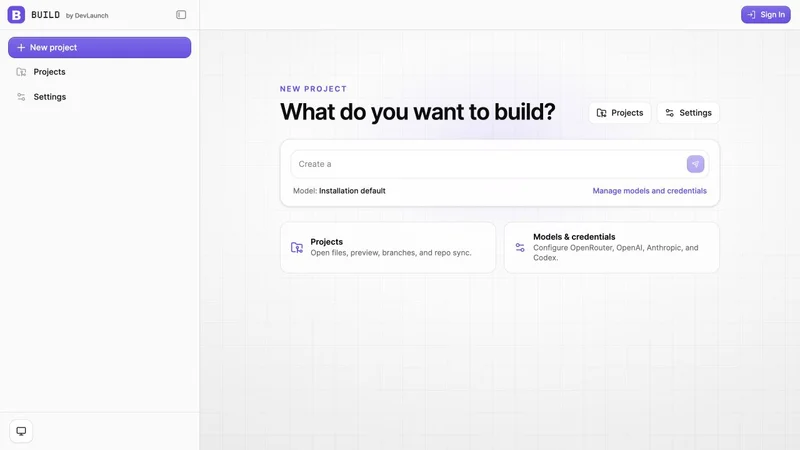
Build websites, portals, and internal tools with a visual workspace you own.
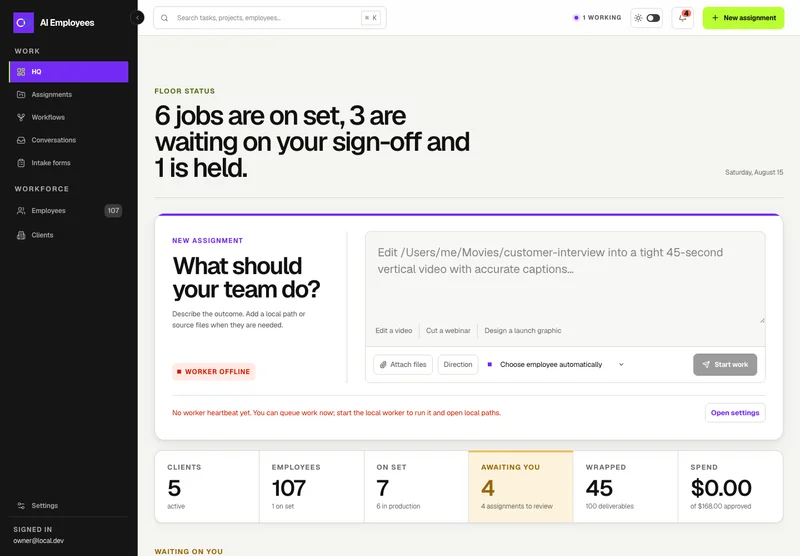
Your AI workforce
Put specialist AI employees to work across sales, creative, and operations.
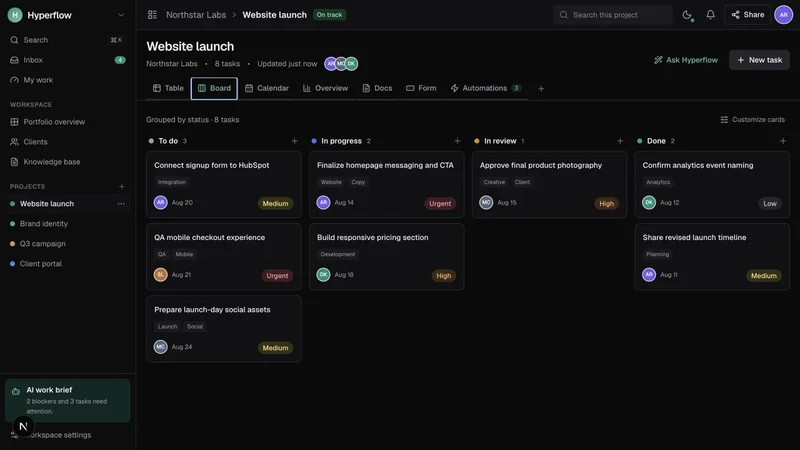
Project management
Bring projects, tasks, and client work together in a platform you control.
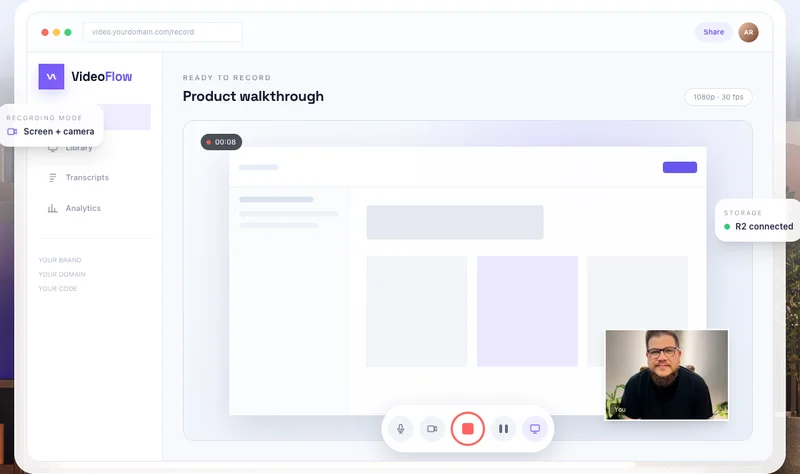
Record & share video
Record, edit, transcribe, and share video with your own branded platform.
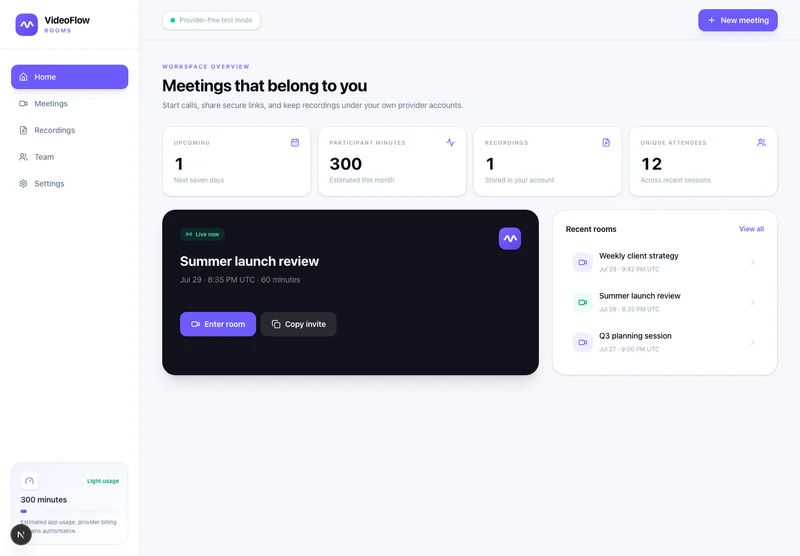 Prelaunch
Meetings & webinars
Host branded calls, workshops, and webinars on your own infrastructure.
 Beta
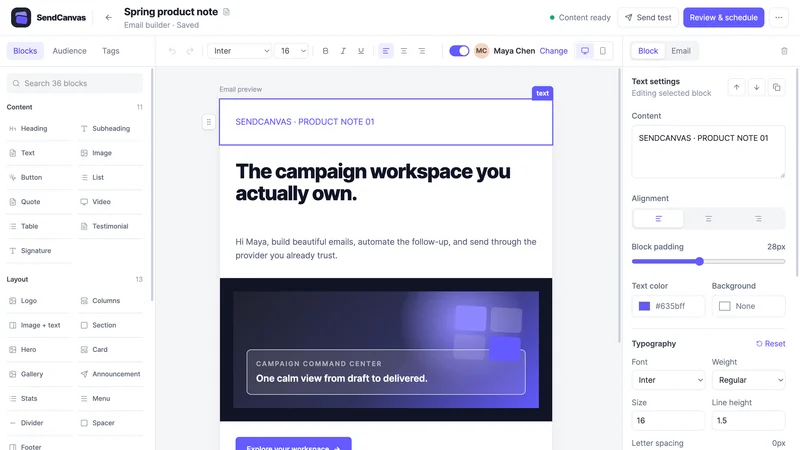
BetaEmail marketing
Create campaigns, emails, forms, and automations with your own providers.
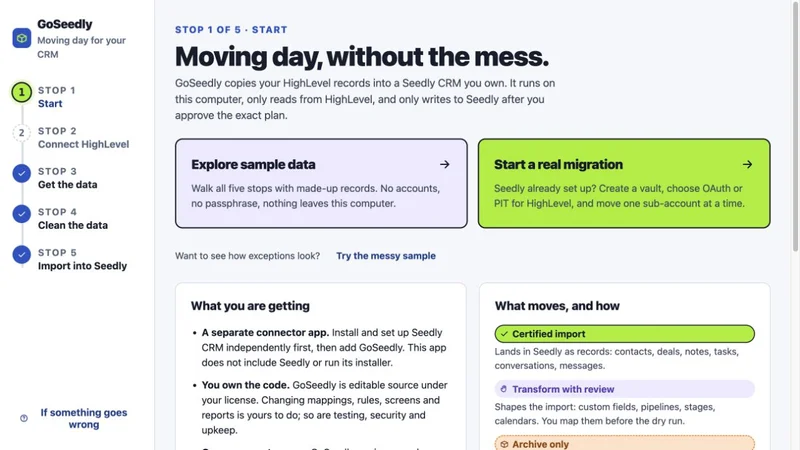
CRM migration kit
Export, review, and move supported CRM records into your Seedly installation.
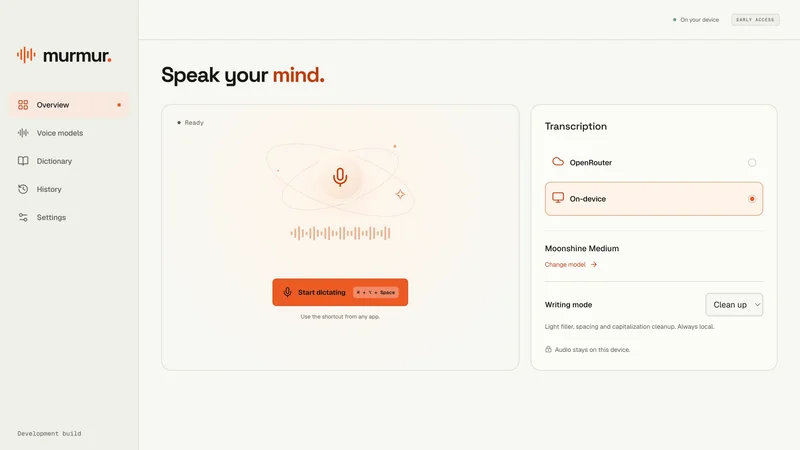
Voice to text
Turn your voice into text with a desktop dictation app and local models.
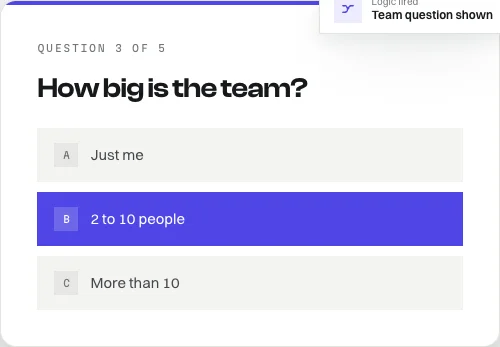
Open-source forms
Build forms with conditional logic, file uploads, and a database you own.
Software and source-code products. Hosting and third-party services are separate. See each product for details.
No. This is for current Seedly owners, people considering a purchase, and anyone who wants to see what setting up a CRM for themselves or a client looks like. Watch the walkthrough before deciding whether Seedly is right for you. You only need your own license if you want to deploy and customize your own copy alongside us.
Due to the digital educational nature of the $149 replay and setup bundle, all sales are final and non-refundable, except where required by law. Please review the agenda and included resources before purchasing.
All three challenge recordings, a custom AGENTS.md file to help your AI coding assistant set up and manage Seedly, and one GoSeedly CRM kit of your choice. Both bonuses are included with your purchase at no extra charge. Access your agent file and choose your kit in the challenge portal after purchase; recordings are added after the live sessions are processed.
It is an editable instruction file for your AI coding assistant, built for Seedly setup and ongoing management. It covers project discovery, branding, phone-port preparation, email and social connections, client workspaces, backups, testing, and updates. Add your business name and CRM address when downloading it. If your project already has an AGENTS.md file, merge the guidance into it instead of replacing your existing instructions.
After purchasing the replay package, open the challenge in your DevLaunch portal and choose any one individual kit from the available GoSeedly CRM Kits catalog. Confirm your choice once and the kit is added to your download library at no extra charge. You can browse before choosing. This bonus is one individual CRM kit; bundles, modules, the Transfer Tool, and the Mobile App Pack are separate products.
The challenge is designed around three focused, one-hour recorded sessions. Work through the setup and customization at your own pace. Your total time depends on your starting point, access to your accounts, and the changes you want to make. Phone-number ports, DNS updates, email verification, and provider approvals run on their providers’ timelines and may finish after the challenge.
Yes. We will cover preparing a port request, the account information and authorization you need, and connecting the phone provider to your CRM. Keep your existing service active until your provider confirms the port is complete. Number eligibility, port completion, and any messaging approvals depend on the providers involved; we cannot guarantee a three-day port.
We will walk through connecting your email provider, setting up and verifying a sending domain, and connecting supported social accounts. Bring access to the domain and accounts you intend to use. Available connections, permissions, and approval requirements depend on your Seedly version and the external providers.
Yes. Day three applies the process to a client workspace: branding, user access, pipeline, communication connections, testing, and handoff. Use a demo business while learning, or work with a client who has given you permission. Your Seedly license and the relevant provider terms govern client use.
You can follow the challenge without a development background. We will explain what we are doing as we go. Following along with your own deployment means being comfortable accessing accounts, following setup instructions, and making configuration changes. This is guided group training; it is not an individual done-for-you installation.
For watching, just a computer and an internet connection. To build along, bring your Seedly license/source access, the accounts required by Seedly’s setup guide, your logo and colors, domain/DNS access, and the email, phone, and social accounts you plan to connect. For a client setup, bring their permission and the appropriate account access.
No. GoSeedly is an independent collection of tools and training by DevLaunch, operated by Hypercat Studio LLC. We provide our own training and compatible products. We do not own Seedly CRM and are not its official team, affiliate, sponsor, or endorsed partner. Seedly CRM belongs to its respective owner.
Buy directly from Seedly at seedlycrm.com. Our Seedly links are direct links, not affiliate links, and we do not receive an affiliate commission from your Seedly purchase. Your Seedly license, billing, and official product support are handled by Seedly.
Yes. Aaron will show GoSeedly and DevLaunch tools where they help with the work, such as moving records, customizing a workspace, or creating content. The $149 replay package includes your choice of one individual CRM kit. Other demonstrated tools are optional, separate purchases; each product page explains what is included.
No. The replay pass is $149. Your Seedly license, hosting, domain, provider accounts, phone and messaging usage, email sending, and any optional tools are separate. You choose and pay those providers directly.
Active DevLaunch All Access members can use their existing account to access the challenge replays and agent file. Their membership already includes the CRM kit collection. Sign in with the email attached to your All Access purchase. All Access does not include a Seedly CRM license or third-party running costs.
Contact Aaron at aaron@hyperflow.cloud for the challenge or a DevLaunch purchase. For a Seedly license, Seedly billing, or an issue with Seedly itself, contact Seedly through its official website. For number ports and connection approvals, contact the relevant provider.
Three sessions. Your pace. Replays and both setup bonuses included.
Get the replay pass · $149 Still exploring? Meet Seedly CRMCustomer experiences / Trustpilot
Selected excerpts from reviews of DevLaunch training, software, and services. Individual customer experiences across DevLaunch.
We use essential storage to keep the site working. With your permission, we also use analytics and the Whop Pixel to understand visits and advertising results. Optional analytics stay off until you choose.
Read our Cookie Policy and Privacy Policy.