Flexible browser recording
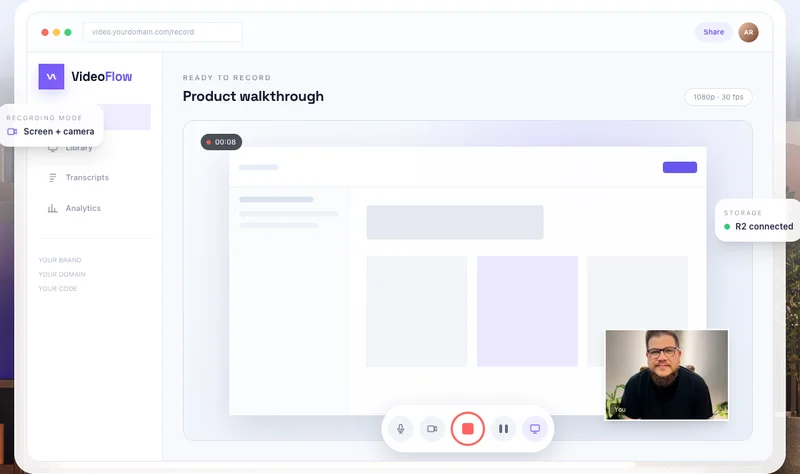
Capture screen + mic, screen + camera, or camera-only video, with system audio, pause, resume, and local review.
VideoFlow · Your stack. Your code.
Checking access…VideoFlow is a self-hosted Loom alternative with source code you own. Record your screen, camera, and mic, share a link, and see who watched. Deploy it in your own accounts and customize it with Codex or Claude.
Ready to record
Product walkthrough
 You
YouThe working product
These capabilities are already present in the VideoFlow codebase. They are not a roadmap of features that might show up later.
Capture screen + mic, screen + camera, or camera-only video, with system audio, pause, resume, and local review.
Trim, cut, fade, add shapes and callouts, import graphics, and place click or keyboard overlays on the timeline.
Import, edit, style, and export SRT or VTT captions with minimal, karaoke, pop, and lower-third presentation.
Turn a plain-language goal into a previewable edit plan. Select the changes you want, apply them, and undo safely.
Add guided zoom moments and reusable branded layouts so recordings feel intentionally produced without a long edit.
Transform a recording into step-by-step documentation with real screenshots captured at the right timestamps.
Let viewers ask questions and receive transcript-grounded answers with clickable citations that jump to the exact moment.
Create purpose-specific links with expiration, view limits, email or domain gates, passwords, embeds, downloads, and interaction controls.
Queue MP4 or WebM renders with progress, retry, cancellation, and revision safety, then close the editor while your worker finishes.
Use folders, tags, favorites, archive, bulk actions, and search across titles, descriptions, transcripts, and captions.
Combine timestamped comments and reactions with views, unique viewers, watch progress, completion, and recent activity.
Run VideoFlow on your own Convex and Cloudflare accounts, control access, and customize the complete source around your business.
New in VideoFlow 2.5 · shipped July 2026
V2.5 is included in the source you receive today. These are shipped code paths—not future roadmap promises. Native store distribution still requires your own identifiers, signing, privacy disclosures, and listings.
Send controlled review links to assigned reviewers with due dates and instructions. They can approve or request changes without creating an account, while owners can remind or cancel.
Generate owner-scoped task proposals from transcripts, comments, and change requests, or turn a comment directly into a task with linked resolved and reopened states.
Queue durable, owner-bound social jobs against an exact video revision so an approved cut is the version that reaches YouTube or LinkedIn.
Enable unified-provider media upload and immediate social publishing through a default-off worker integration that keeps the API key out of the browser and Convex.
Use the included iOS 17 SwiftUI app for an authenticated library and reviews, camera or Photos import, direct R2 upload, local draft recovery, editing, MP4 export, and system sharing.
Use the included Jetpack Compose app for library and review access, camera or import upload, draft recovery, touch scrubbing, pinch zoom, composition playback, H.264/AAC MP4 export, and sharing.
V2.5 hardens camera and microphone recording, MP4 source validation, browser-edited MP4 export, rendition storage, downloads, project manifests, and metadata-before-seek behavior.
Independent switches for review requests, automatic tasks, social publishing, and Zernio let each installation enable the new workflows deliberately.
Beyond V2.5
The current code now includes review requests, automatic tasks, social publishing, native iOS and Android apps, and the complete recording-to-publishing workflow. See what we may explore next.

The important feature
Change the logo. Rewrite the share page. Add a CRM field. Wire in a webhook. Remove everything you do not use. You are not waiting for somebody else's product roadmap.
The real cost
Pay for the code once. After that, the bill is your actual infrastructure, not a subscription multiplied by every person on your team.
Subscription comparison
Loom Business
$18 per user / month
$1,080
every year
Loom Business + AI
$24 per user / month
$1,440
every year
VideoFlow complete package
V2.5 + one year of updates
$397
one time
Comparison is directional, not feature-for-feature. VideoFlow includes the capabilities listed on this page.
What hosting actually costs
10 GB video library
R2 free tier
100 GB video library
storage estimate
1 TB video library
storage estimate
Internet egress from R2
Cloudflare R2
Cloudflare R2 includes 10 GB-month, 1M Class A requests, and 10M Class B requests monthly. Standard storage after the free tier is $0.015/GB-month. Convex can start at $0; Professional is $25/developer/month. Cloudflare Workers can start free; paid plans start at $5/month.
One guided setup
VideoFlow is built for people who are comfortable owning their tools. Codex or Claude can walk the codebase, configure the services, and make brand changes without you starting from a blank project.
Get the full project, environment example, and setup checklist. The working architecture is already there.
Create your Convex and Cloudflare projects, add the environment variables, and deploy to your domain.
Ask Codex or Claude to change the brand, add fields, connect automations, or reshape the workflow around your business.
What you need
Four basics. The domain is optional.
Codex or Claude
For setup + changes
Desktop browser
Chrome, Edge, or Firefox
Cloudflare
R2 storage + delivery
Convex
App data + realtime
Before you buy
VideoFlow is a better fit for owners than renters and for builders than people looking for a managed help desk.
You receive the complete VideoFlow 2.5 source code, web application, native iOS and Android projects, setup instructions, and one year of new buyer code releases. The purchased version remains yours after the update period ends.
No. You are buying code in one all-in-one package. You deploy it into your own accounts and keep using the version you bought. Your only ongoing costs are the infrastructure and optional services you choose.
You should be comfortable opening a project and following a setup guide. Codex or Claude can handle the install and most customizations, but this is still a developer-owned tool, not a managed service.
No. VideoFlow is now one $397 package: the complete 2.5 source code plus one year of new buyer code releases. There is no separate standalone license or private update pass.
All VideoFlow sales are final. Because the complete downloadable source code is delivered immediately, purchases are non-refundable and are not eligible for returns, exchanges, or credits. Please review the live demo, included features, technical requirements, and support boundaries before purchasing.
No. The price is for the code, not a support contract. We do not include implementation, debugging, hosting management, or custom feature work.
The included architecture uses Convex for application data, Cloudflare R2 for video storage, and Cloudflare for delivery/hosting. You will create and own those accounts.
No. The roadmap describes product directions we are considering, not promised features or release dates. Buy VideoFlow for the capabilities included today. Scope, order, and timing can change, and some ideas may never ship.
You permanently retain the VideoFlow version you purchase. Future pricing changes never create a new charge for code you already own.
It covers the core browser video-messaging workflow and the features listed on this page.
The DevLaunch collection
Pick the tool you need. Or get the collection with All Access.
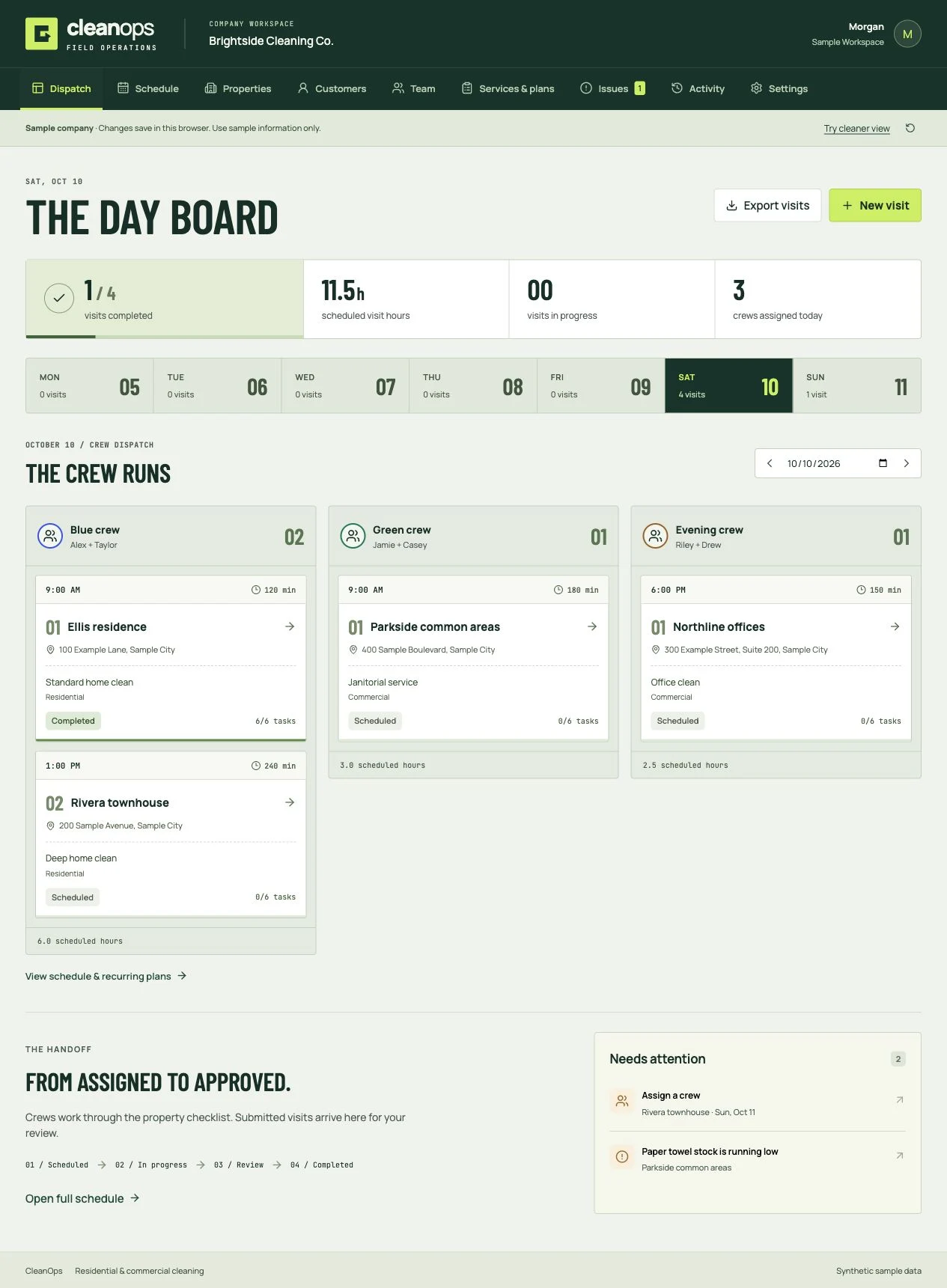
Cleaning business software
Book the clean, dispatch the crew, review the work, and invoice the customer. Residential and commercial software you own.
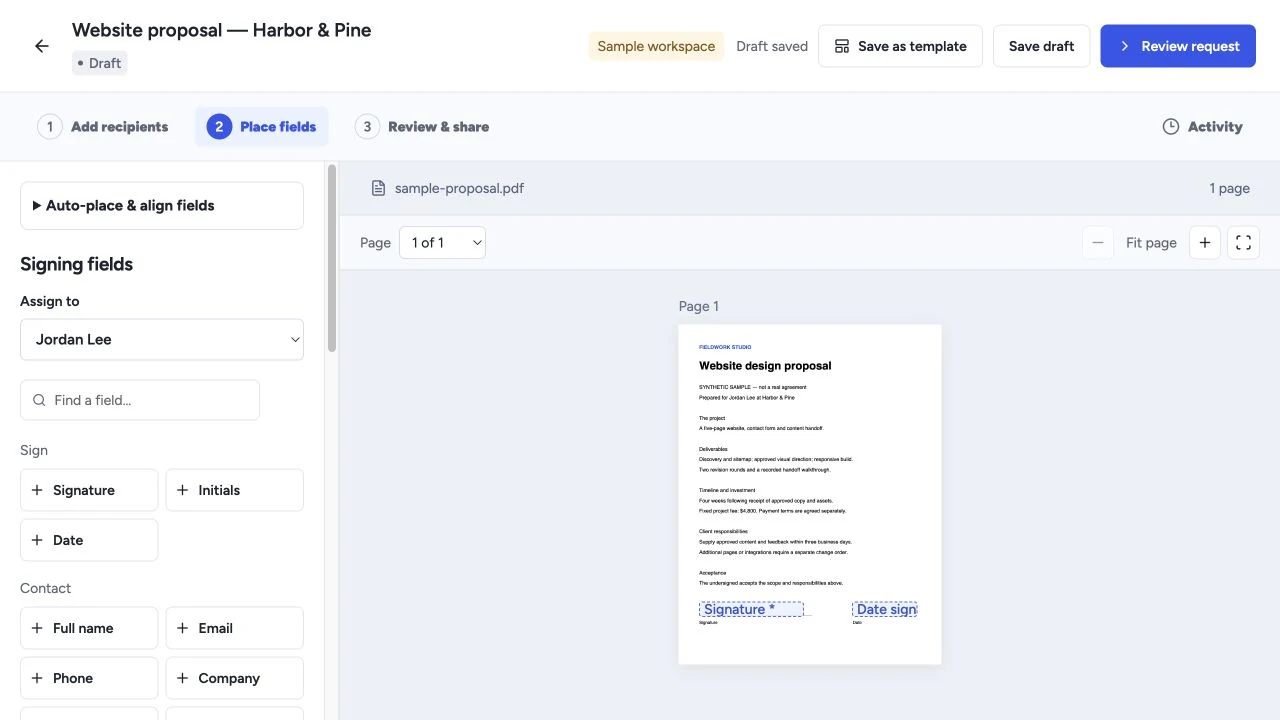
Proposals & signing
Create proposals, quotes and templates, collect electronic signatures, and manage client workflows with software you own.
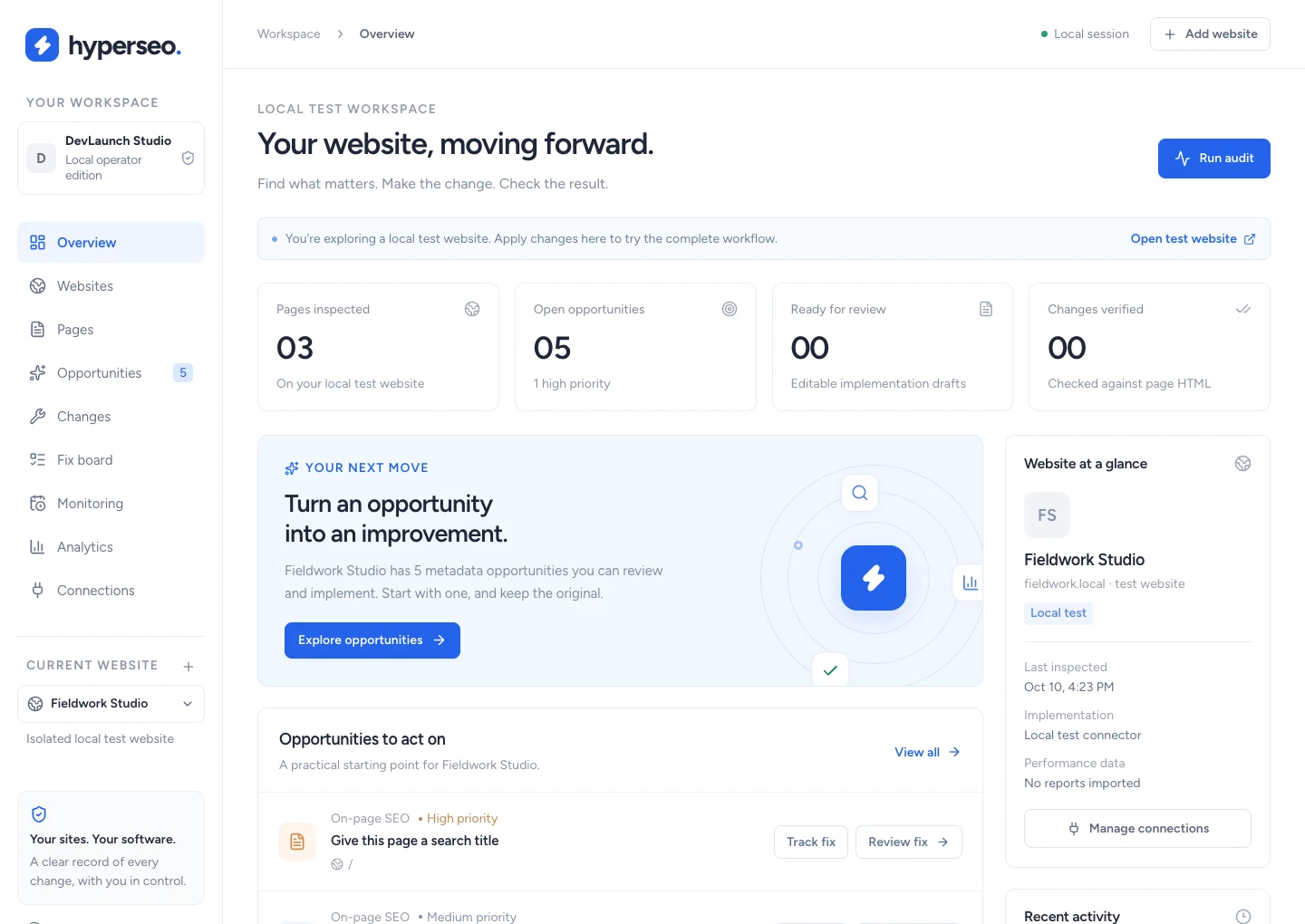
SEO & analytics
Audit websites, connect search and conversion evidence, and review, implement, verify and restore supported SEO fixes.
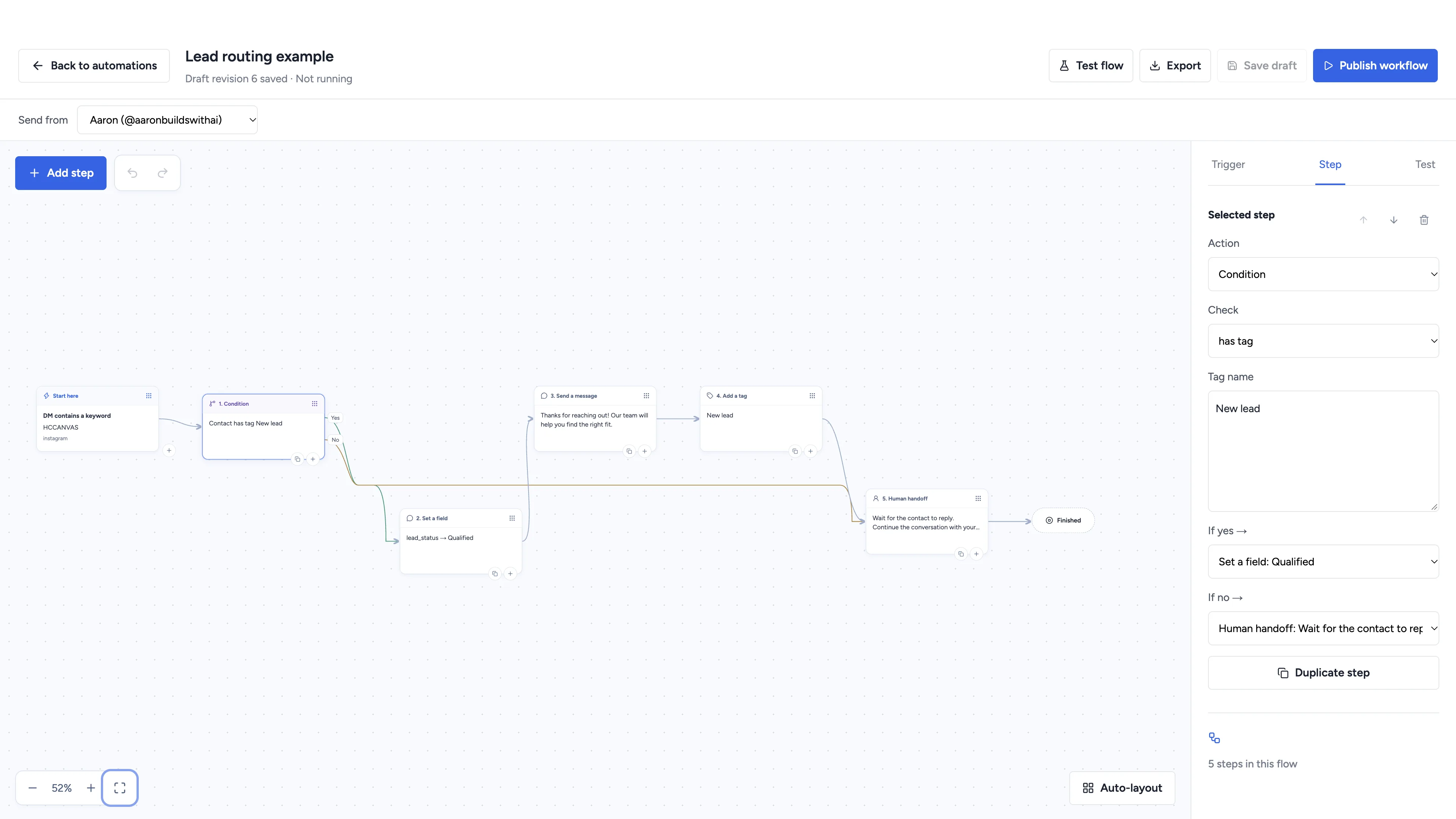
Social automation
Automate conversations, schedule social content, and manage client workspaces with software you own.
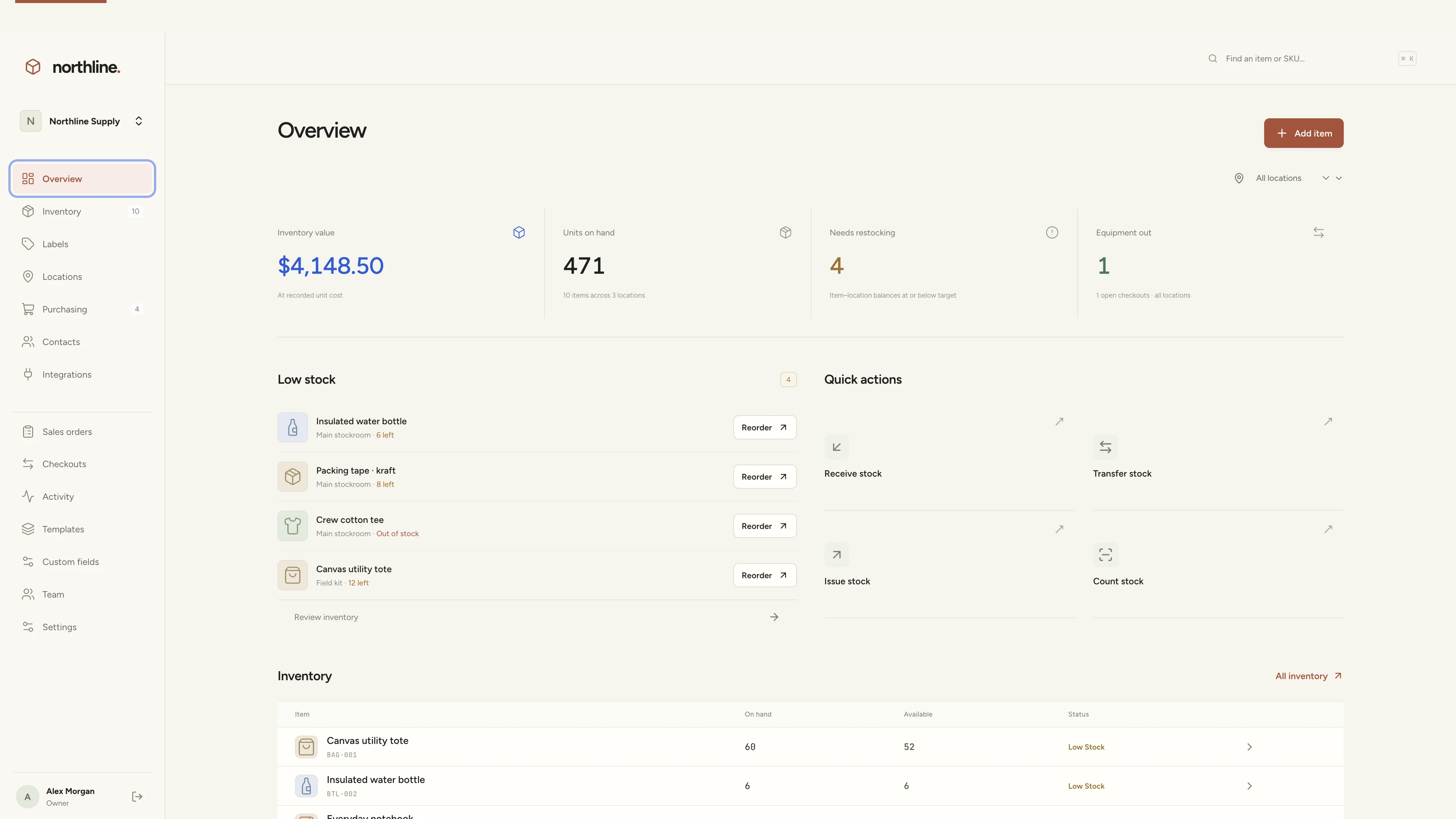
Inventory management
Manage products, supplies, equipment, and custom labels in a workspace you own.
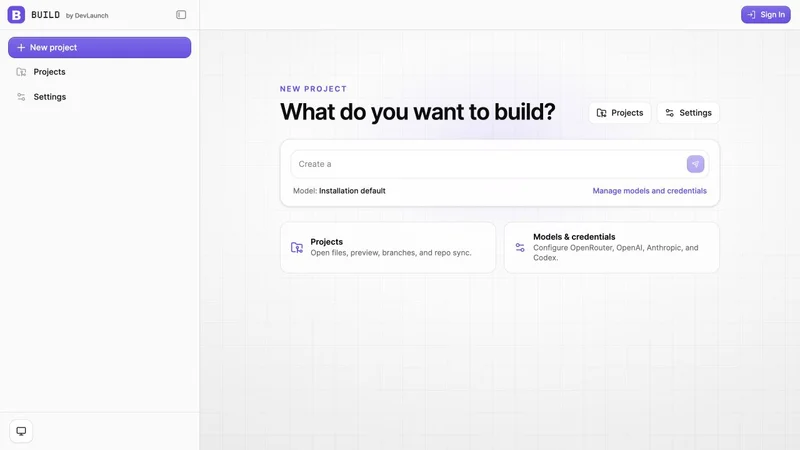
AI app builder
Build websites, portals, and internal tools with a visual workspace you own.
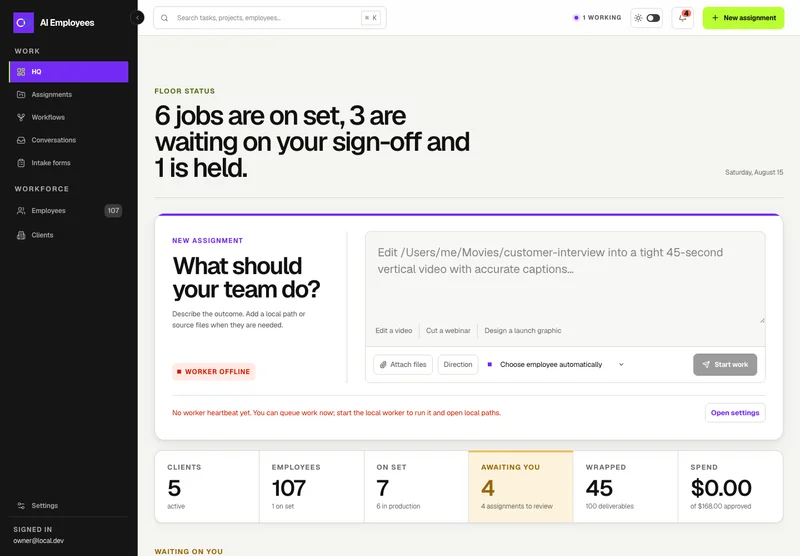
Your AI workforce
Put specialist AI employees to work across sales, creative, and operations.
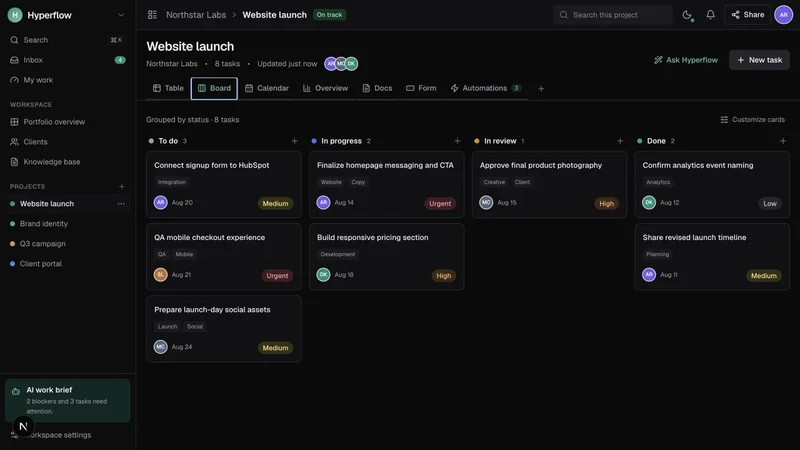
Project management
Bring projects, tasks, and client work together in a platform you control.
Record & share video
Record, edit, transcribe, and share video with your own branded platform.
 Prelaunch
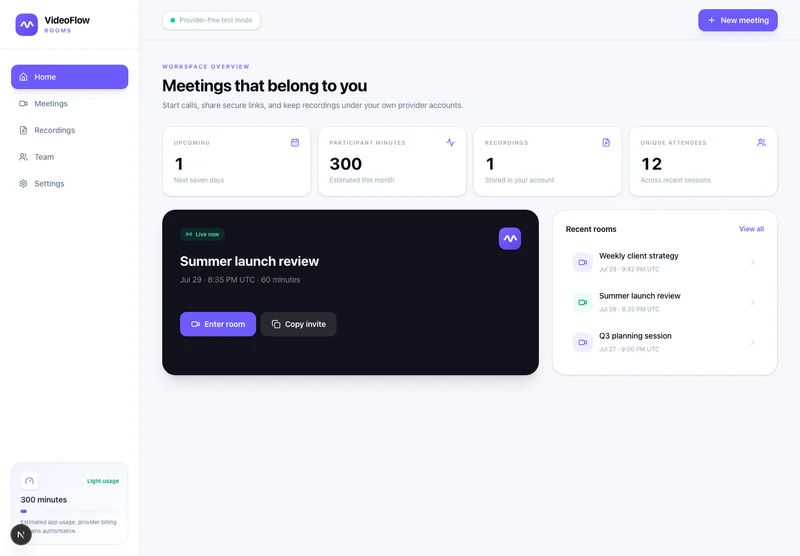
Meetings & webinars
Host branded calls, workshops, and webinars on your own infrastructure.
 Beta
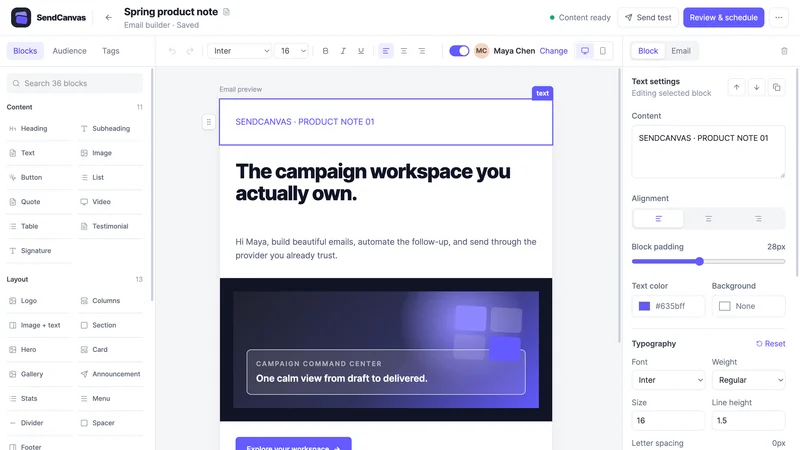
BetaEmail marketing
Create campaigns, emails, forms, and automations with your own providers.
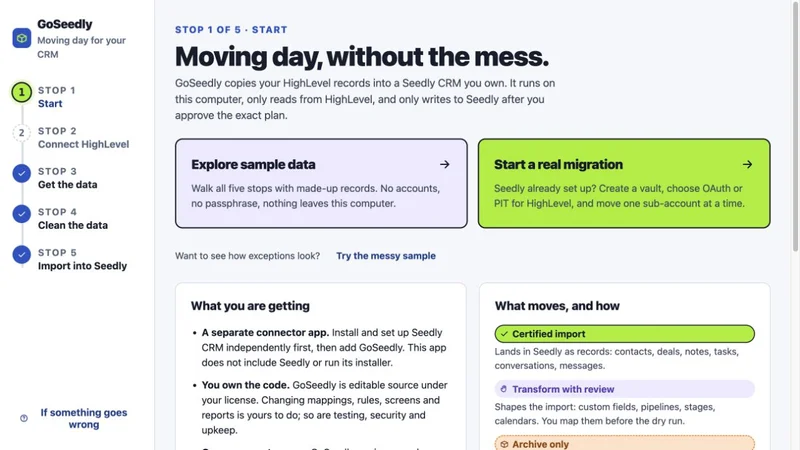
CRM migration kit
Export, review, and move supported CRM records into your Seedly installation.
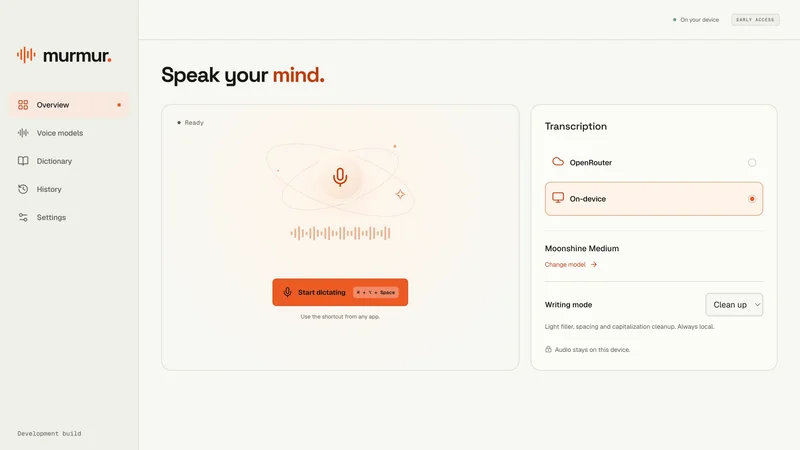
Voice to text
Turn your voice into text with a desktop dictation app and local models.
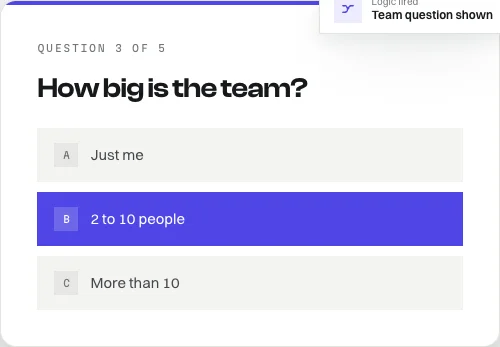
Open-source forms
Build forms with conditional logic, file uploads, and a database you own.
Software and source-code products. Hosting and third-party services are separate. See each product for details.
Customer experiences / Trustpilot
Selected excerpts from reviews of DevLaunch training, software, and services. Individual customer experiences across DevLaunch.
We use essential storage to keep the site working. With your permission, we also use analytics and the Whop Pixel to understand visits and advertising results. Optional analytics stay off until you choose.
Read our Cookie Policy and Privacy Policy.