A schedule that keeps up.
One-off visits, recurring plans, closed dates, pauses and contract renewals. Generate ahead and see conflicts that need your attention.
RESIDENTIAL + COMMERCIAL · YOUR SOFTWARE
Give the office a clear plan and the crew a clear next step. Run your cleaning business with software you can brand, adapt and own.
One-time source-code purchase. Your hosting. No per-seat license fees.
INSIDE CLEANOPS
See the dispatch board, the worker’s shift, checklist evidence and invoices. Open any screenshot to explore the full screen.
See the day’s visits, assigned crews and work status in one place.
Actual app · sample dataOUT OF THE OFFICE. STILL IN THE LOOP.
A focused worker view with big timer controls, address directions and the visit checklist. English/Spanish controls and opt-in offline saves help crews keep work moving.
ONE CONNECTED WORKFLOW
Configure the services you sell and the way your crew works. The office, workers and customers each get their own view.
One-off visits, recurring plans, closed dates, pauses and contract renewals. Generate ahead and see conflicts that need your attention.
A phone-sized shift, route links, personal timers, task notes and photo evidence. Assigned workers see the work they need.
Required checklist items and photos, visit submission, manager approval and rework. Keep the original scope and completed history.
Residential booking, commercial estimates and a verified customer portal for visits, quotes, invoices and preferences.
Change colors, logo, fonts, service templates, pricing and operational defaults through the owner Settings screens.
Owner, manager and cleaner roles, protected photos, activity records and private backups. Run the source in your own accounts.
CONNECT YOUR ACCOUNTS
Turn on the connections you need through owner controls. Your provider accounts handle payments, messages and exports.
Customer checkout, saved cards, separately authorized automatic payments and card refunds.
Operational email/SMS queues, consent checks and delayed review invitations.
One-way visit events in a selected calendar, including reschedules and cancellations.
Customer, initial invoice and non-credit receipt exports with visible retry history.
CLEANOPS SOURCE CODE
Use it for your cleaning company, or customize it and sell hosted access to clients under the commercial license.
Self-hosted and self-supported. Hosting, domains and provider fees are separate. Setup services, ongoing support and guaranteed updates are not included.
Rebrand and sell hosted access. Source resale and redistribution are prohibited.
Included with active All Access →BEFORE YOU BUY
The delivered CleanOps source code, commercial source license and installation, worker, provider and recovery guides. This is a standalone application you configure and host in your own accounts.
Yes. Configure home, deep-clean, move-out, office and janitorial service templates. Residential booking supports calculated prices and extras. Commercial estimates preserve accepted scope and can become recurring plans.
Workers can enable local saves for assigned checklists, notes, photos, issues and submissions on a trusted device. Changes synchronize after reconnection and current access checks. Timer controls use the server clock and require a connection. Existing protected photos, map tiles and directions also need a connection.
Common worker controls and reviewed Spanish task/area text. Starter templates include Spanish tasks, and managers can edit translations. Existing visit snapshots stay intact. Customer instructions, notes and untranslated authored content retain their original language.
Stripe Checkout, saved-card authorization, optional automatic issued-invoice charges and card refunds use your Stripe account. QuickBooks Online exports customers, initial invoices and non-credit receipts; credits, refund/void accounting entries and direct accounting edits require manual reconciliation. The accounting adapter supports USD and US-style tax mapping.
Yes. The commercial license permits customization and charging clients for hosted access, including separately configured deployments. Keep the source private. Reselling or redistributing the codebase, repository or modified source package is prohibited.
No. This is a self-supported purchase of the delivered source version. You pay for your own hosting, domain, Convex and connected services. Setup services, managed hosting, ongoing technical support and guaranteed future updates are not included.
Use Node.js 22.18+, npm, a dedicated Convex backend and Next.js hosting. Hosted account verification requires a transactional email sender. The included INSTALL.md walks through configuration; a developer or AI coding assistant can help with installation and source changes.
CleanOps has no per-seat licensing or artificial plan quotas. Practical capacity depends on your hosting, backend resources and workload. Payroll processing, route optimization and worker GPS tracking are outside this edition.
Yes. Active DevLaunch All Access members can download CleanOps from the portal library. Sign in before purchasing to check your existing access.
CleanOps is an independent DevLaunch product. Third-party names identify compatible services or underlying technologies and do not imply affiliation, sponsorship or endorsement. Hosting, domains, Convex, Stripe, Resend, Twilio, Google and QuickBooks accounts, fees, terms and availability are separate from your purchase.
The DevLaunch collection
Pick the tool you need. Or get the collection with All Access.
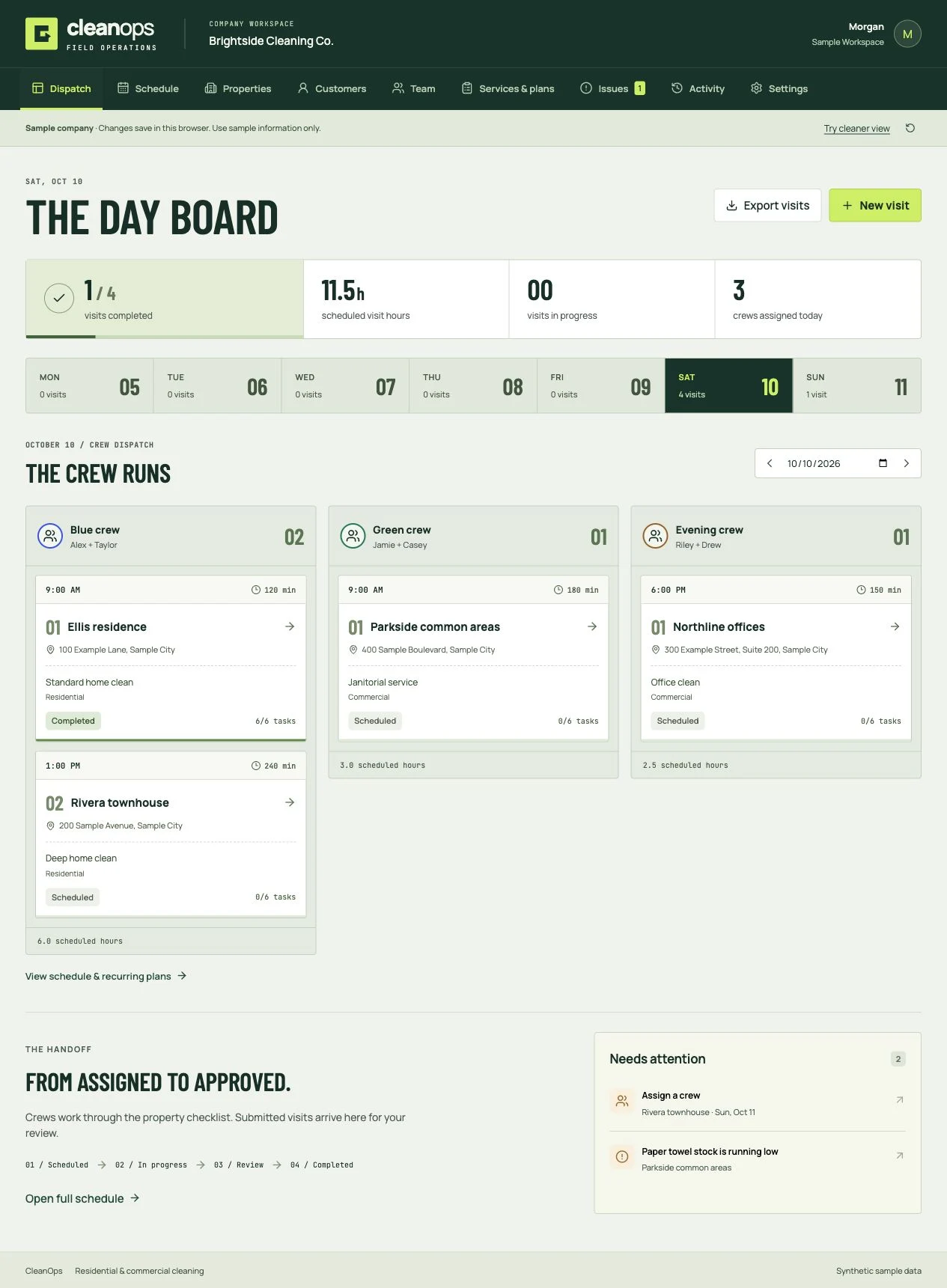
Cleaning business software
Book the clean, dispatch the crew, review the work, and invoice the customer. Residential and commercial software you own.
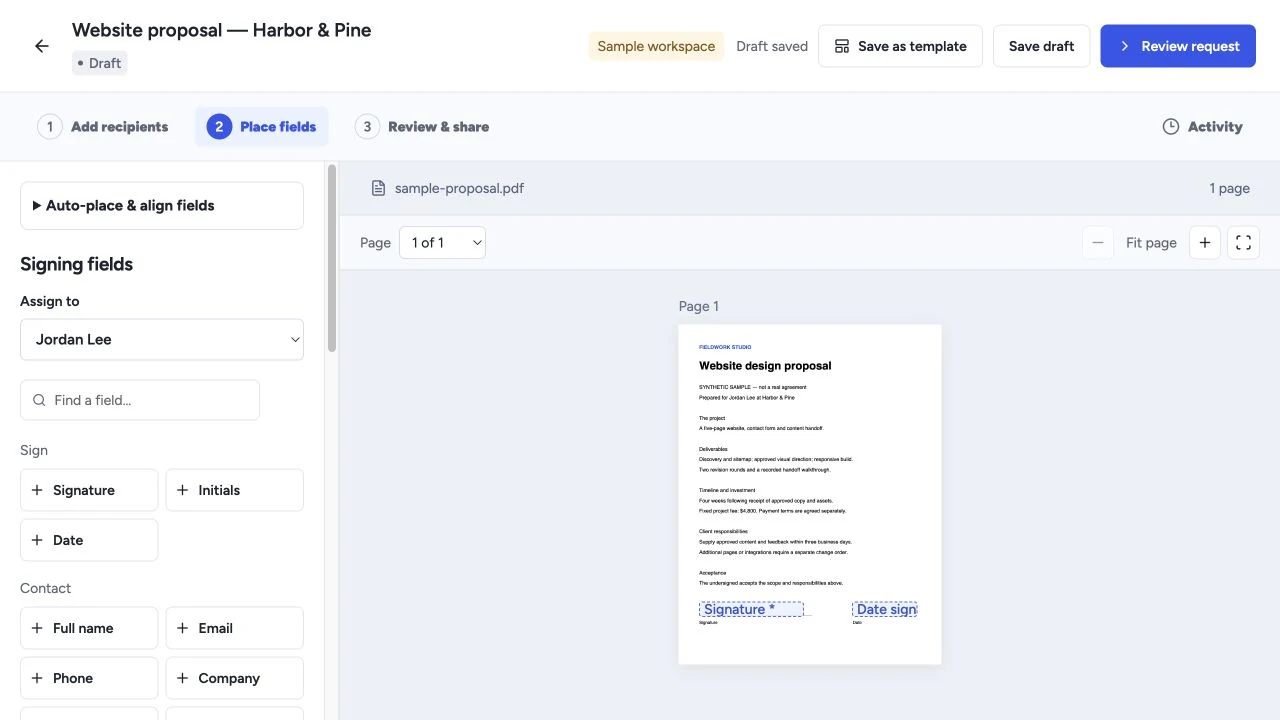
Proposals & signing
Create proposals, quotes and templates, collect electronic signatures, and manage client workflows with software you own.
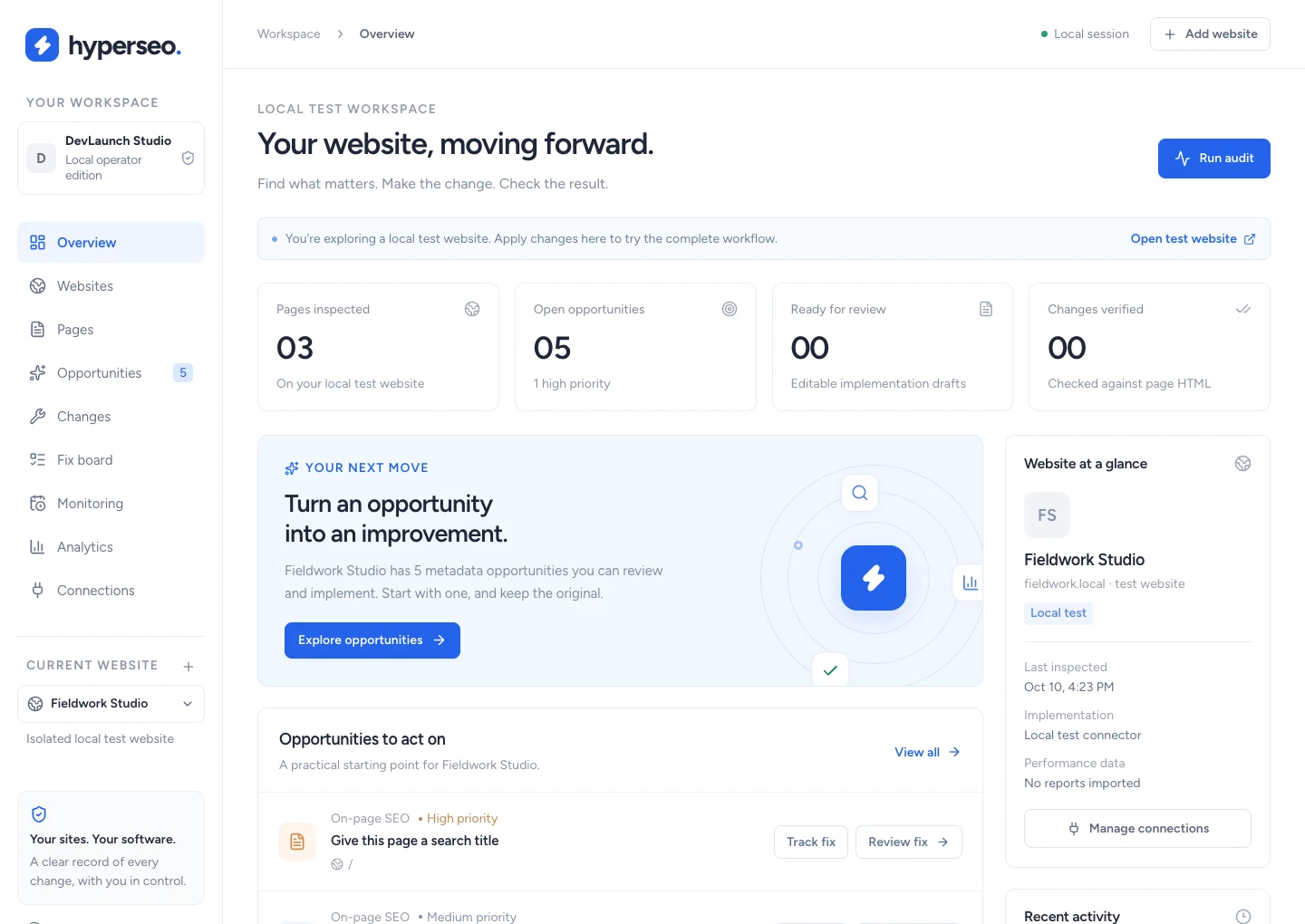
SEO & analytics
Audit websites, connect search and conversion evidence, and review, implement, verify and restore supported SEO fixes.
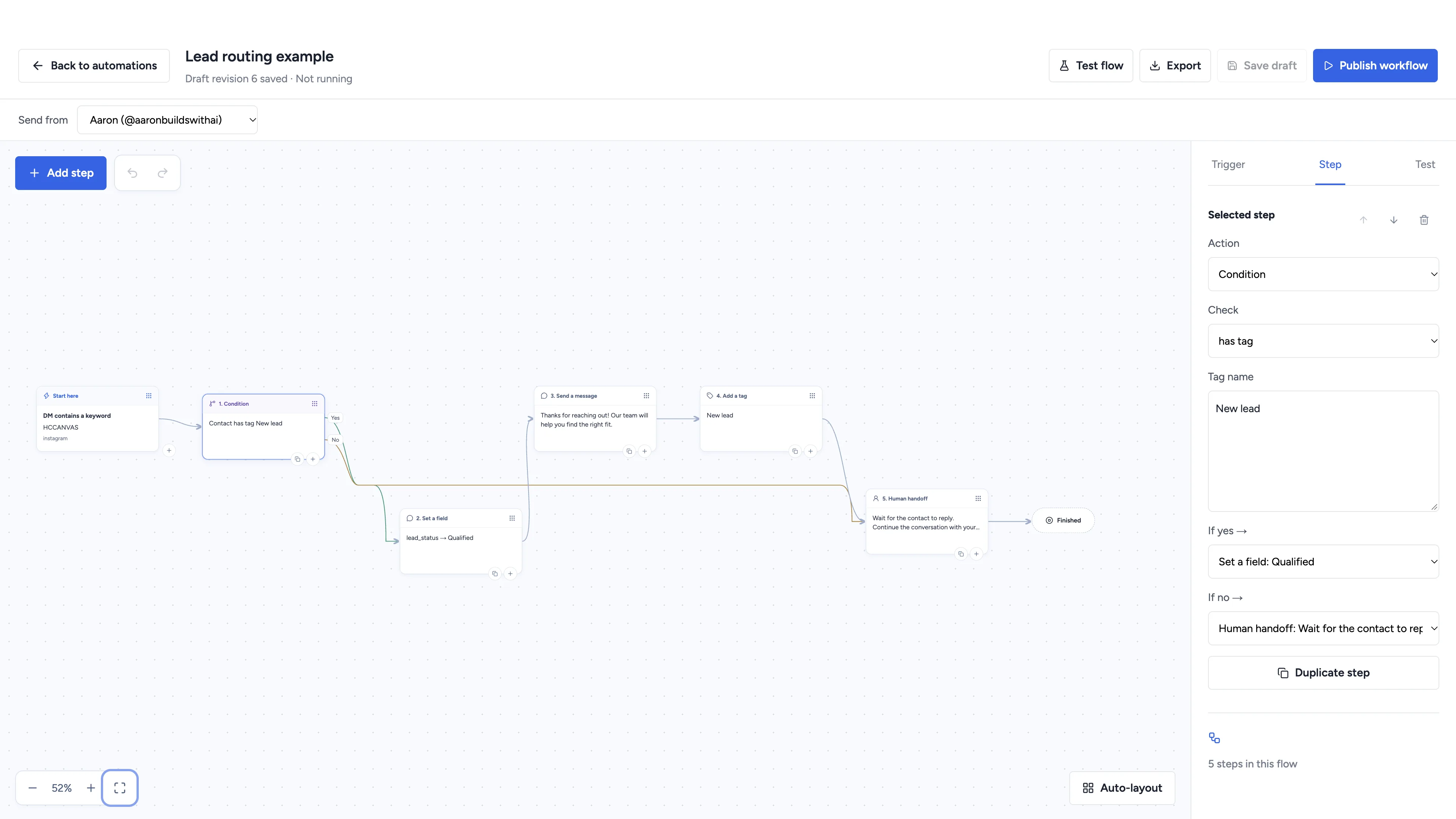
Social automation
Automate conversations, schedule social content, and manage client workspaces with software you own.
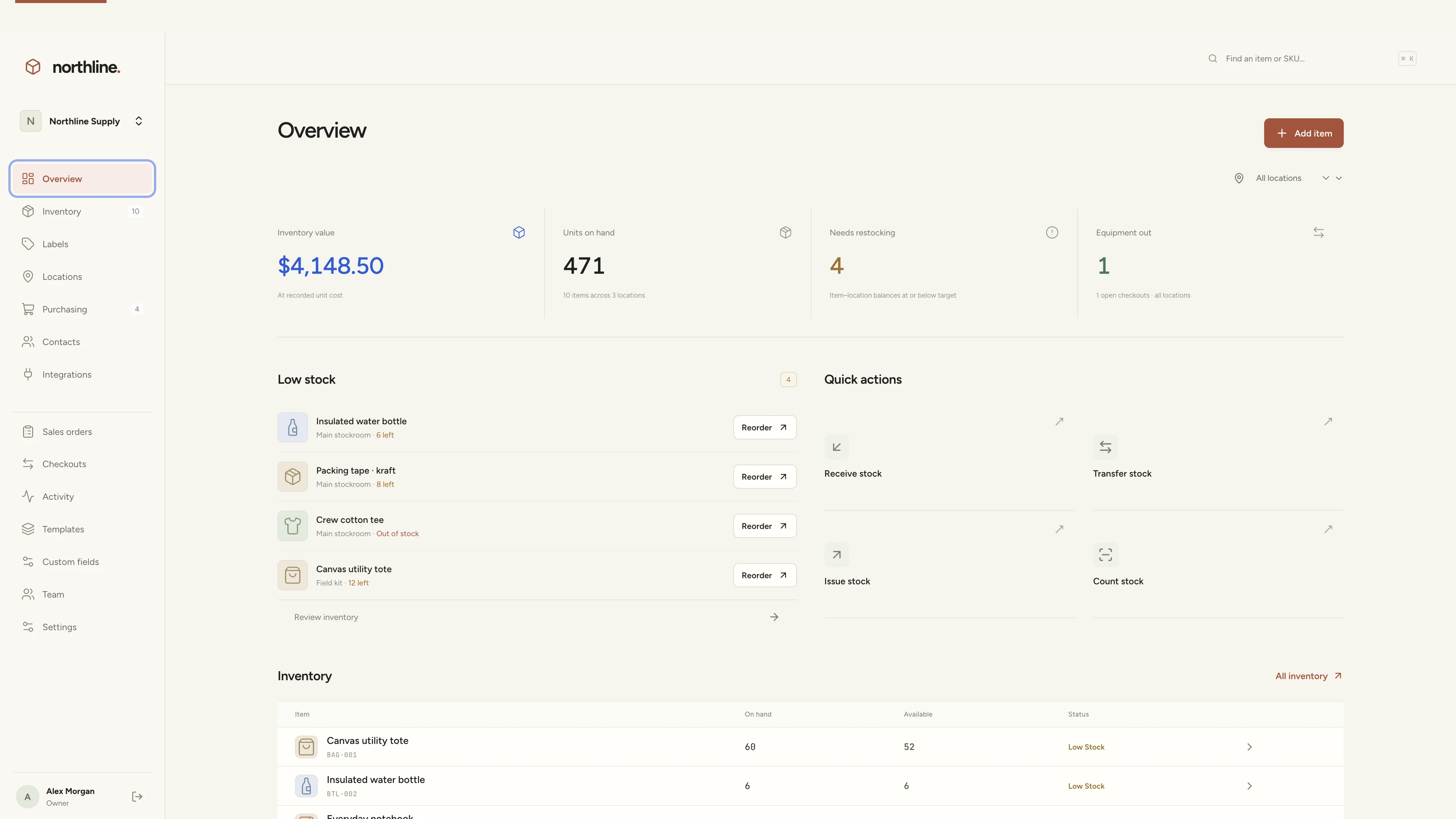
Inventory management
Manage products, supplies, equipment, and custom labels in a workspace you own.
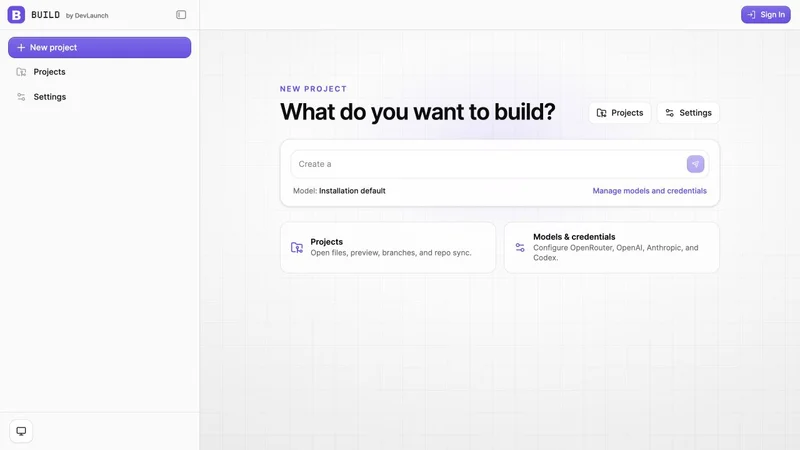
AI app builder
Build websites, portals, and internal tools with a visual workspace you own.
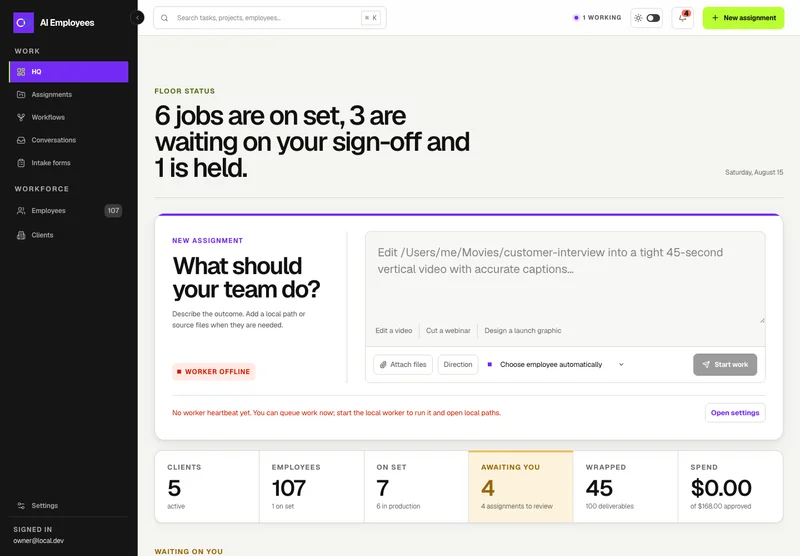
Your AI workforce
Put specialist AI employees to work across sales, creative, and operations.
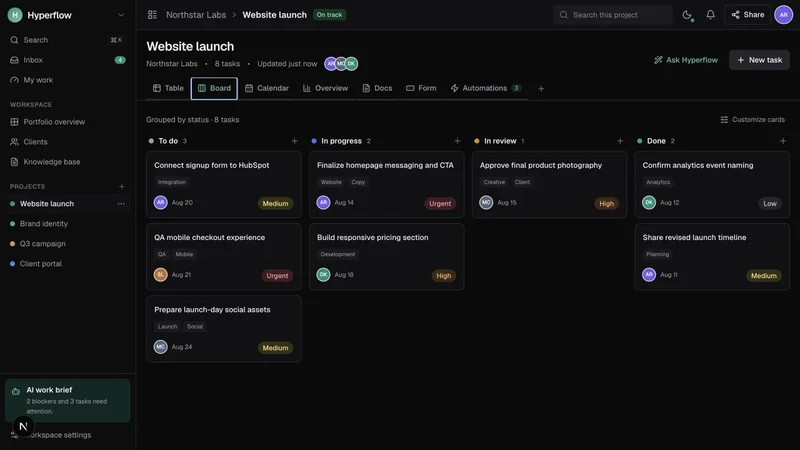
Project management
Bring projects, tasks, and client work together in a platform you control.
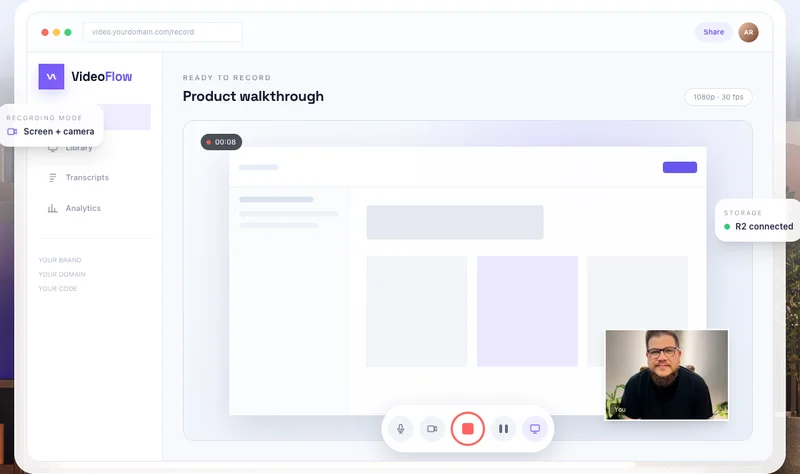
Record & share video
Record, edit, transcribe, and share video with your own branded platform.
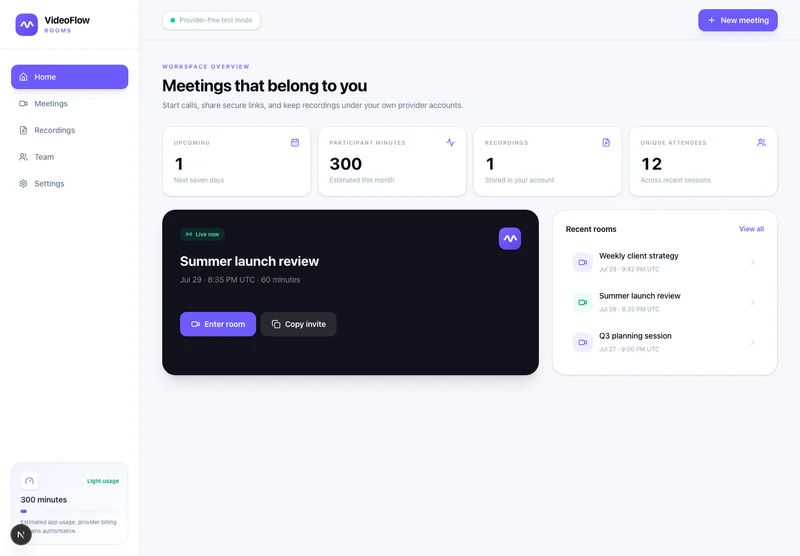 Prelaunch
Meetings & webinars
Host branded calls, workshops, and webinars on your own infrastructure.
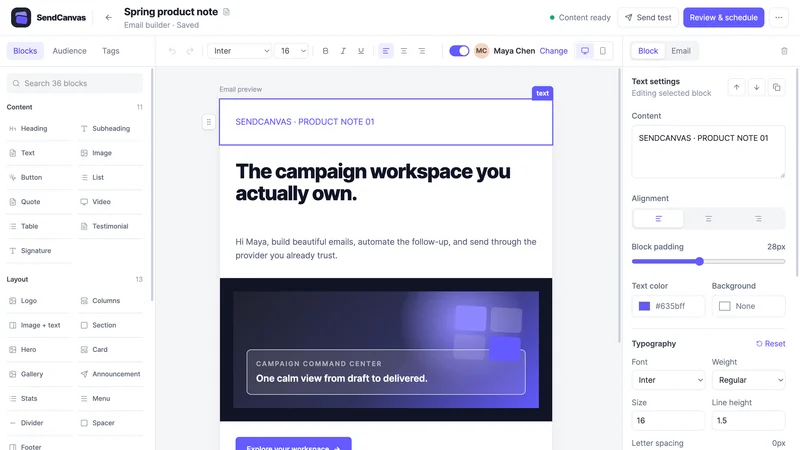 Beta
BetaEmail marketing
Create campaigns, emails, forms, and automations with your own providers.
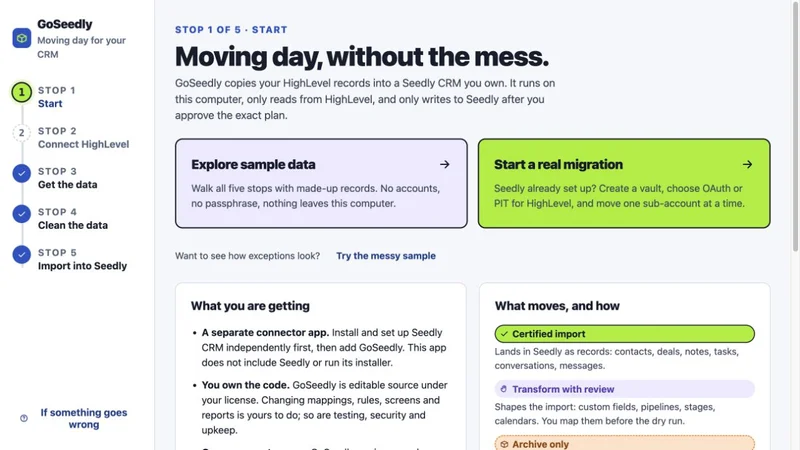
CRM migration kit
Export, review, and move supported CRM records into your Seedly installation.
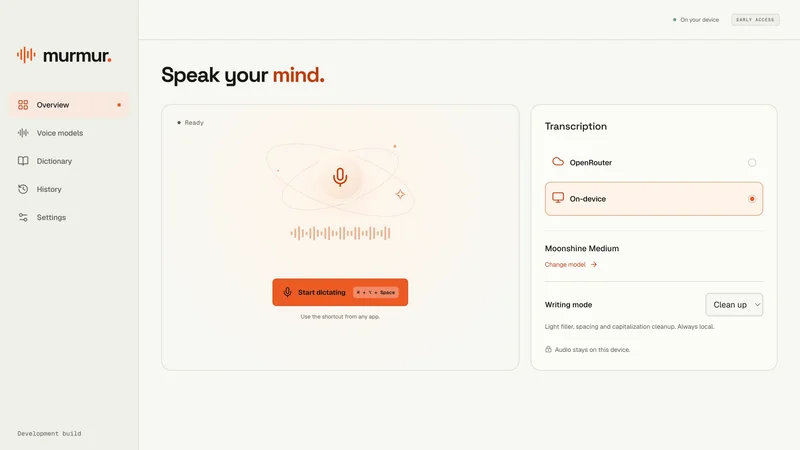
Voice to text
Turn your voice into text with a desktop dictation app and local models.
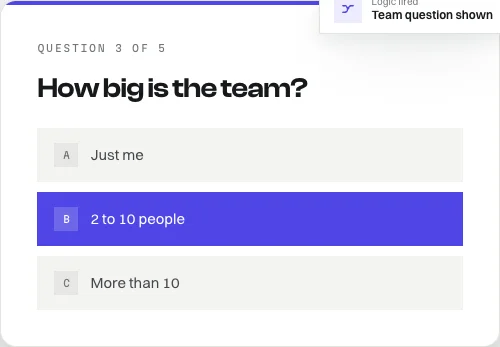
Open-source forms
Build forms with conditional logic, file uploads, and a database you own.
Software and source-code products. Hosting and third-party services are separate. See each product for details.
We use essential storage to keep the site working. With your permission, we also use analytics and the Whop Pixel to understand visits and advertising results. Optional analytics stay off until you choose.
Read our Cookie Policy and Privacy Policy.