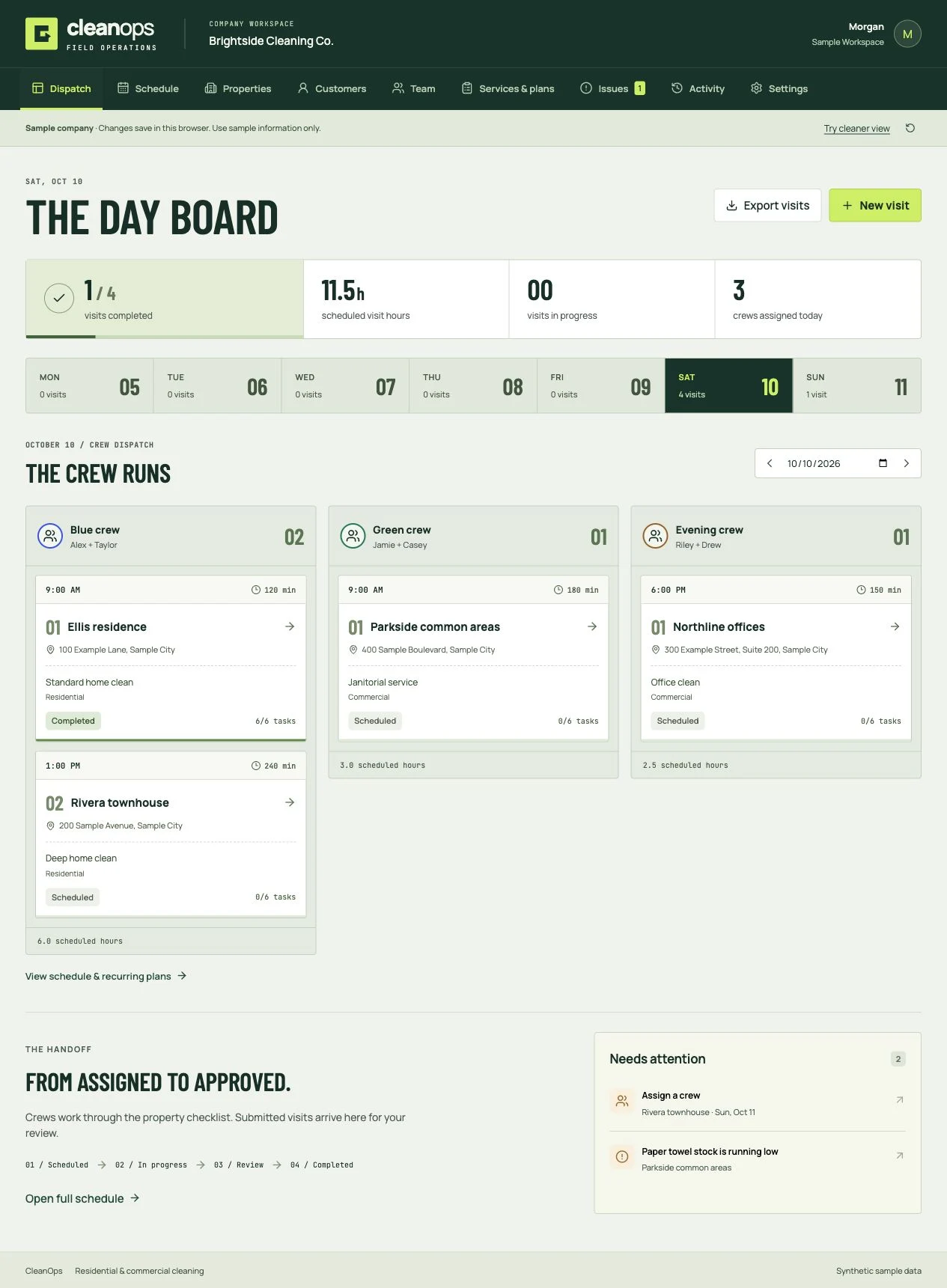
CleanOps
Cleaning business software
Book the clean, dispatch the crew, review the work, and invoice the customer. Residential and commercial software you own.
Checking access…
Typeform’s feel. Paperform’s flexibility. The logic, uploads and spam protection every other builder still charges extra for. Running on infrastructure you control, with every response in a database that is yours.
Full source, MIT licensed, free. Put your email in and the download link lands in your inbox.
Question 1 of 5
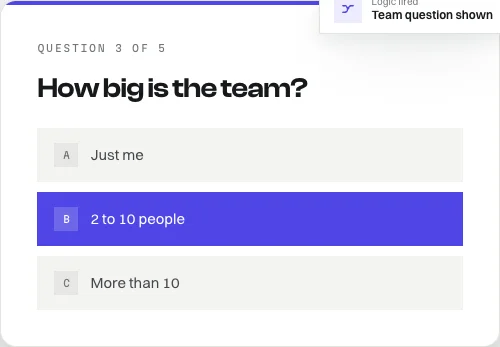
Show, hide and skip based on any earlier answer. The same engine runs in the browser and on the server, so a form validated as you fill it is validated identically when it saves.
Every publish snapshots the form into an immutable row, and every response records the version it answered. Editing a live form can never reinterpret answers you already collected.
Admin uploads for the builder, respondent uploads only while a live response is open on a form that actually has a file field. An open upload endpoint is anonymous file hosting on your bill.
A honeypot field, a minimum completion time, and a per-form hourly cap, all enforced server side. Caught submissions are flagged rather than rejected, because telling a bot it failed teaches it to pass.
Social scrapers do not run JavaScript, so meta tags written by React are invisible to all of them. FlowForms serves crawler-facing HTML, a sitemap and robots.txt from the backend.
A responses table, a summary view and CSV export, all reading through the version each answer was given against. It is your database. Query it however you like.
Unzip it, install, point it at a free Convex project. There is no build server to stand up and no container to configure before you see it working.
Want it entirely on your own machines instead? A Docker Compose file for the self-hosted backend ships in the same folder.
$ npm install
Node 20 or newer
$ npx convex dev
sign in, create a project, leave it running
$ npm run dev
second terminal, then open localhost:5173
None of it is hard to complete. All of it is easy to miss, so it is on the landing page rather than buried in a changelog.
01
So a fresh clone runs the second you unzip it. Every admin function routes through one file. Set a provider, delete the anonymous branch. The app shows a red banner until you do.
02
There is no delete-my-response path. If you collect personal data under GDPR or similar, you need to add one before you go live.
03
Keyboard navigation, labelling and reduced motion are handled in the runner. Modal overlays do not trap focus. Audit before a general audience sees it.
Yes. It is MIT licensed and costs nothing. Your free DevLaunch account keeps the download in one place. Verify your email when signing in; there is no trial that expires and no paid tier holding features back.
Node 20 or newer and a free Convex project. Unzip the folder, run npm install, run npx convex dev in one terminal to sign in and create the project, then npm run dev in a second terminal. If you would rather keep everything on your own machines, a Docker Compose file for the self-hosted backend ships in the same folder.
You should be comfortable opening a project and running a few commands in a terminal. FlowForms is a codebase you own rather than a hosted service, so there is no dashboard to sign into and nobody operating it for you. Editing forms afterwards is entirely visual.
Into your own database. FlowForms writes to the Convex deployment you create, or to a self-hosted backend running on your own infrastructure. Nobody else holds the data, and there is no per-response limit because there is no plan to exceed.
Yes. The MIT licence lets you use it commercially, rename it, change it, and ship it inside something you charge for. You do not owe anything and you do not need permission.
Not without three deliberate gaps closed first. Authentication is not configured, so a fresh clone runs immediately and shows a red banner until you set a provider up. There is no delete-my-response path, which you need if you collect personal data under GDPR or similar. Accessibility is partial: the runner handles keyboard navigation and reduced motion, but modal overlays do not trap focus. None of it is hard to complete, and the README walks through each one.
The feel is deliberately similar. The difference is ownership and what costs extra. Conditional logic, file uploads, removing the branding, custom fonts, CSV export and per-form SEO are all included, because there is no plan to upsell you to. In exchange you run the infrastructure yourself.
Nothing. Publishing snapshots the form into an immutable version row, and every response records the version it was answered against. Exports and per-response views read through that version, so editing a form can never reinterpret answers you already collected.
Source and all, MIT licensed. Build client intake with it, rename it, ship it as part of something you sell. Put your email in and it is in your inbox in a minute.
The DevLaunch collection
Pick the tool you need. Or get the collection with All Access.
Cleaning business software
Book the clean, dispatch the crew, review the work, and invoice the customer. Residential and commercial software you own.
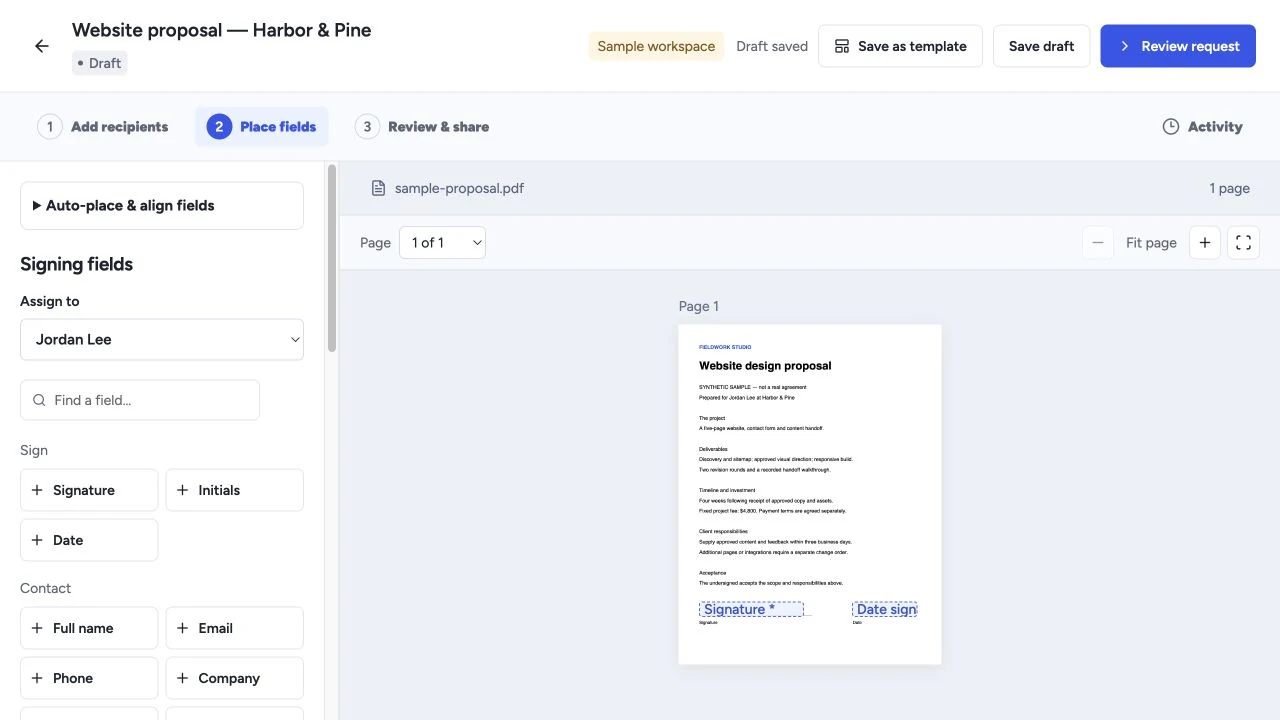
Proposals & signing
Create proposals, quotes and templates, collect electronic signatures, and manage client workflows with software you own.
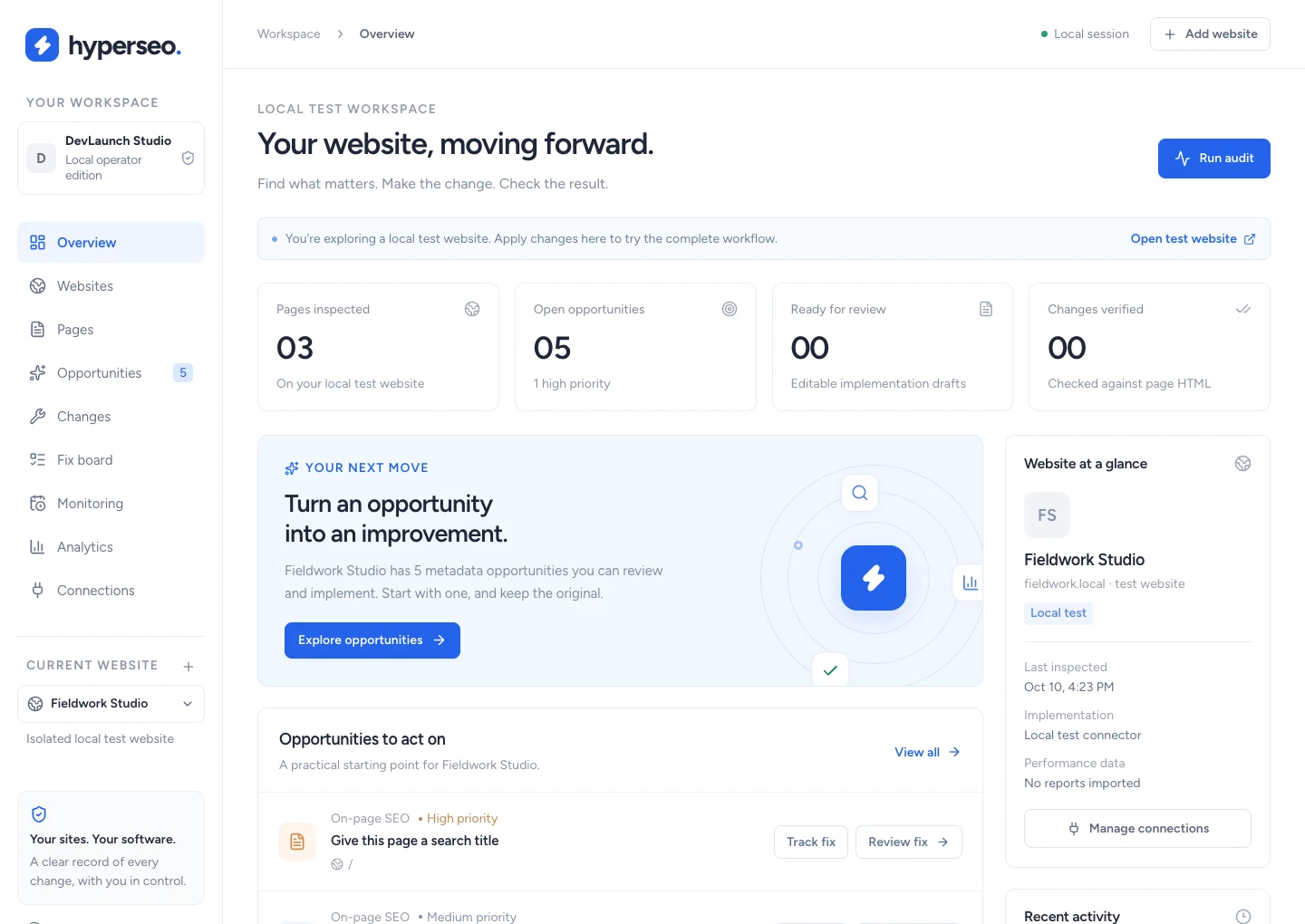
SEO & analytics
Audit websites, connect search and conversion evidence, and review, implement, verify and restore supported SEO fixes.
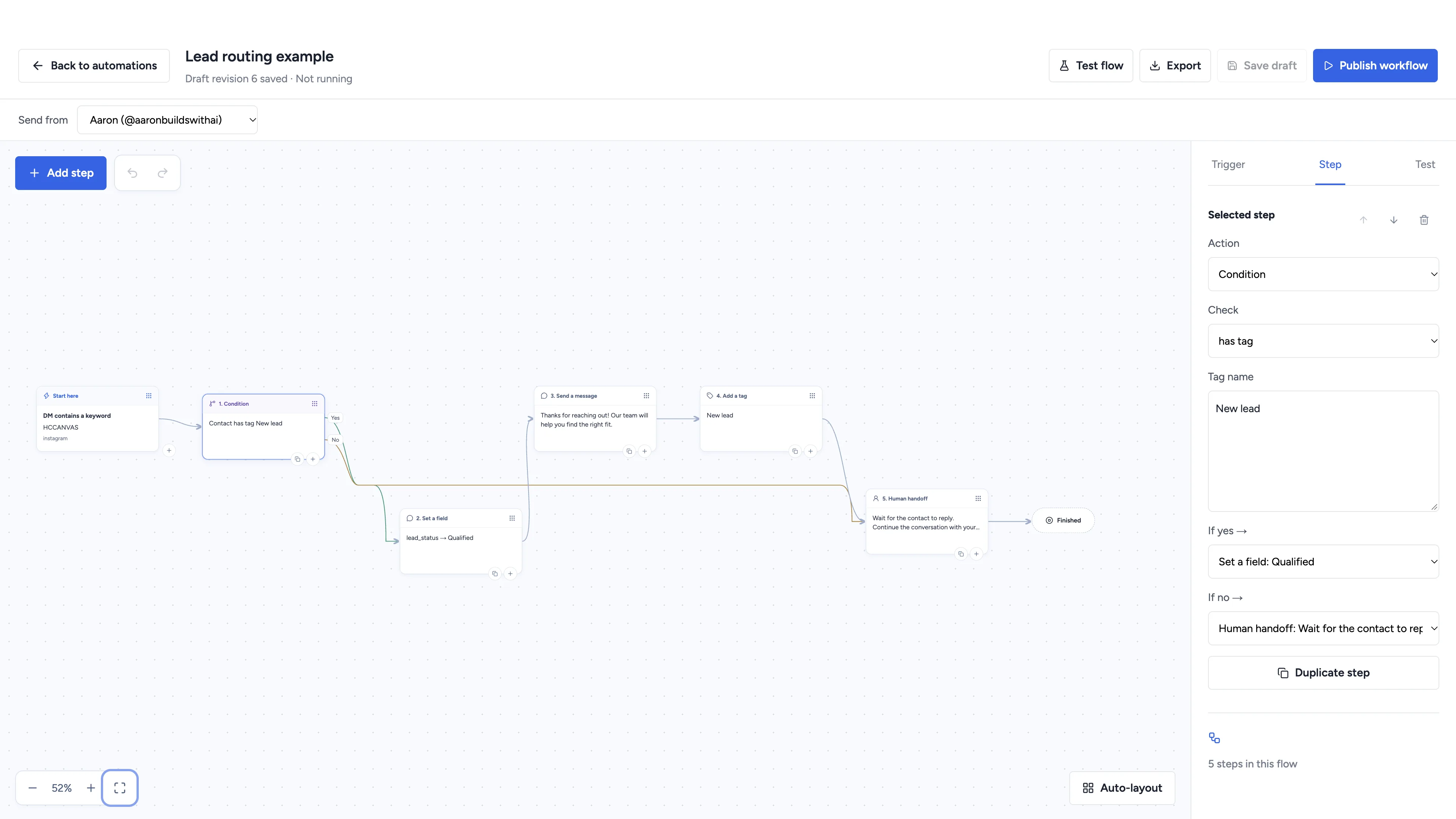
Social automation
Automate conversations, schedule social content, and manage client workspaces with software you own.
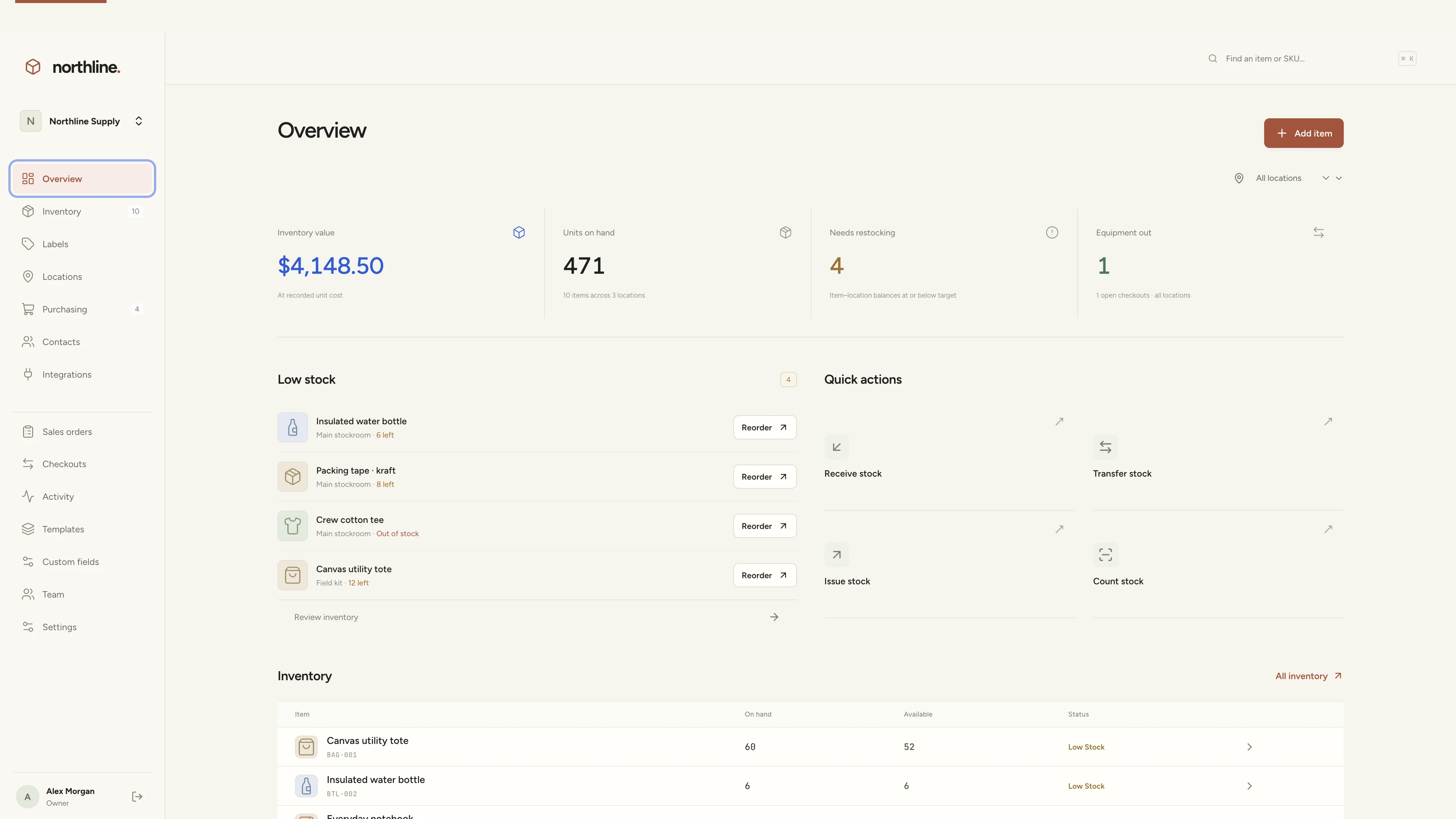
Inventory management
Manage products, supplies, equipment, and custom labels in a workspace you own.
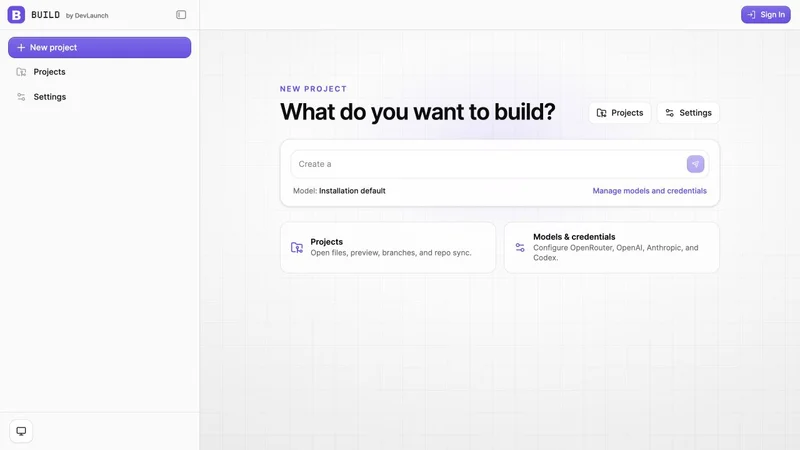
AI app builder
Build websites, portals, and internal tools with a visual workspace you own.
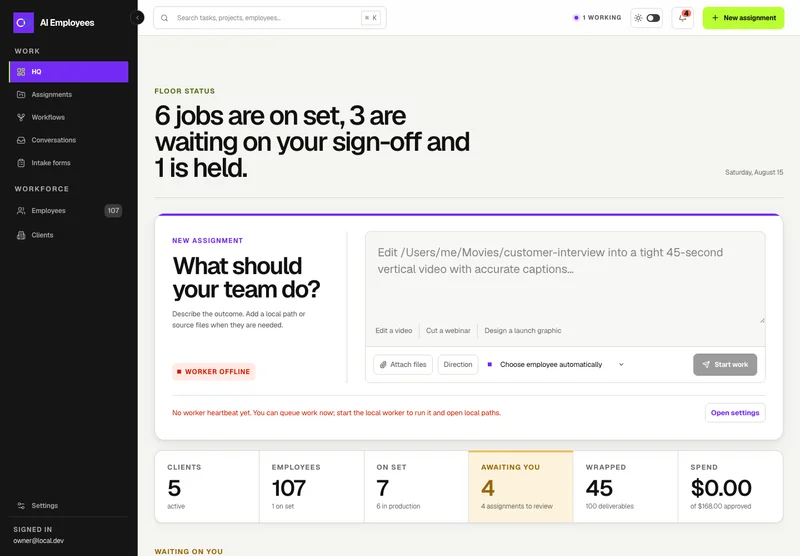
Your AI workforce
Put specialist AI employees to work across sales, creative, and operations.
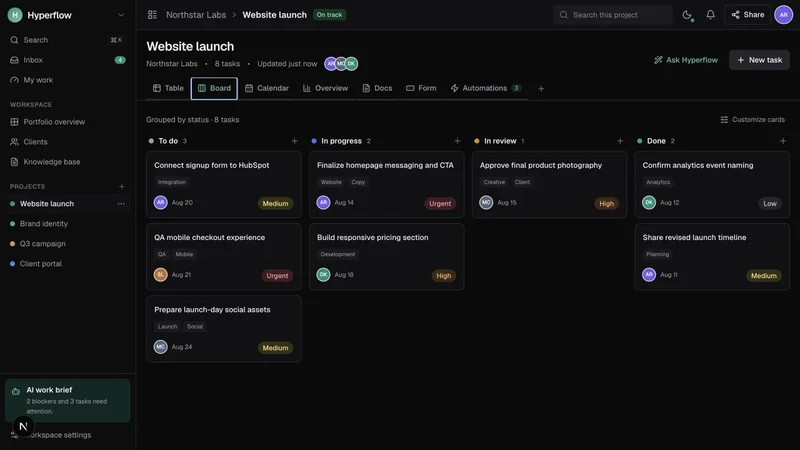
Project management
Bring projects, tasks, and client work together in a platform you control.
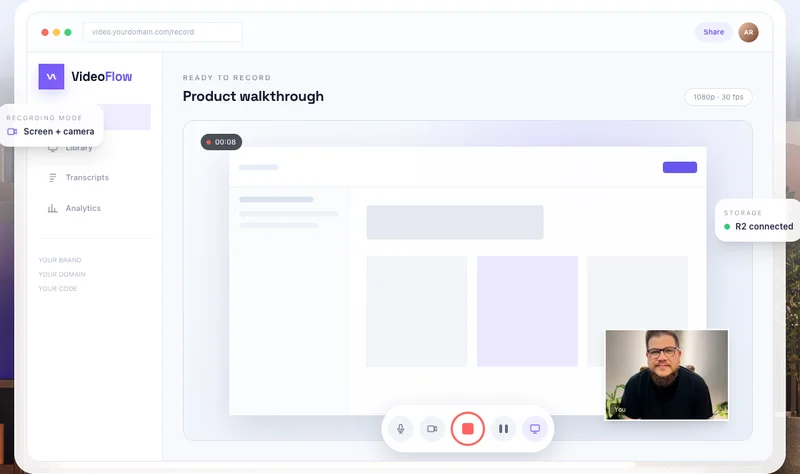
Record & share video
Record, edit, transcribe, and share video with your own branded platform.
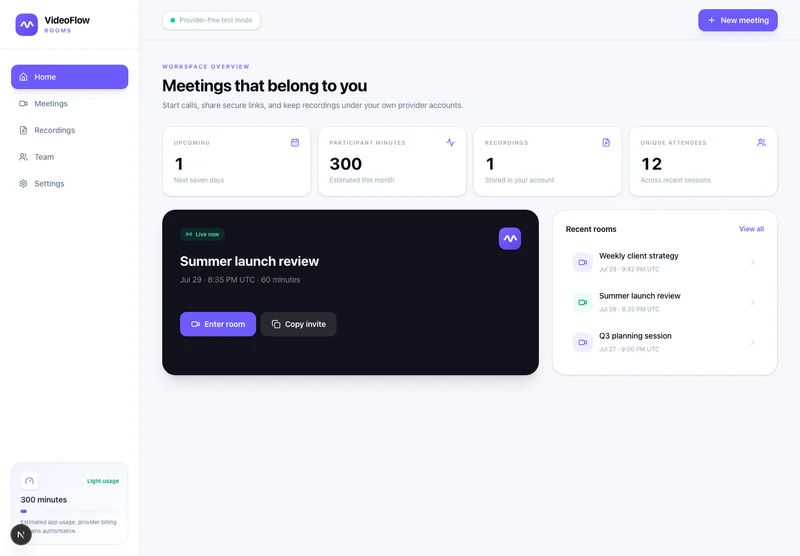 Prelaunch
Meetings & webinars
Host branded calls, workshops, and webinars on your own infrastructure.
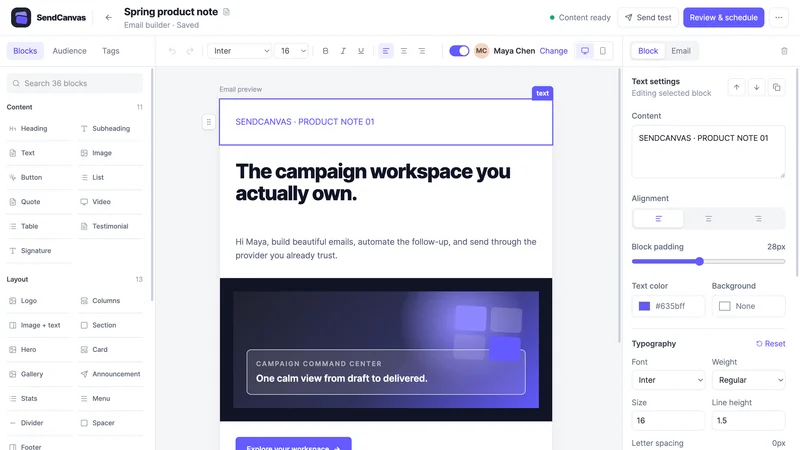 Beta
BetaEmail marketing
Create campaigns, emails, forms, and automations with your own providers.
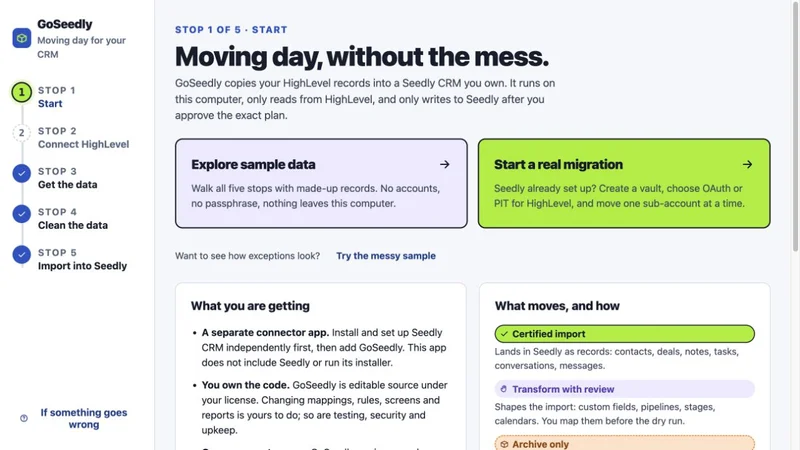
CRM migration kit
Export, review, and move supported CRM records into your Seedly installation.
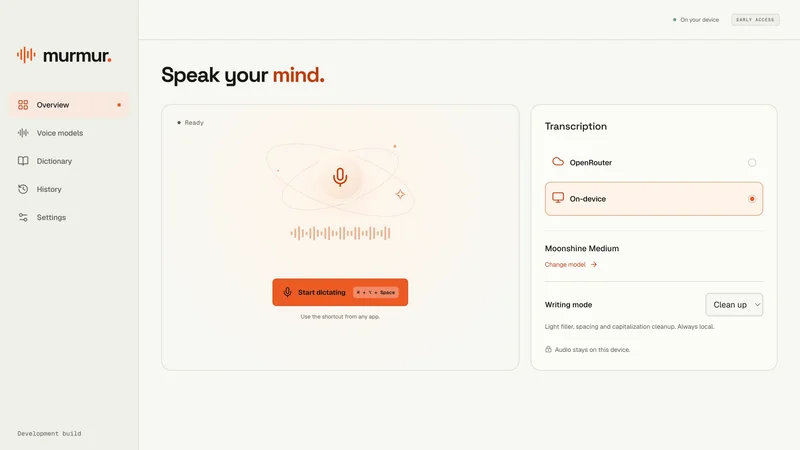
Voice to text
Turn your voice into text with a desktop dictation app and local models.
Open-source forms
Build forms with conditional logic, file uploads, and a database you own.
Software and source-code products. Hosting and third-party services are separate. See each product for details.
Customer experiences / Trustpilot
Selected excerpts from reviews of DevLaunch training, software, and services. Individual customer experiences across DevLaunch.
We use essential storage to keep the site working. With your permission, we also use analytics and the Whop Pixel to understand visits and advertising results. Optional analytics stay off until you choose.
Read our Cookie Policy and Privacy Policy.