Classes
Every class we release
Join the live sessions, get the replays, and keep the resources from every new DevLaunch class released during your year.

DevLaunch All Access · 365 days of access
DevLaunch All Access includes the current learning library, included software products, and every new AI class, course, and product we release during your 365-day access window. You also get six private coaching and mentorship calls with Aaron.
★★★★★“I am building things I never would have considered before making the investment in their products and classes.”John Wolf, on Trustpilot“the ideas can be applied immediately.”
“operate more strategically, improve efficiency”
“We now use 5 builds from DevLaunch”
Sound familiar?
You buy a course. It is good. Then a new tool comes out, so you buy the next one. A few months later you have six logins, four half-finished builds, and a list of subscriptions you are not sure you still use.
None of that is laziness. It is what happens when every step forward starts with a purchase decision. Which class? Which tool? Is this the one worth paying for? The deciding wears you out before the building starts.
And when you do get stuck, there is nobody to ask. So the project waits, and the next shiny release takes its place.
One pass. The full year.
All Access brings the DevLaunch learning library and included software together, with direct mentorship to help you put it all to work.
Classes
Join the live sessions, get the replays, and keep the resources from every new DevLaunch class released during your year.
Courses
Go deeper with every self-paced course and structured learning experience we publish during your access window.
Products
Use the tools, software, templates, systems, and digital products DevLaunch ships over the next 365 days.
Mentorship
Use six one-on-one coaching and mentorship calls across the year to work through your ideas, offers, builds, and bottlenecks.
How your year goes
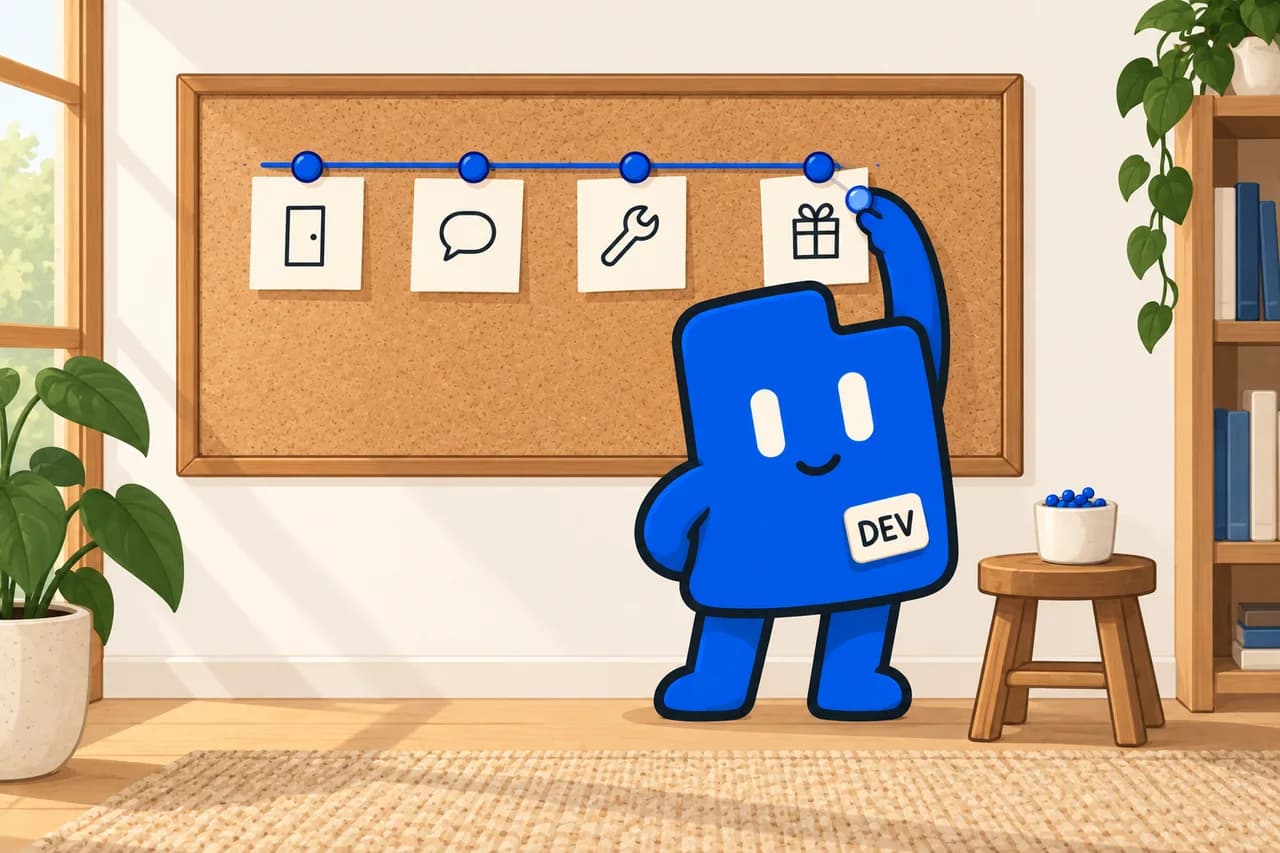
You do not have to learn every tool at once. Here is a simple way to use your access.
Day one
Sign in to the portal with your purchase email. The class library and the software collection are already there. Choose one project that matters and start with the class or product closest to it.
Your first call
Bring the idea, the offer, or the bottleneck. Narrow it, define the scope, and choose a practical starting point together.
Through the year
Work through classes at your own pace and run the software as your own. When a workflow, a technical problem, or a product decision slows you down, use a call.
Every release
Each eligible class, course, and product released during your 365 days is added to your access. There is nothing new to buy.
Day one access
All Access begins with DevLaunch's current learning library and product ecosystem. Then it keeps growing with every eligible release during your year.
Explore AI-assisted coding, websites and apps, business automation, content creation, and video workflows. Revisit recordings and use the project files and resources included with each class.
Explore all 27 classes
 Run Networking EventsWorkshop · Beginner
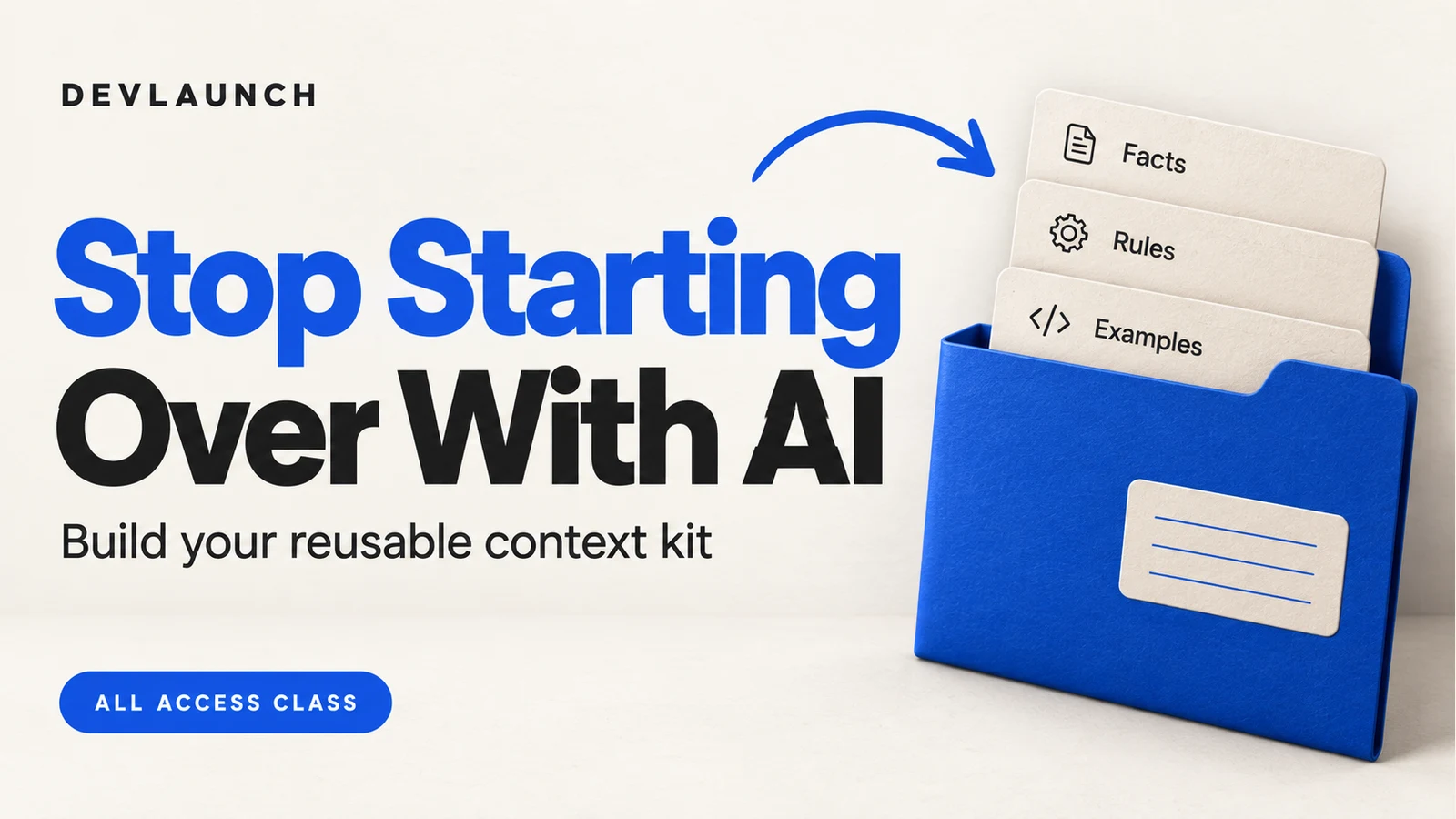 Stop Starting Over With AITutorial · Beginner
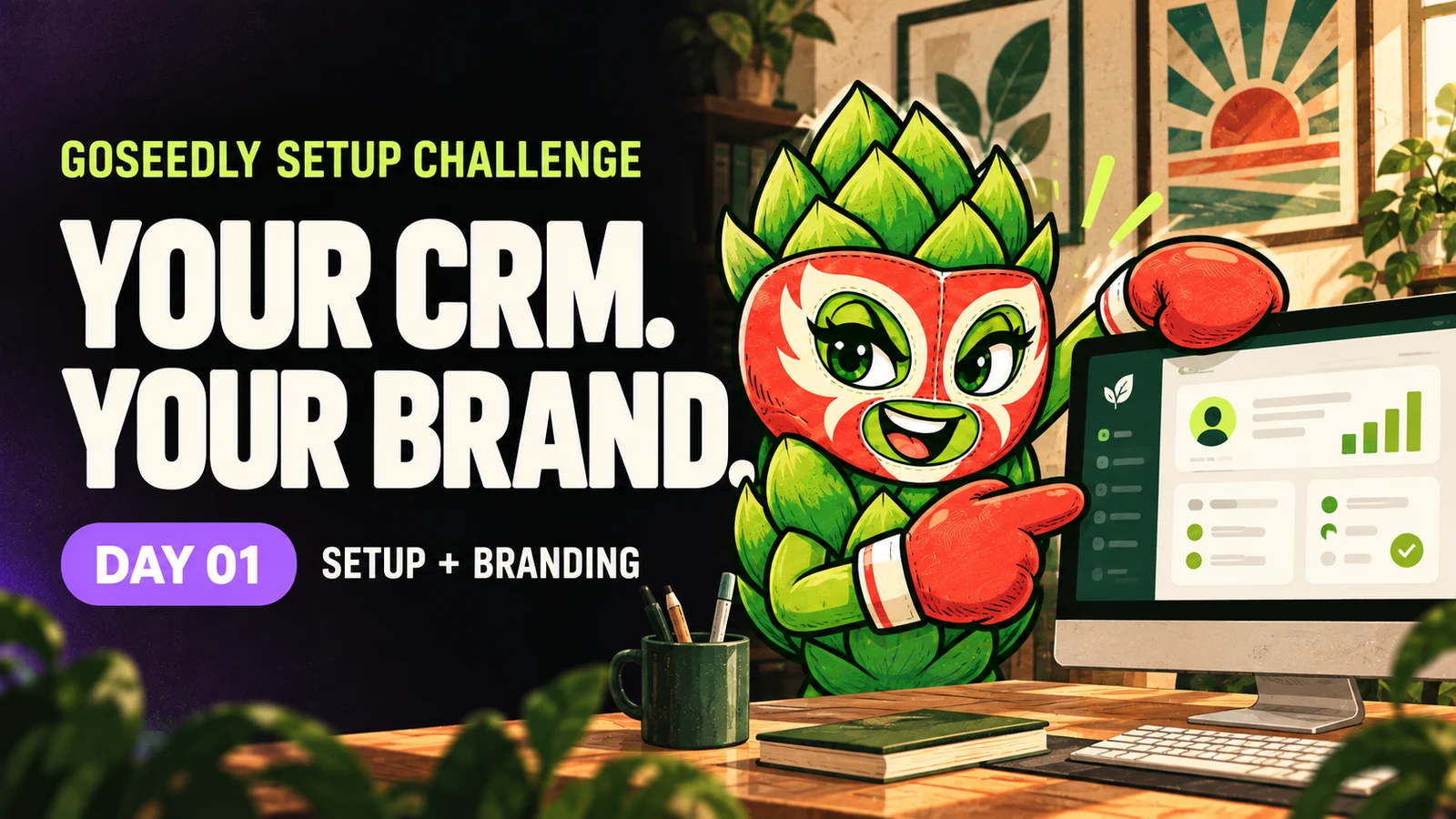 The GoSeedly Setup ChallengeWorkshop · Beginner
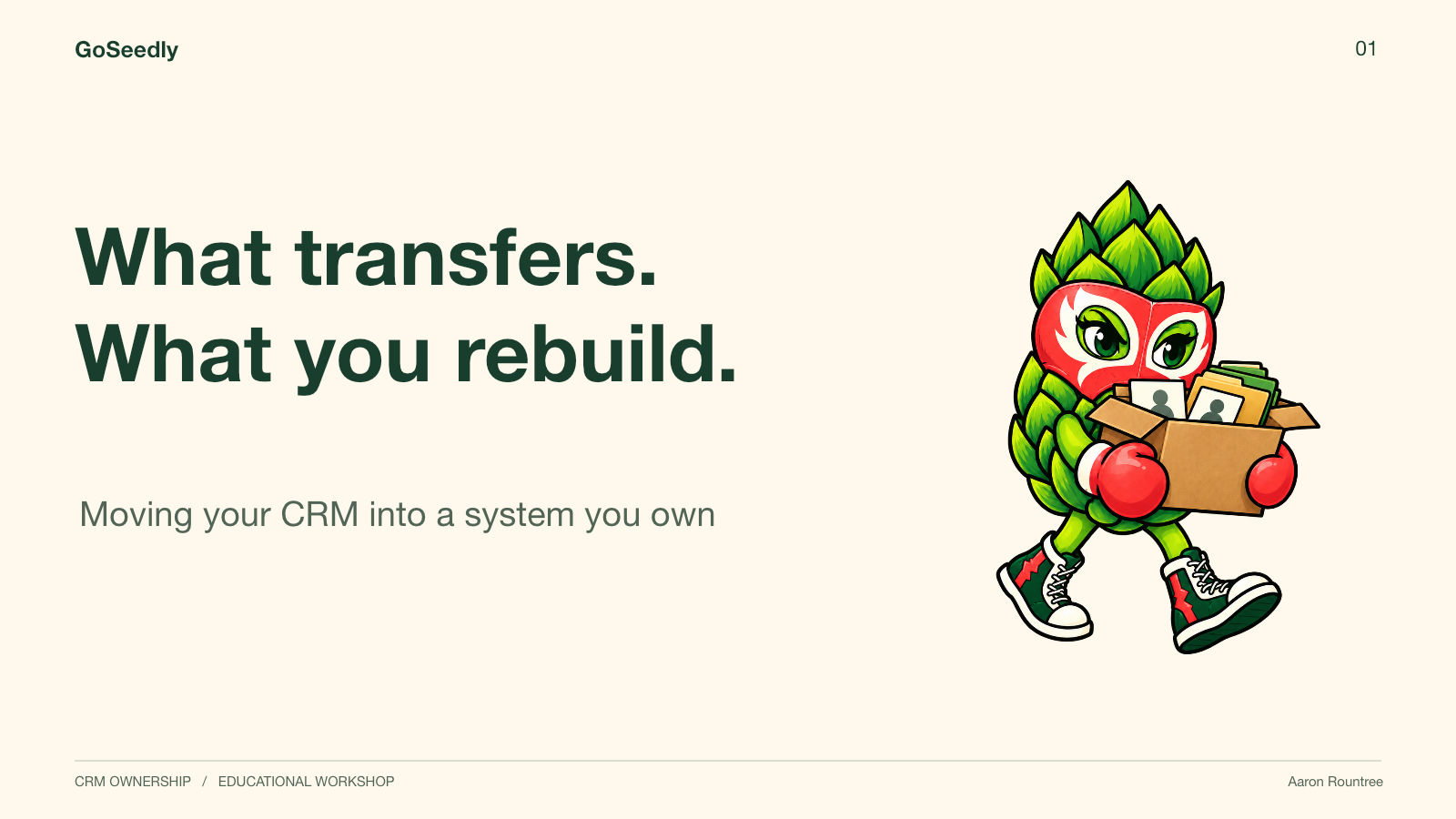 CRM Transfers & CustomizationWorkshop · Intermediate
Open a product to see its features, setup requirements, and included materials.
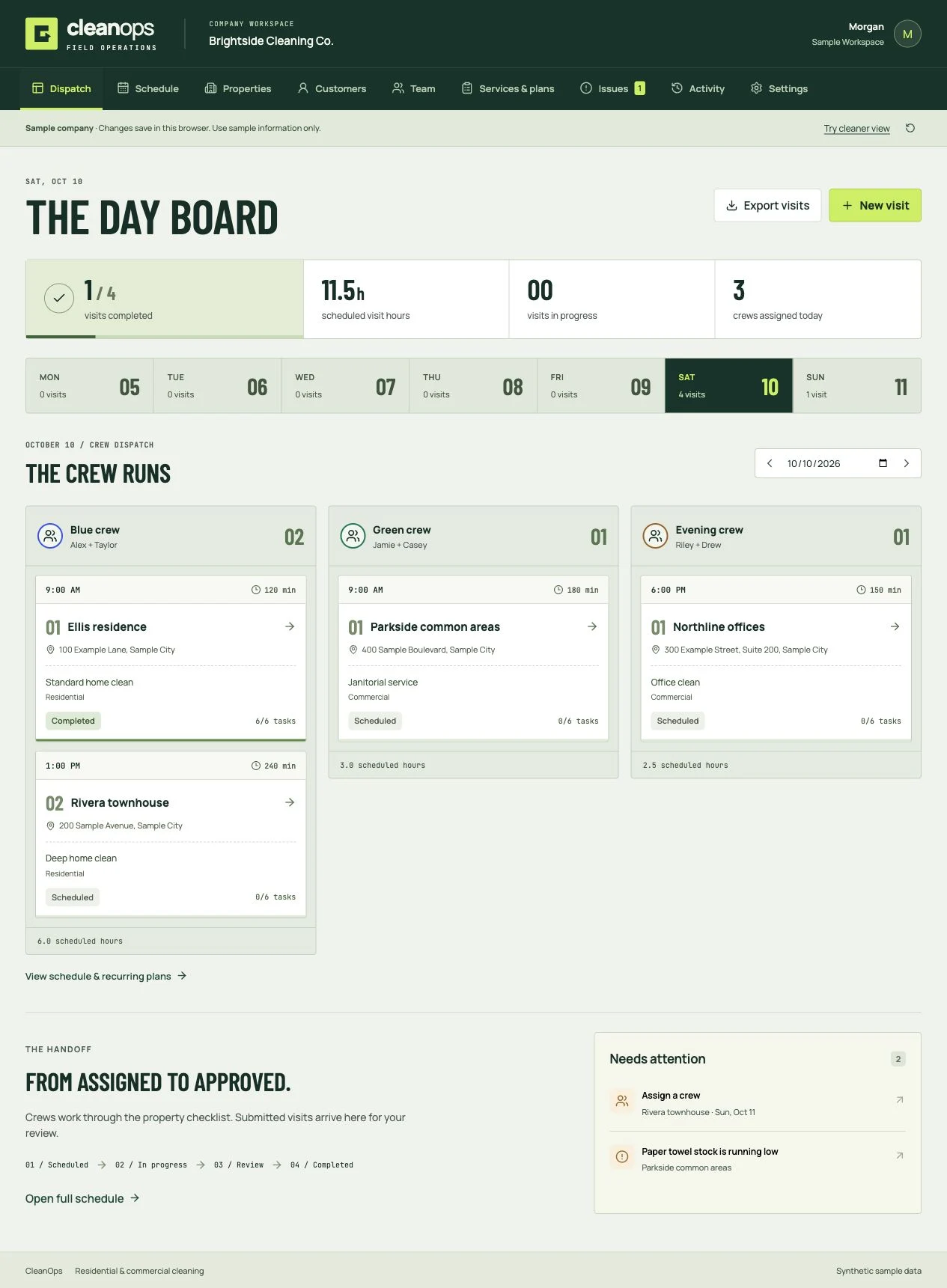
Cleaning business software
Book the clean, dispatch the crew, review the work, and invoice the customer. Residential and commercial software you own.
Included with All Access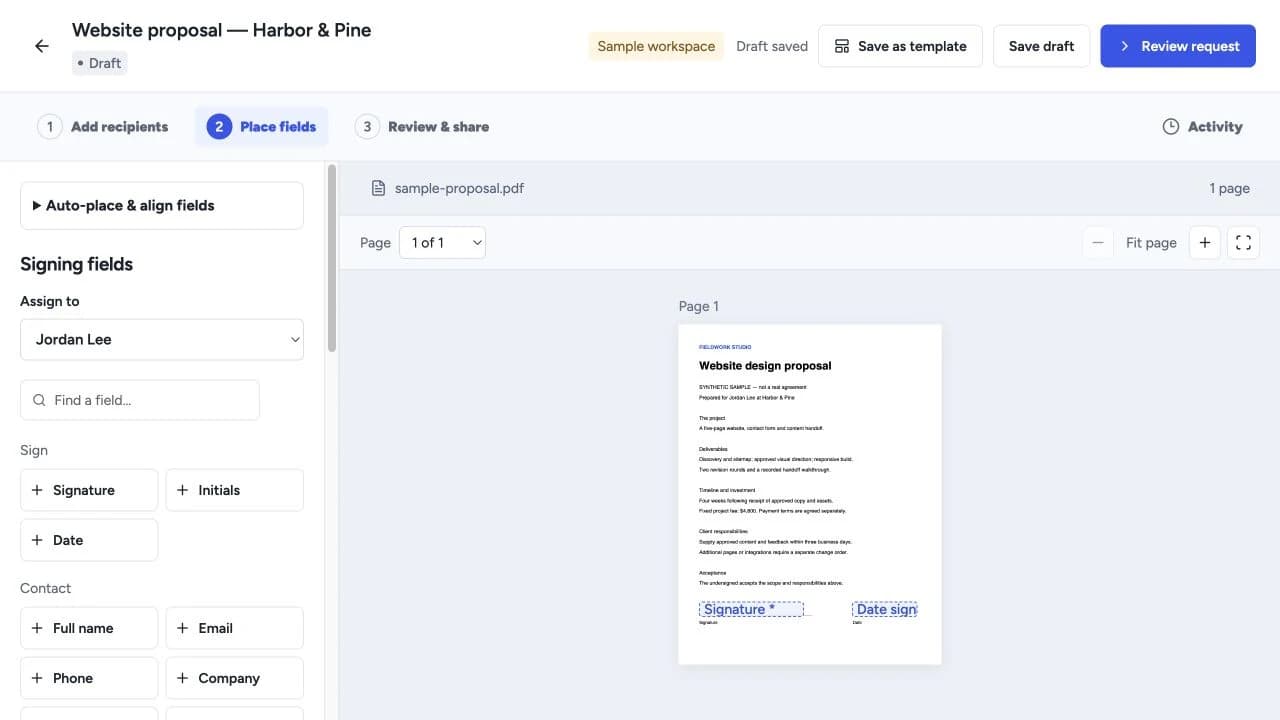
Proposals & signing
Create proposals, quotes and templates, collect electronic signatures, and manage client workflows with software you own.
Included with All Access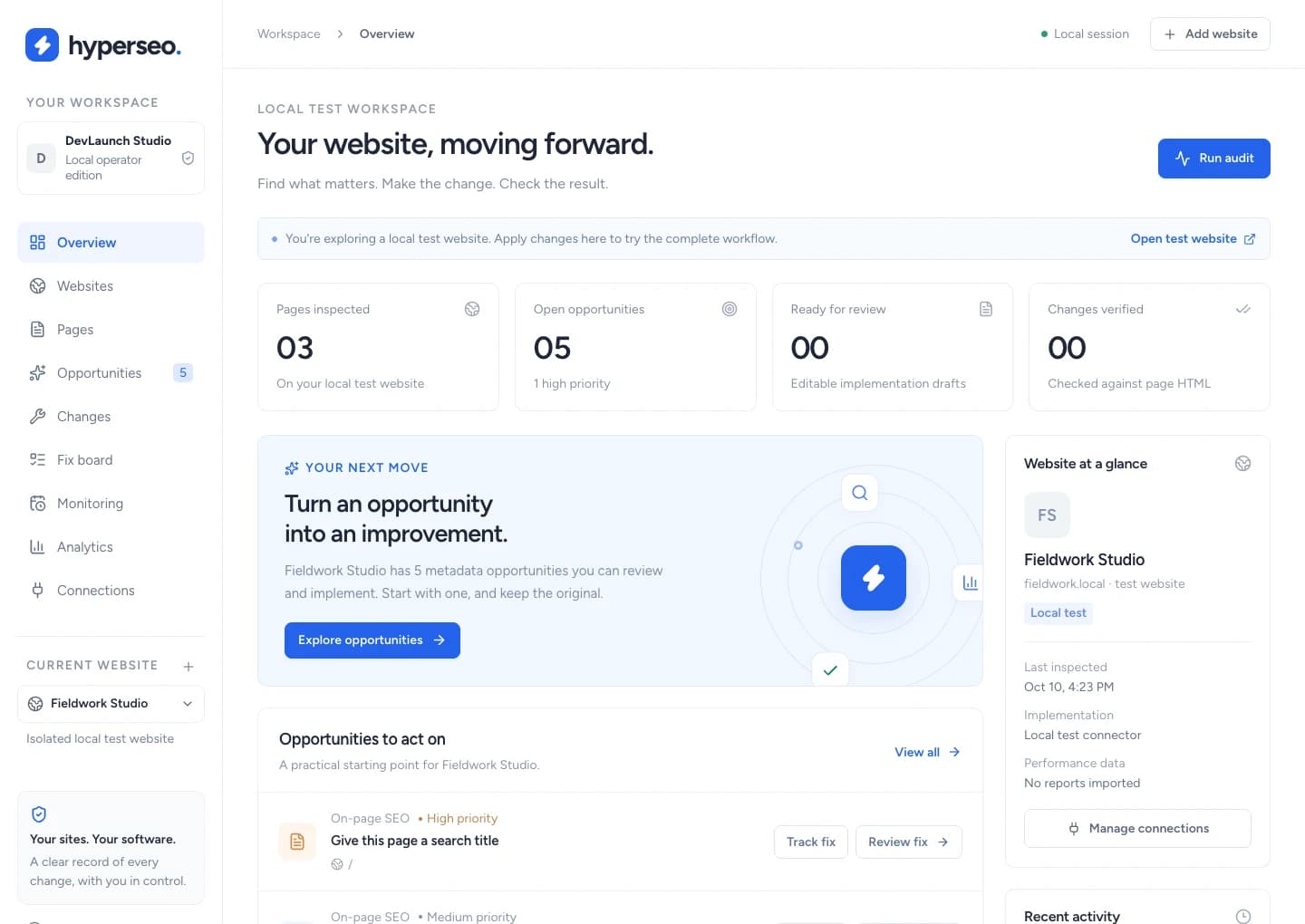
SEO & analytics
Audit websites, connect search and conversion evidence, and review, implement, verify and restore supported SEO fixes.
Included with All Access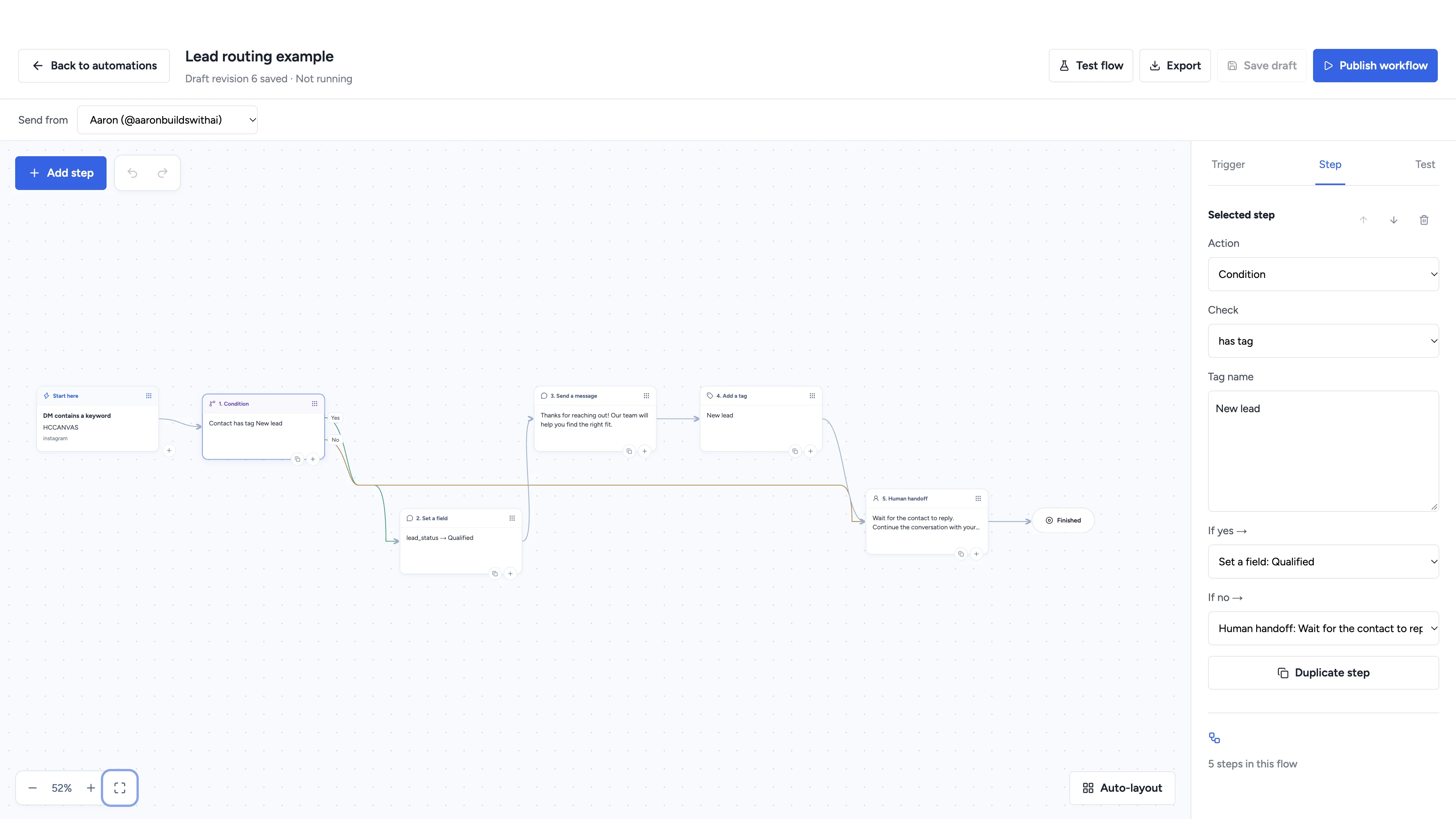
Social automation
Automate conversations, schedule social content, and manage client workspaces with software you own.
Included with All Access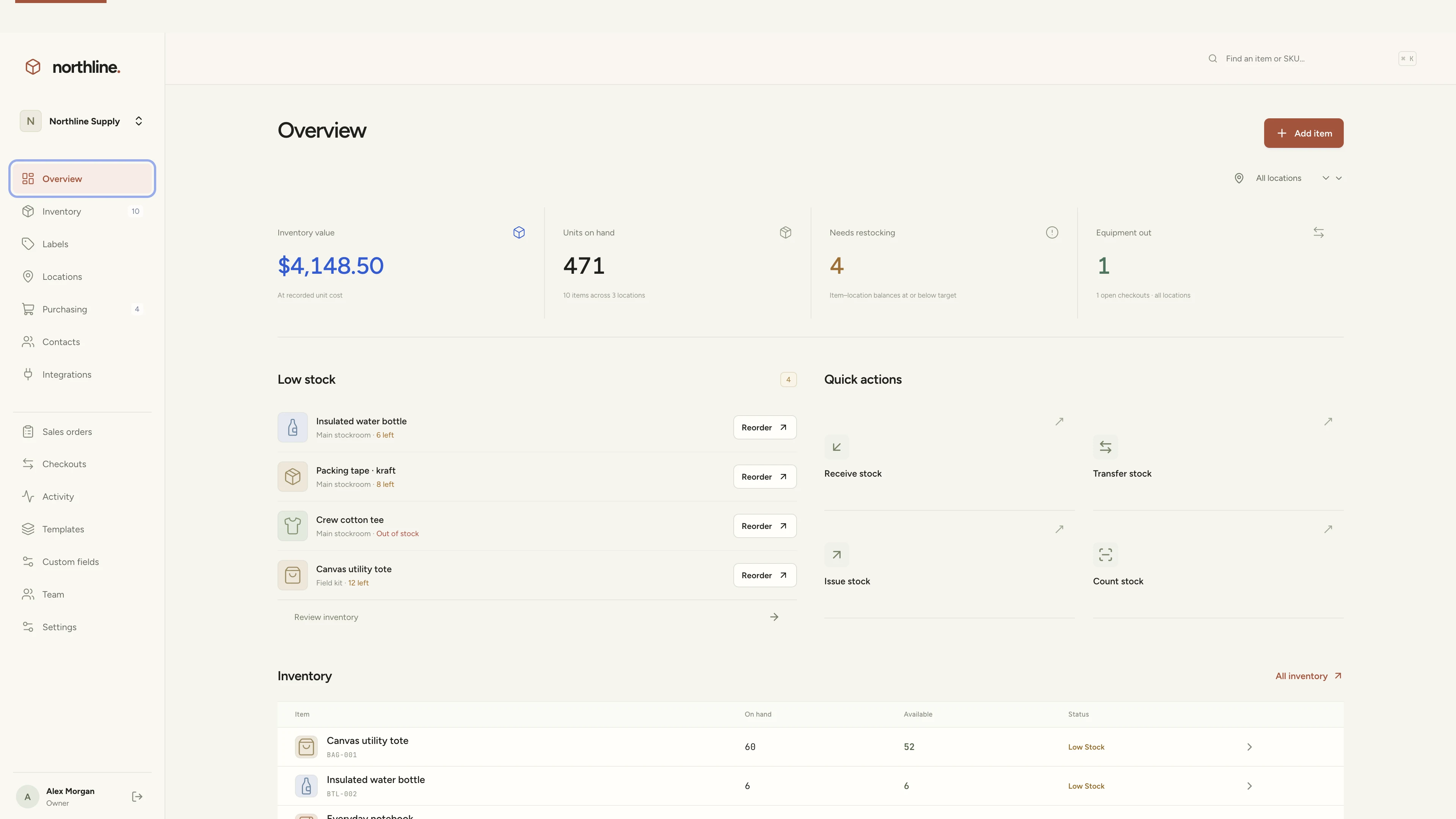
Inventory management
Manage products, supplies, equipment, and custom labels in a workspace you own.
Included with All Access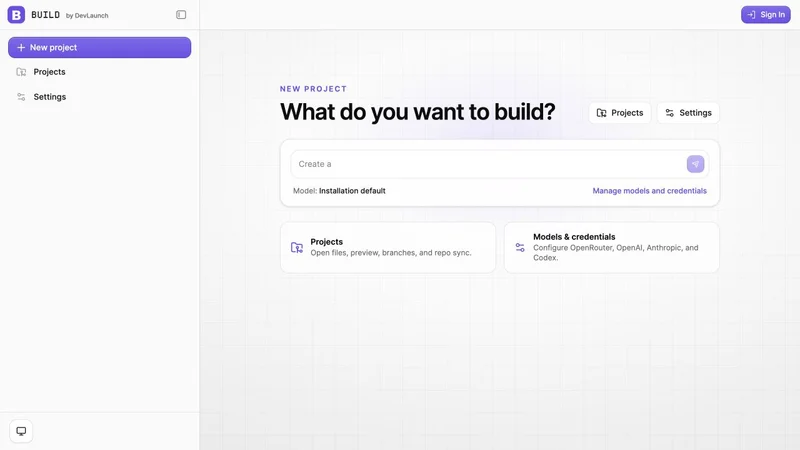
AI app builder
Build websites, portals, and internal tools with a visual workspace you own.
Included with All Access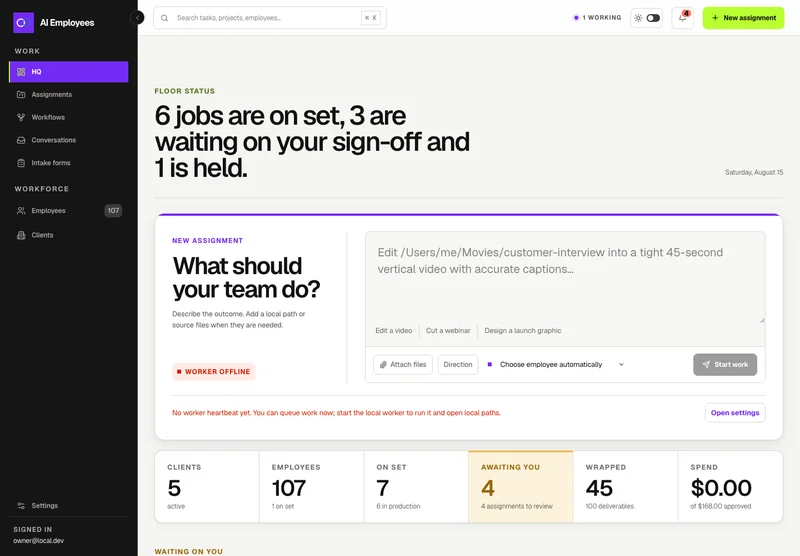
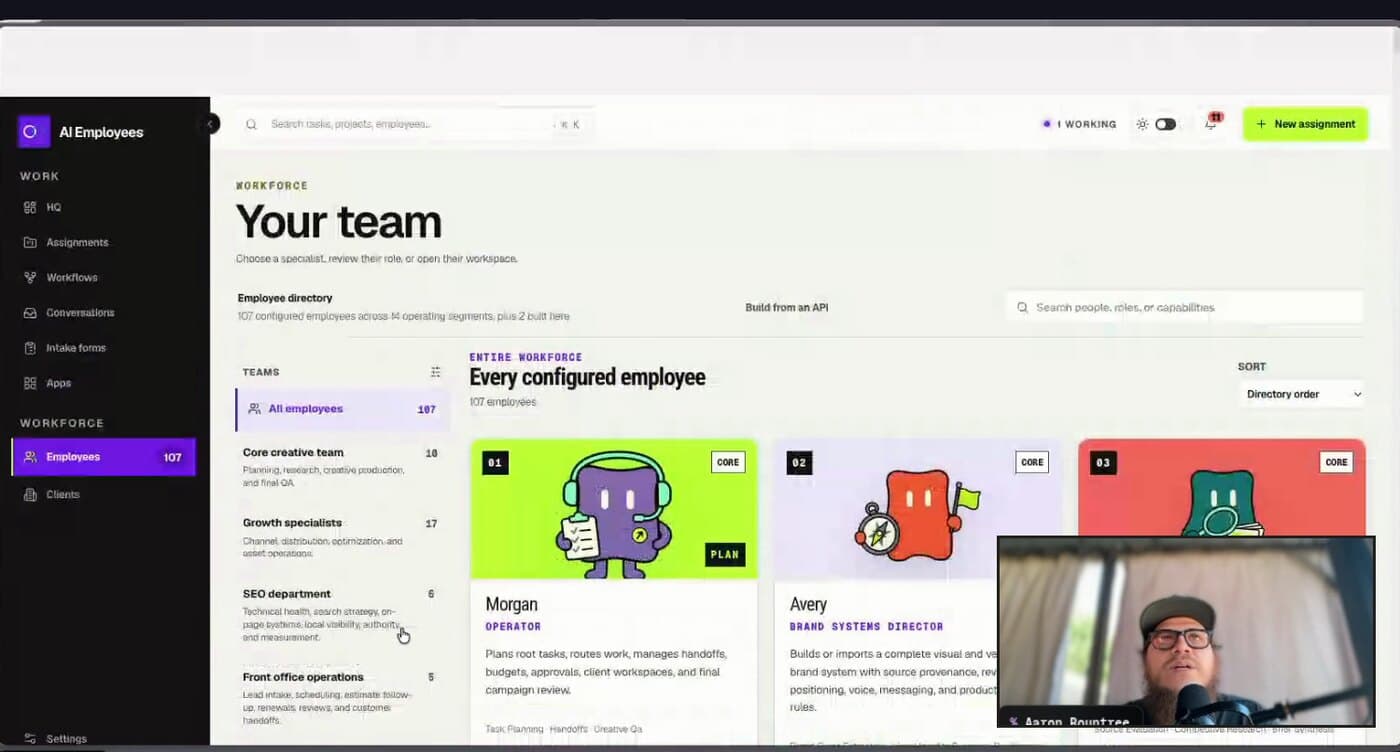
Your AI workforce
Put specialist AI employees to work across sales, creative, and operations.
Included with All Access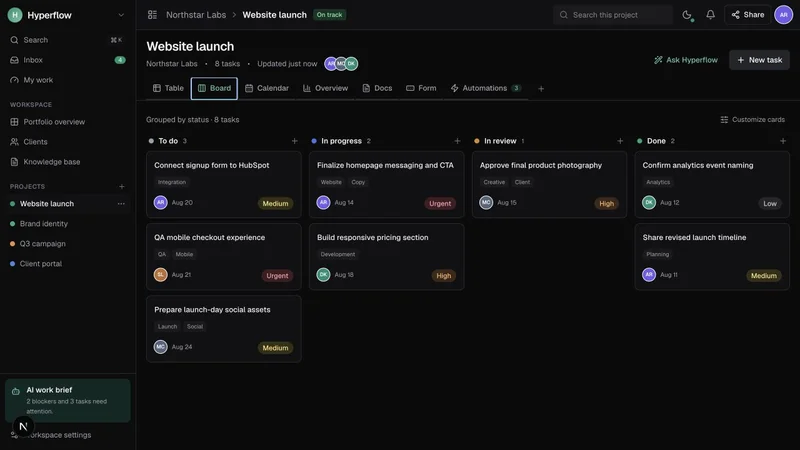
Project management
Bring projects, tasks, and client work together in a platform you control.
Included with All Access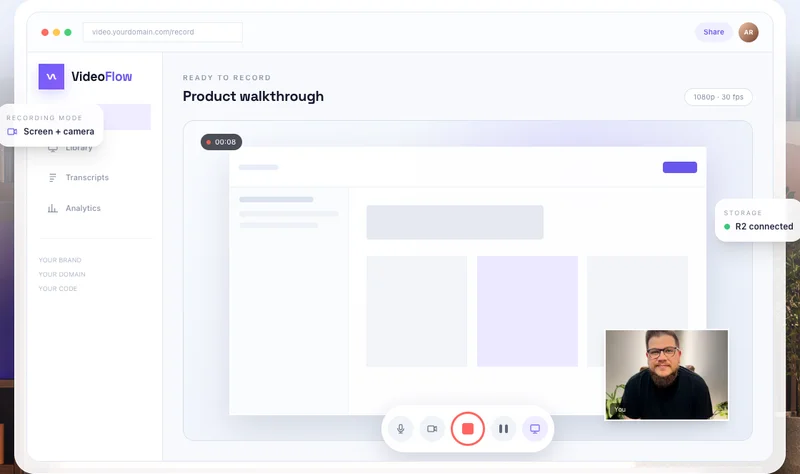
Record & share video
Record, edit, transcribe, and share video with your own branded platform.
Included with All Access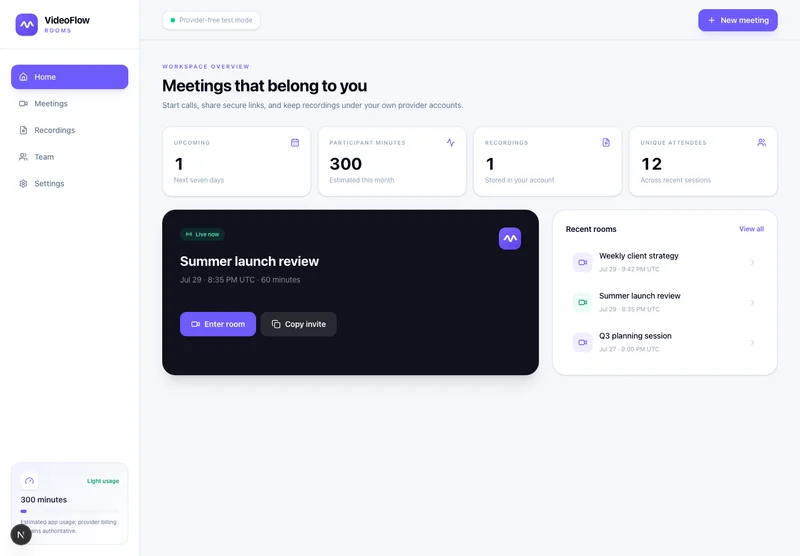
Meetings & webinars
Host branded calls, workshops, and webinars on your own infrastructure.
Included with All Access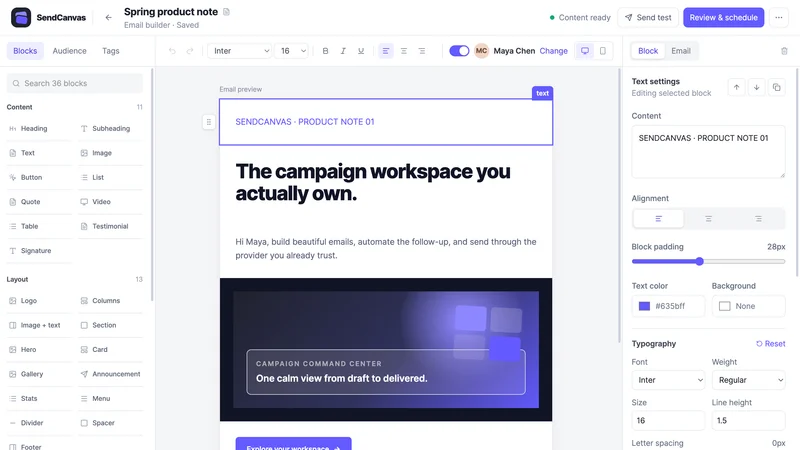
Email marketing
Create campaigns, emails, forms, and automations with your own providers.
Included with All Access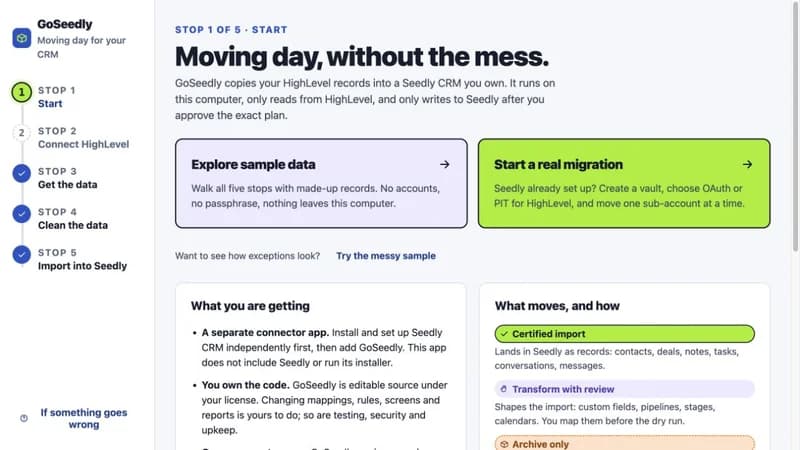
CRM migration kit
Export, review, and move supported CRM records into your Seedly installation.
Included with All Access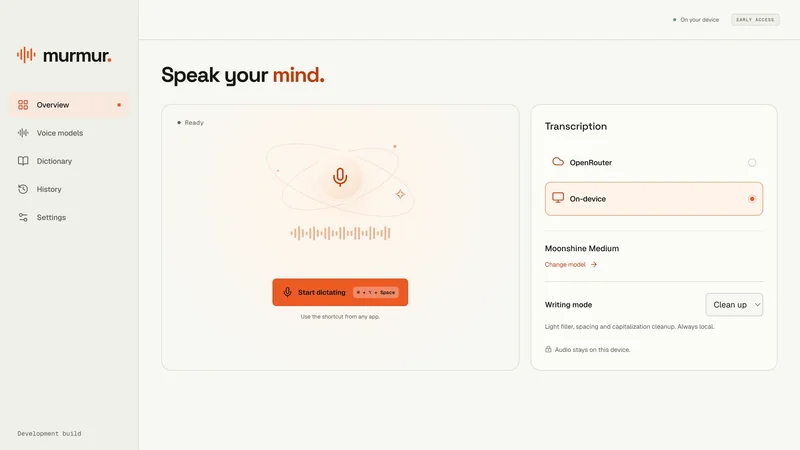
Voice to text
Turn your voice into text with a desktop dictation app and local models.
Included with All Access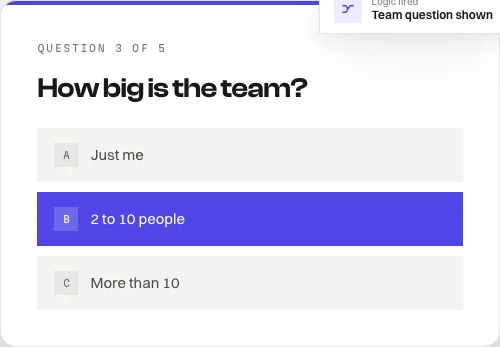
Open-source forms
Build forms with conditional logic, file uploads, and a database you own.
Also available free$5,017The software alone, bought one at a time
All Access is $5,000, and the software is only one part of it. It also covers every CRM kit, every class in the library, every eligible release for the next 365 days, and six private calls with Aaron.
“We now use 5 builds from DevLaunch”
All Access also includes GoSeedly Content Engine, the Mobile App Pack, and the eligible CRM kit library. These extend your own compatible, separately licensed Seedly CRM installation.
These are software and source-code products you can run and customize. Hosting, AI usage, and third-party services are separate. Product pages explain the setup for each tool.
Put it to work
Choose a starting point around the work you want to do.
01
Use the coding classes and Build to work through an app, portal, or internal tool. Bring architecture and product decisions to a private call.
02
Explore HyperTask for project work, VideoFlow for walkthroughs, and VideoFlow Rooms for calls. Adapt the tools to your client workflow.
03
Explore AI Employees for repeatable work, SendCanvas for email, and GoSeedly for CRM migration. Start with one process you want to improve.
Private mentorship
6
one-on-one calls

Use your six calls across the year for strategy, feedback, accountability, and honest mentorship. Bring the build you are stuck on or the decision you cannot see clearly. We will work through it together and leave with a concrete next move.
Schedule your six calls across your access year, around the decisions where you need help most.
“The support and follow-up has been above what I expected”
A straight answer

A note from Aaron
I kept watching the same thing happen. Someone takes one class, gets a real win, and then stalls at the next decision. Which tool? Which class? Is it worth it?
So I made the decision simple. Every class I teach. Every product I ship. One year. And six calls with me, because access on its own does not move a project. A conversation at the right moment does.
My goal is that a year from now you have shipped things you would not have started on your own.
Aaron Rountree
Customer experiences / Trustpilot
Selected excerpts from reviews of DevLaunch training, software, and services. Individual customer experiences across DevLaunch.
Pricing
Every payment option includes the complete 365-day offer and all six private coaching and mentorship calls.
What you getOn its own
An industry-specific CRM build for your own Seedly installation, $197 each. Every kit released during your year is added.
CleanOps, HyperProposal, HyperSEO, Hyperchat, Stockroom, Build, AI Employees, HyperTask, VideoFlow, VideoFlow Rooms, SendCanvas, GoSeedly, Murmur. Source code you run and customize as your own.
Every class and course DevLaunch sells, each counted at its lowest public price.
Content Engine, Mobile App Pack, Real Estate Module, Event Tickets.
Each eligible class, course, kit, and product DevLaunch ships during your access year.
One-on-one strategy, feedback, and mentorship across your year. Not sold separately.
Bought one at a time$56,563
All Access, two or four payments$5,000
Every figure is the current public DevLaunch price for that item bought on its own. Classes are counted at their lowest tier.
$4,800
one payment · no recurring charges
Save $200 compared with the $5,000 installment total. Your full year of access starts with the first payment.
$2,500
per payment · $5,000 total
Two required payments, 30 days apart. Billing stops after payment two. Your full year of access starts with the first payment.
$1,250
per payment · $5,000 total
Four required payments, 30 days apart. Billing stops after payment four. Your full year of access starts with the first payment.
The moment you join, you can download the source code for every product and open every class. There is no way to hand that back, so DevLaunch All Access purchases are non-refundable.
That makes this an offer for people who have decided to build. Read everything on this page first. If you are unsure whether it fits, email Aaron before you buy and get a straight answer.
Questions
DevLaunch All Access is a 365-day package of AI education, software products, and private coaching. It includes the current learning library, included DevLaunch products, every new class, course, and product released during your access year, and six private calls with Aaron.
You get the current DevLaunch learning library through the portal, plus access to the DevLaunch products included with All Access. You will also receive every new class, course, and product released during your 365-day access window.
Your 365-day All Access window begins when you join. New eligible releases are added to your access throughout that year.
You can schedule six one-on-one coaching and mentorship calls across your access year. Bring the product, offer, client workflow, launch, or decision you want help moving forward.
Yes. Existing members and past DevLaunch customers can contact Aaron to ask about available upgrade pricing before joining.
All Access is $5,000 for the year. Choose two monthly payments of $2,500 or four monthly payments of $1,250, with payments 30 days apart. All payments in your chosen plan are required, and billing stops after the final payment. Or pay upfront for $4,800 and save $200. All three options include the same 365 days of access and six private calls.
The library covers beginner through advanced topics. Start with classes that match your experience. Software codebases require setup, and some customization involves code; review each product's requirements before choosing your first build.
Hosting, domains, AI usage, email delivery, and other third-party services are separate from All Access. The services and costs depend on the tools you choose and how you use them. Check the individual product pages for setup requirements.
All Access includes the eligible product library, education, and six private coaching calls. The Build Partner Beta, which includes individually scoped custom projects, is a separate add-on for existing All Access members.
Sign in to the DevLaunch portal with the email used for your purchase. Pick a class or product around one goal, work through its resources, and use a private call when you want help choosing your next step. Contact Aaron if you need help finding your access.
No. Due to the nature of the educational content and the access provided to software codebases and other digital materials, all DevLaunch All Access purchases are final and non-refundable. Please review the offer carefully before purchasing.
DevLaunch All Access
Every release. Six private calls. One year of focused access.
We use essential storage to keep the site working. With your permission, we also use analytics and the Whop Pixel to understand visits and advertising results. Optional analytics stay off until you choose.
Read our Cookie Policy and Privacy Policy.