Build it yourself, with AI.
Classes on AI coding, content, and client work from Aaron Rountree, plus working software you can run as your own.
Illustration of the DevLaunch mascot, a friendly cobalt block character wearing a DEV tag, sitting at a wooden desk with a laptop beside a sunny window. It waves hello on arrival. The buttons make it wave again or sketch a tiny example website on the laptop screen. This is a playful demo, not a real app builder.
The class library
AI coding, content workflows, and the business of building. On demand, in the portal. Every class is sold on its own, 3 are free, and All Access covers the lot.
 Free to start
AI Coding 101
Learn how code works, how AI coding tools think, and how to build software you can understand, debug, and ship. Module 1 is free.
The Business-Building Event Workshop
Three live online sessions, November 2–4 at 10 AM Pacific. Plan your networking event and offer, run it, and follow up. Recordings included. $197, or $397 with event guides and a one-hour planning call.
The Agent Operations Playbook
Build and run your 24/7 agent team. Four recorded parts on orchestration, always-on operation, and managing work from anywhere. Releases September 30. $197, included with All Access.

Run Networking Events
Host a local event built around real relationships. Plan a budget for 50 guests, choose a venue, promote locally, and keep check-in and follow-up simple. Includes the 21-page planning workbook.

Stop Starting Over With AI
Build a reusable context kit with business facts, working rules, and good examples. Turn repeated corrections into saved guidance. Exclusively for All Access members.

The GoSeedly Setup Challenge
Set up and brand your Seedly workspace, connect your communications, and build a setup process you can repeat for a client.
CRM Transfers & Customization
Decide what to move, map, rebuild, or leave behind. Practical CRM customization demos and Q&A on maintaining software that fits your business.
How a class works
Watch the build
See how Aaron approaches a project, chooses his tools, and works through the decisions along the way.
Build alongside
Open the class in the portal, pause when you need to, and work at your own pace. Many classes include prompt packs, templates, or starter code.
Make it your own
Change the design, add a feature, or point the same workflow at your own business. The goal is your project, not a copy of ours.
Software you own
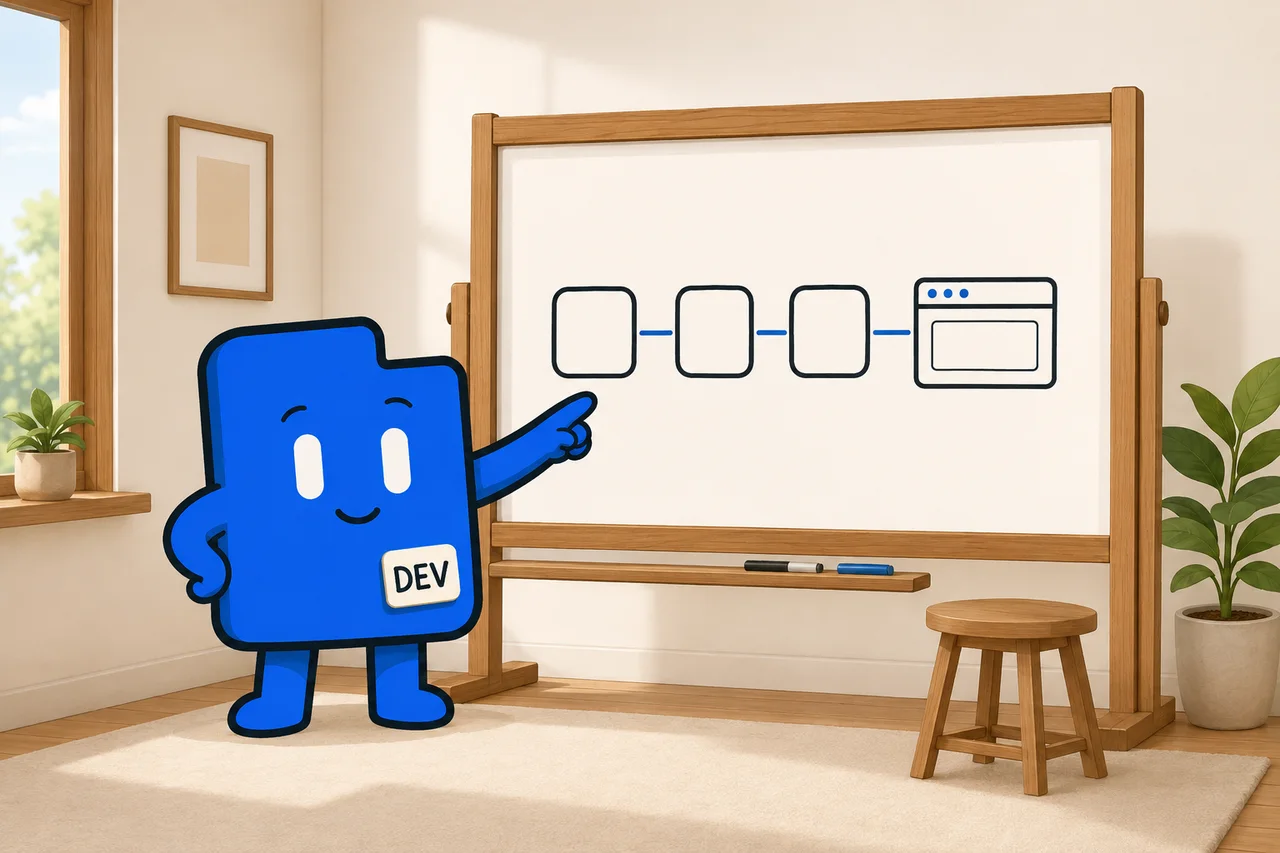
Working apps you run and customize yourself. Each product page lists what is included.
CleanOps
$397Cleaning business software
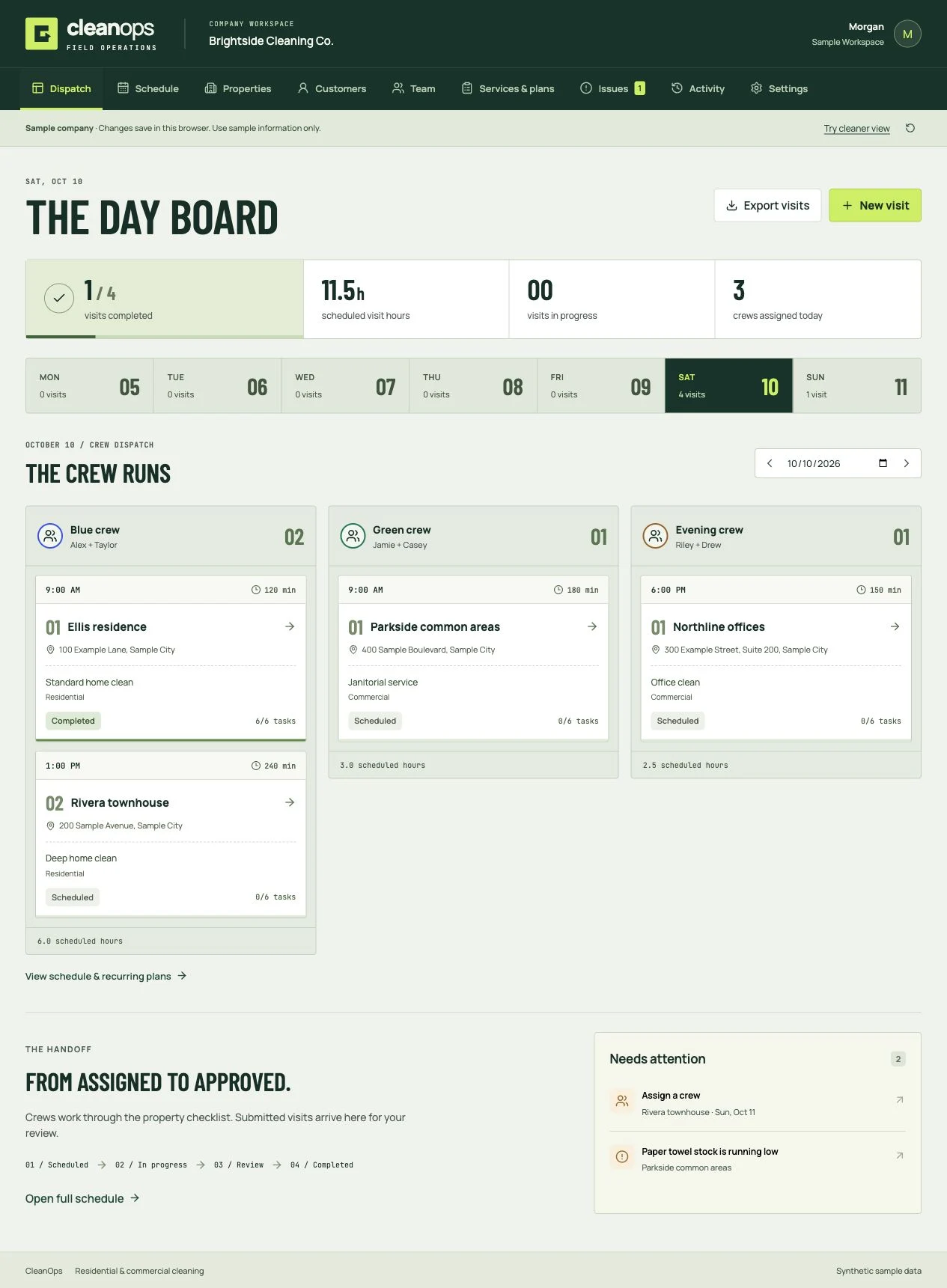
Book the clean, dispatch the crew, review the work, and invoice the customer. Residential and commercial software you own.
HyperProposal
$297Proposals & signing
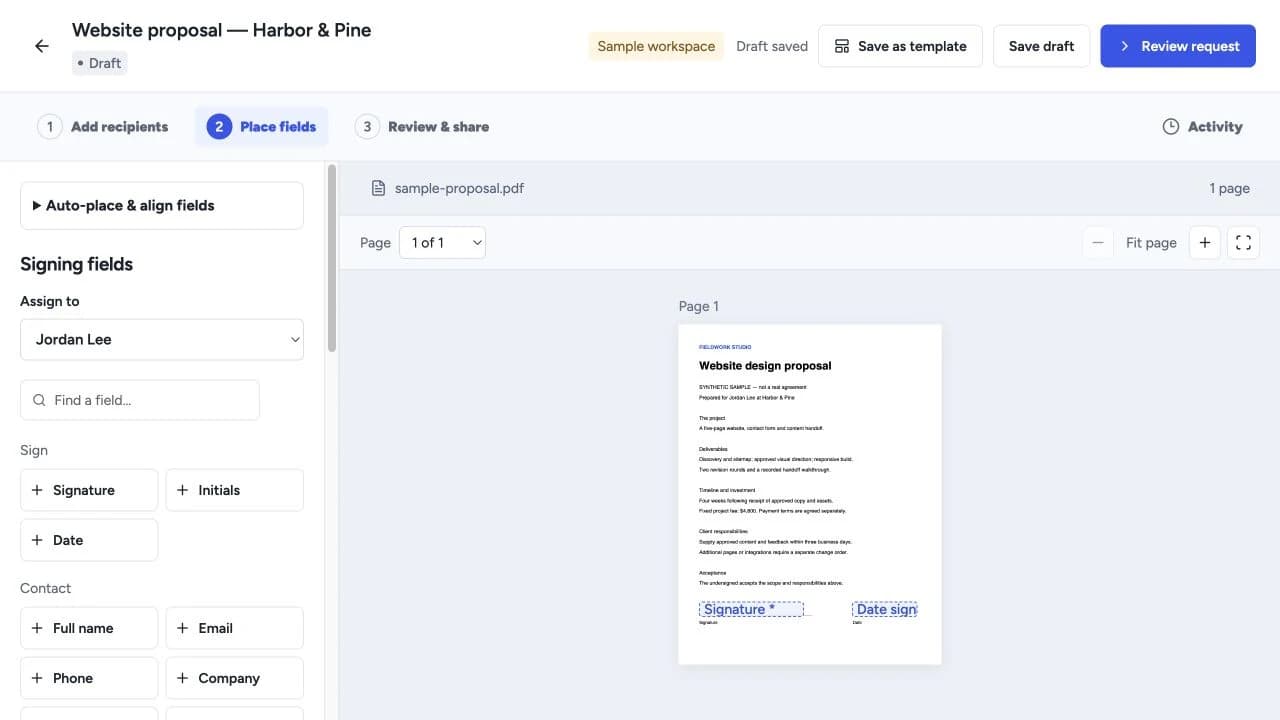
Create proposals, quotes and templates, collect electronic signatures, and manage client workflows with software you own.
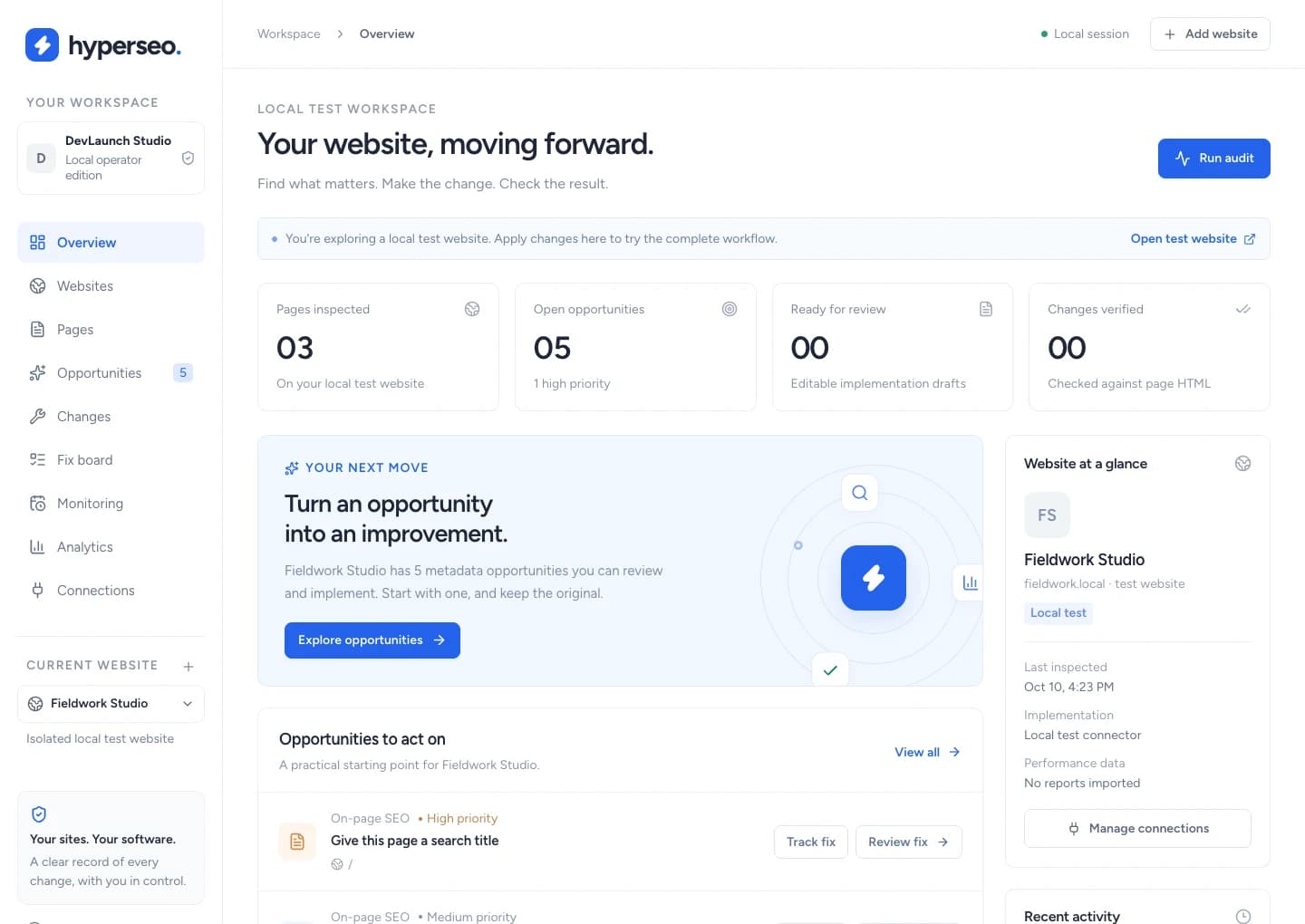
HyperSEO
$197SEO & analytics
Audit websites, connect search and conversion evidence, and review, implement, verify and restore supported SEO fixes.
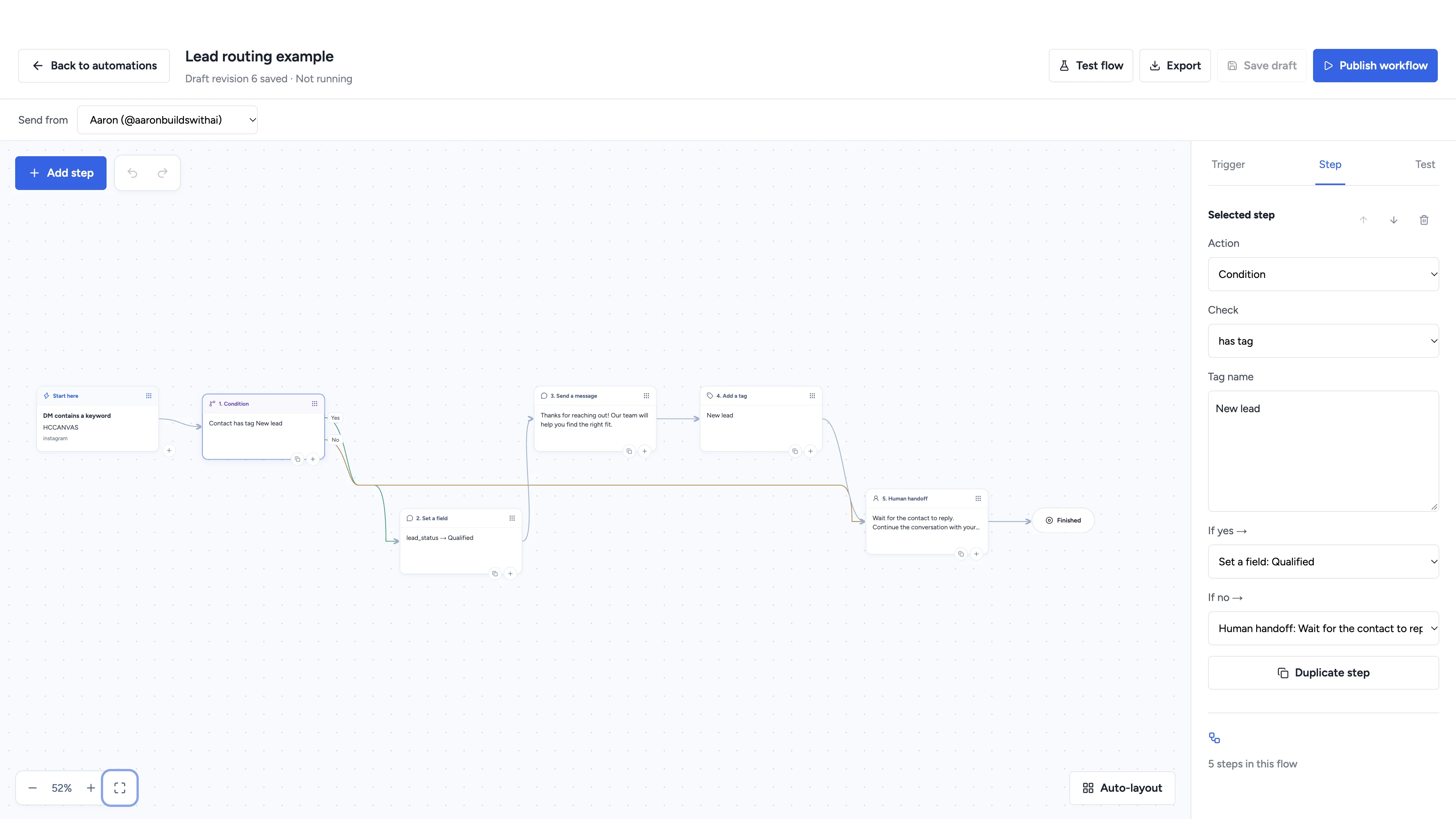
Hyperchat
$497Social automation
Automate conversations, schedule social content, and manage client workspaces with software you own.
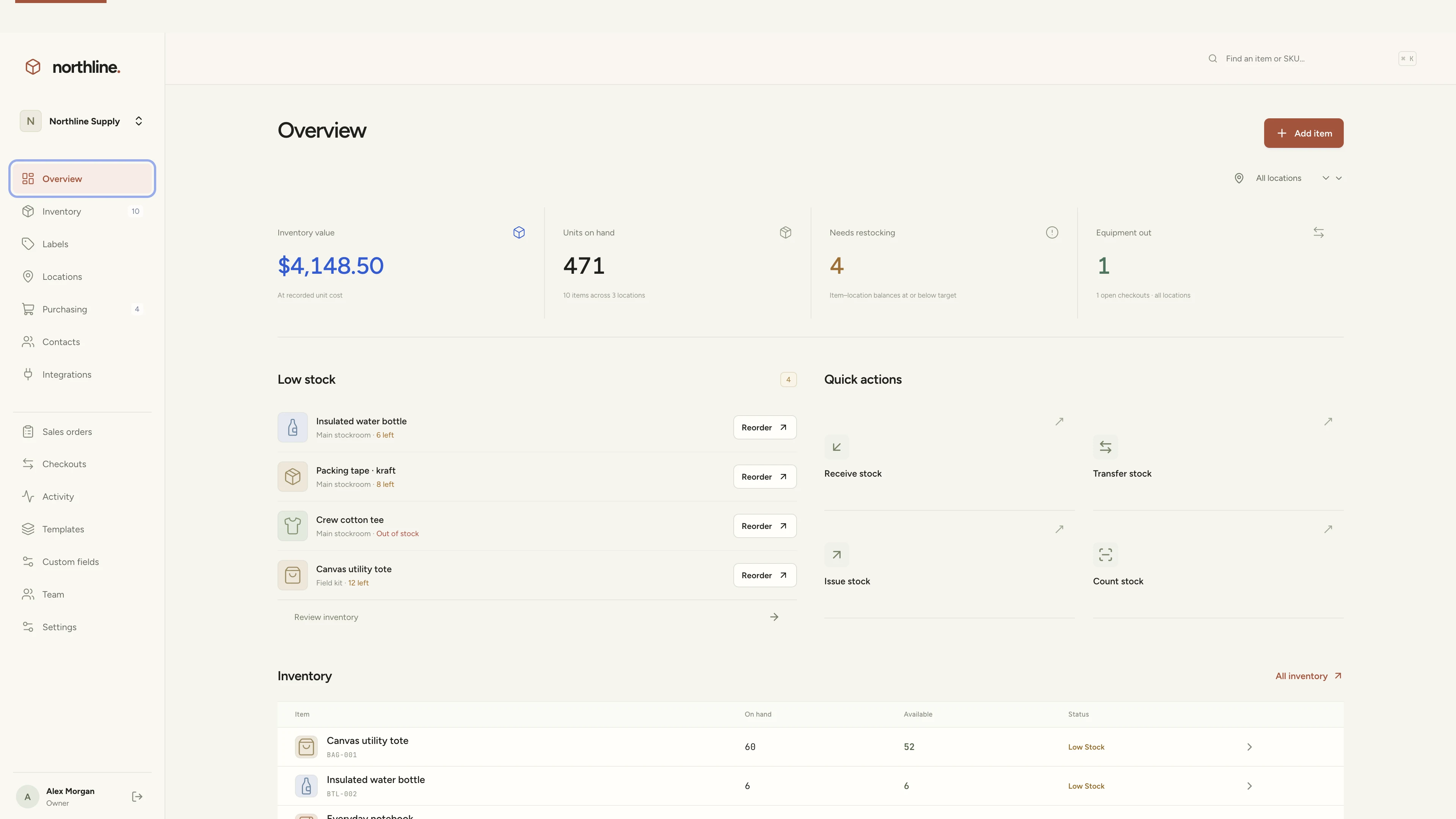
Stockroom
$297Inventory management
Manage products, supplies, equipment, and custom labels in a workspace you own.
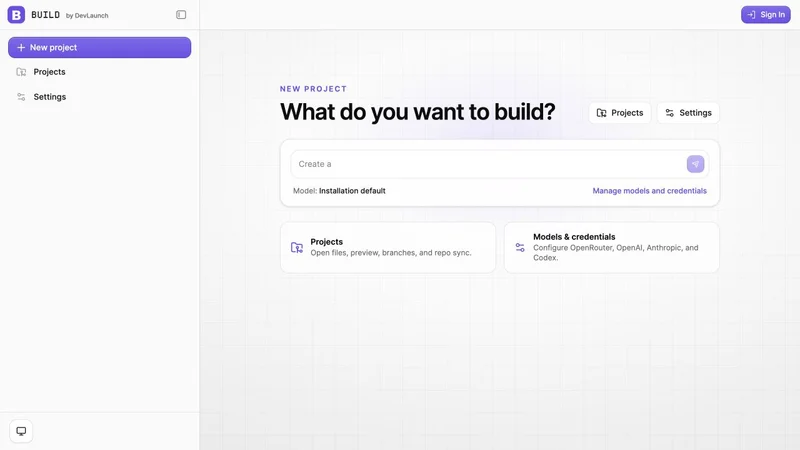
Build
$597AI app builder
Build websites, portals, and internal tools with a visual workspace you own.
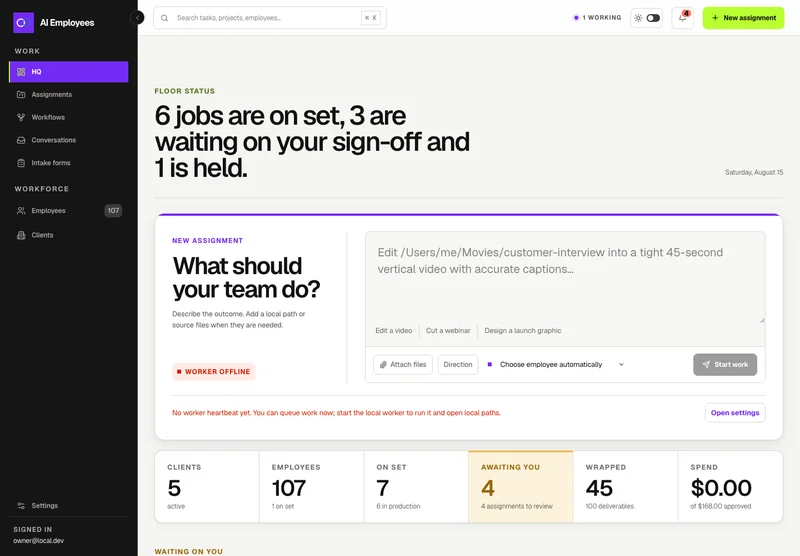
AI Employees
From $999Your AI workforce
Put specialist AI employees to work across sales, creative, and operations.
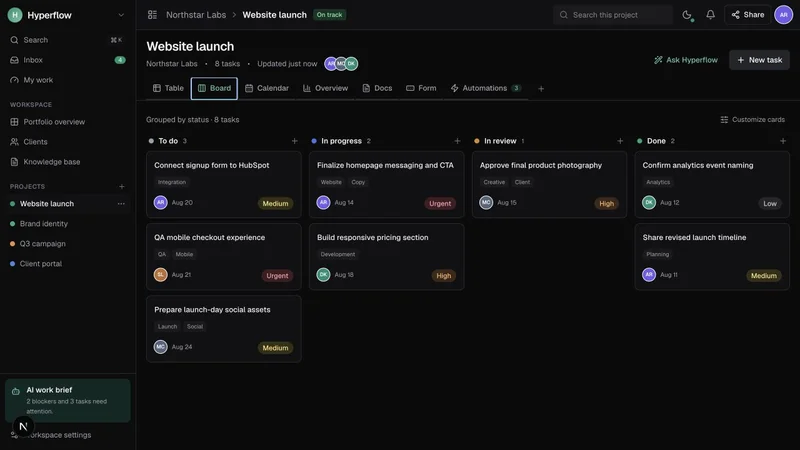
HyperTask
$297Project management
Bring projects, tasks, and client work together in a platform you control.
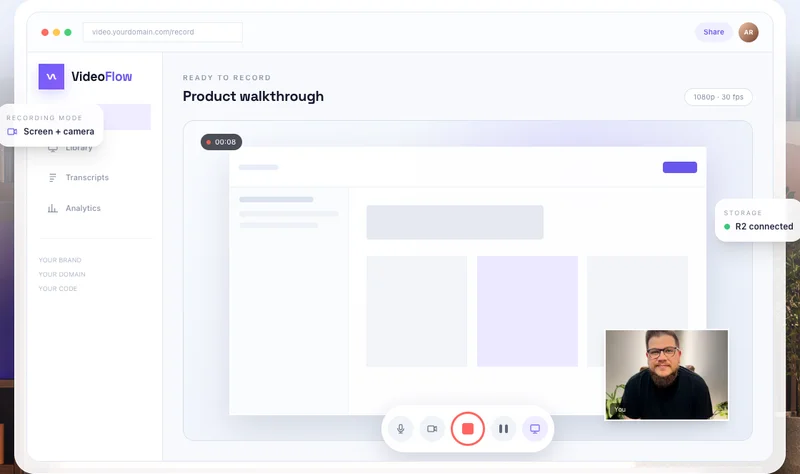
VideoFlow
$397Record & share video
Record, edit, transcribe, and share video with your own branded platform.
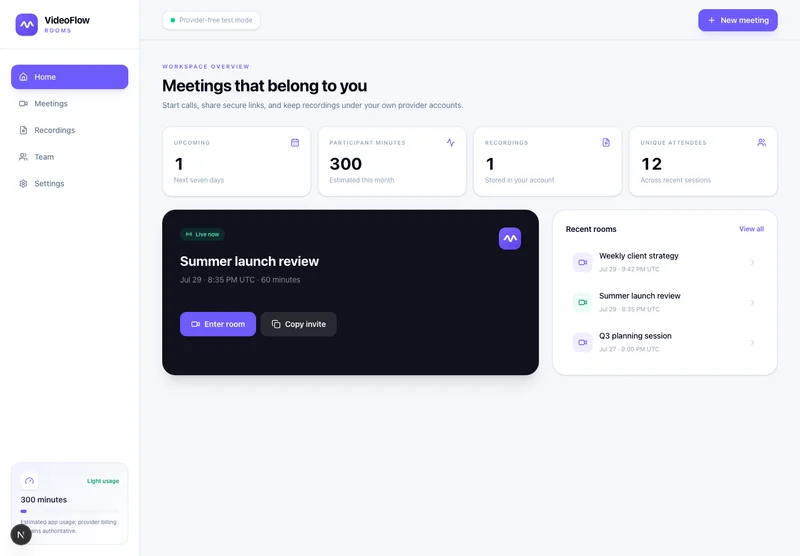
VideoFlow Rooms
$299Meetings & webinars
Host branded calls, workshops, and webinars on your own infrastructure.
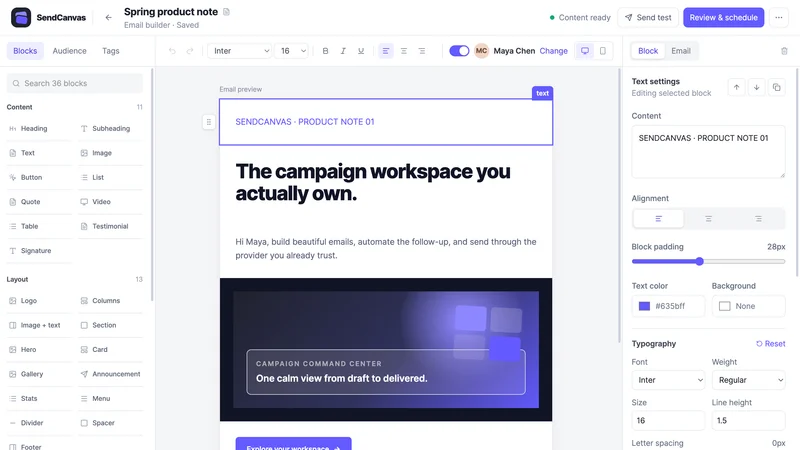
SendCanvas
$297Email marketing
Create campaigns, emails, forms, and automations with your own providers.
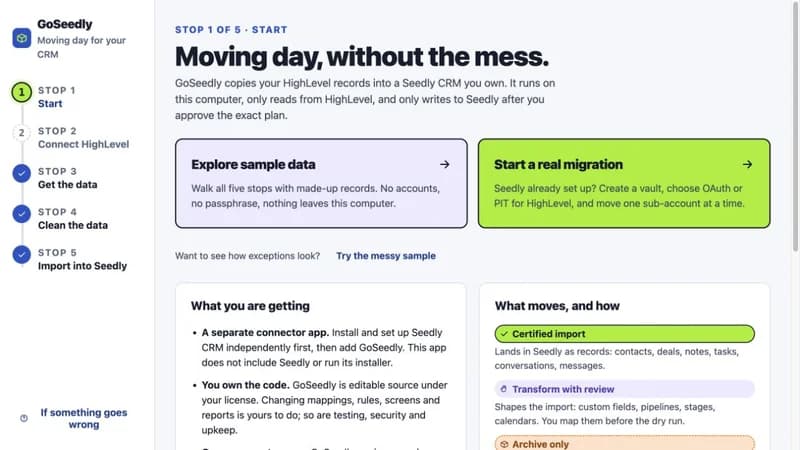
GoSeedly
$397CRM migration kit
Export, review, and move supported CRM records into your Seedly installation.
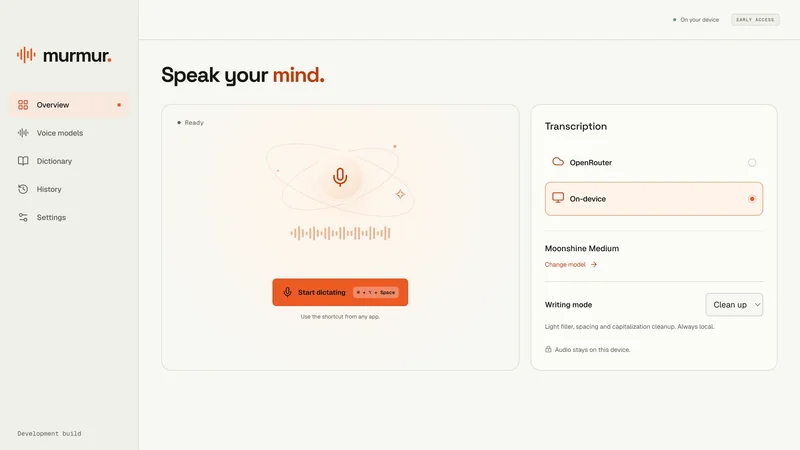
Murmur
$49Voice to text
Turn your voice into text with a desktop dictation app and local models.
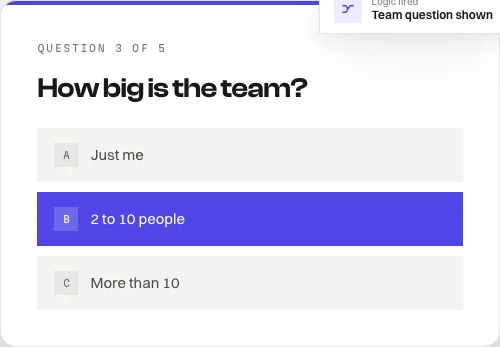
FlowForms
FreeOpen-source forms
Build forms with conditional logic, file uploads, and a database you own.
Or take all of it.
All Access covers every eligible class, course, and codebase product DevLaunch releases for 365 days, plus six private coaching and mentorship calls with Aaron.

Taught by Aaron Rountree
Aaron builds software and runs his own business with the tools he teaches. DevLaunch is where he records the work: client portals, content systems, AI employees, and the workflows that hold them together.
You see how the pieces fit, so you can use the same approach on your own projects.
Customer experiences / Trustpilot
What customers say
about DevLaunch.
Selected excerpts from reviews of DevLaunch training, software, and services. Individual customer experiences across DevLaunch.
Questions, answered
Access, tools, experience levels, and refunds.
That idea of yours? Let’s build it.
Pick a class and start today, or get new classes and software releases by email.