CRM KitsOn-location hair and makeup businesses
Every artist. Ready by photos.
An event-day schedule for on-location hair and makeup teams: every artist as a row, every service a block for a named person from the call time to the ready-by time for photos, with the upcoming events, head counts, trials and travel above it. Readyby keeps bookings from inquiry to follow-up, a trial calendar, artist availability as recorded, miles and travel fees, the kit and restock list and unit-separated insights in one connected workspace. It gives no skin-care or product advice and keeps no skin, allergy or health details.
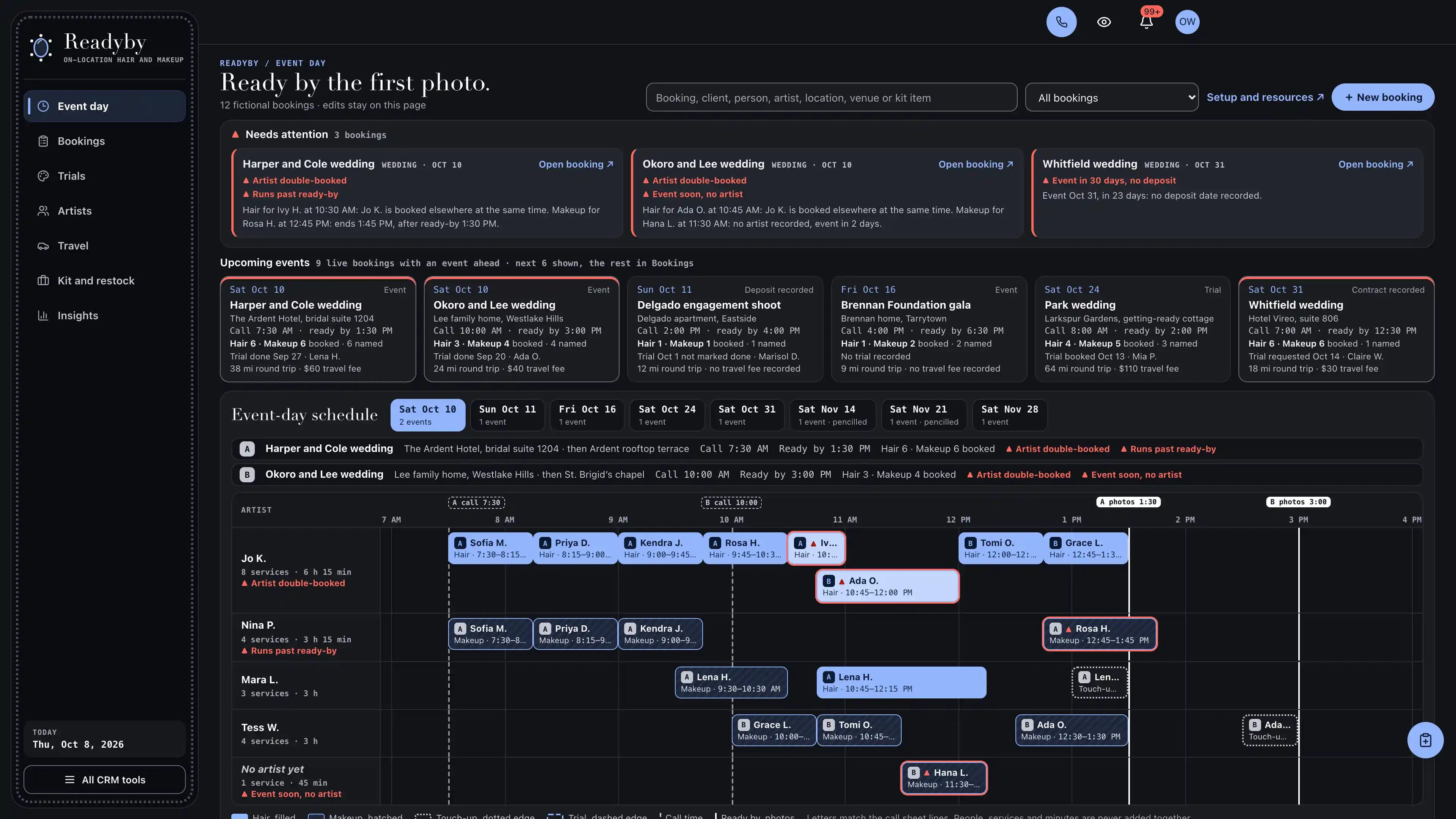
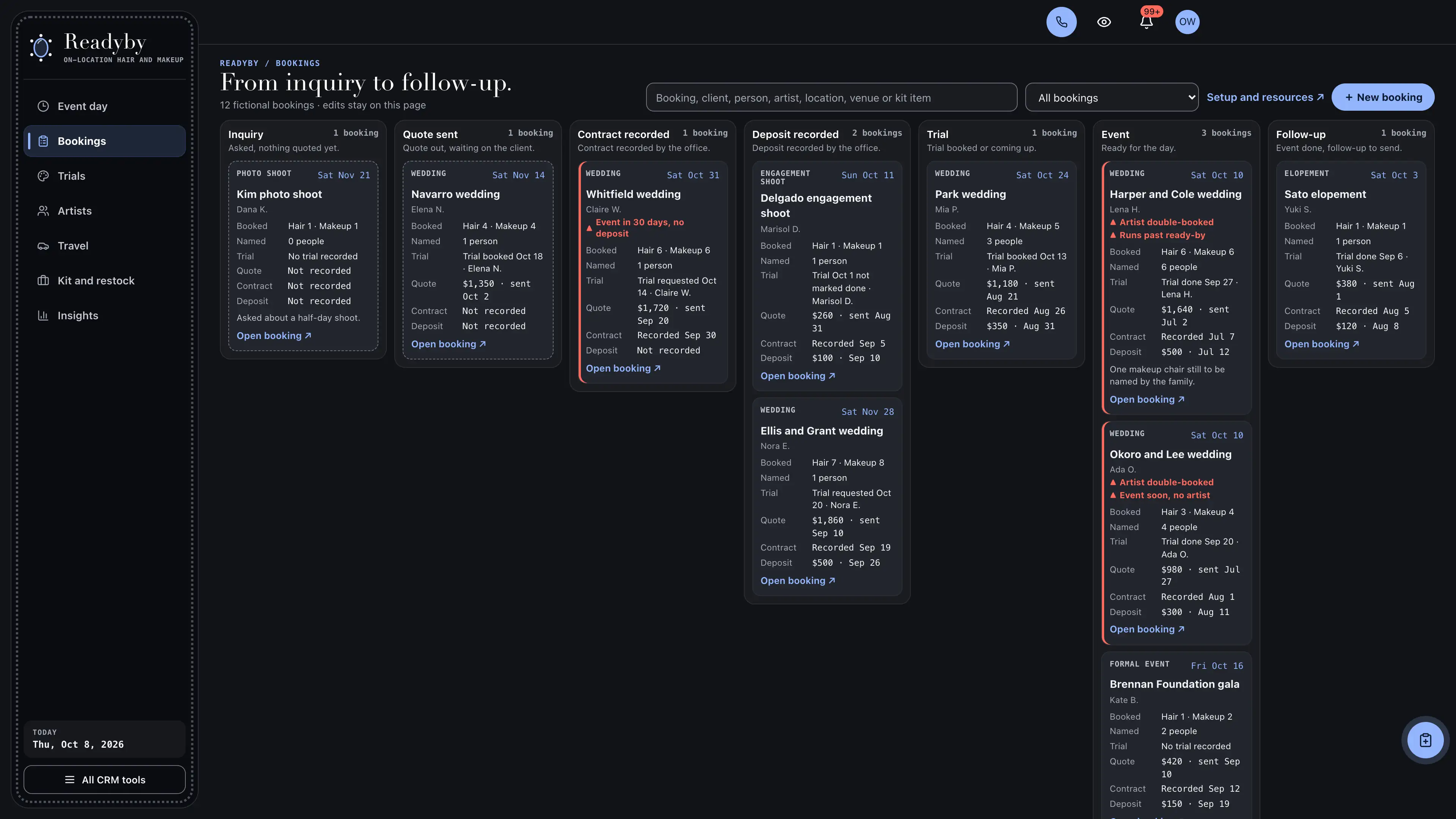
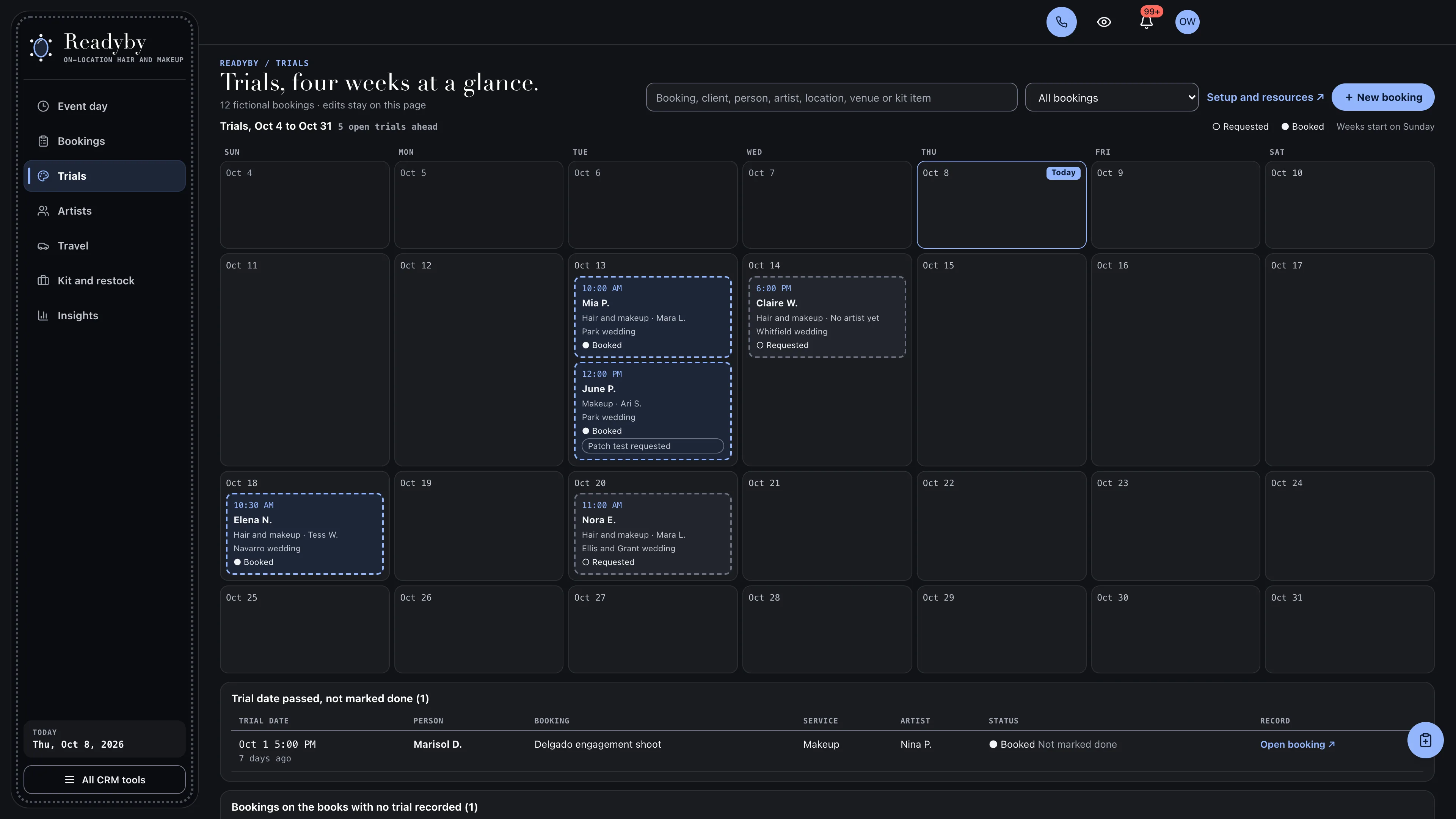
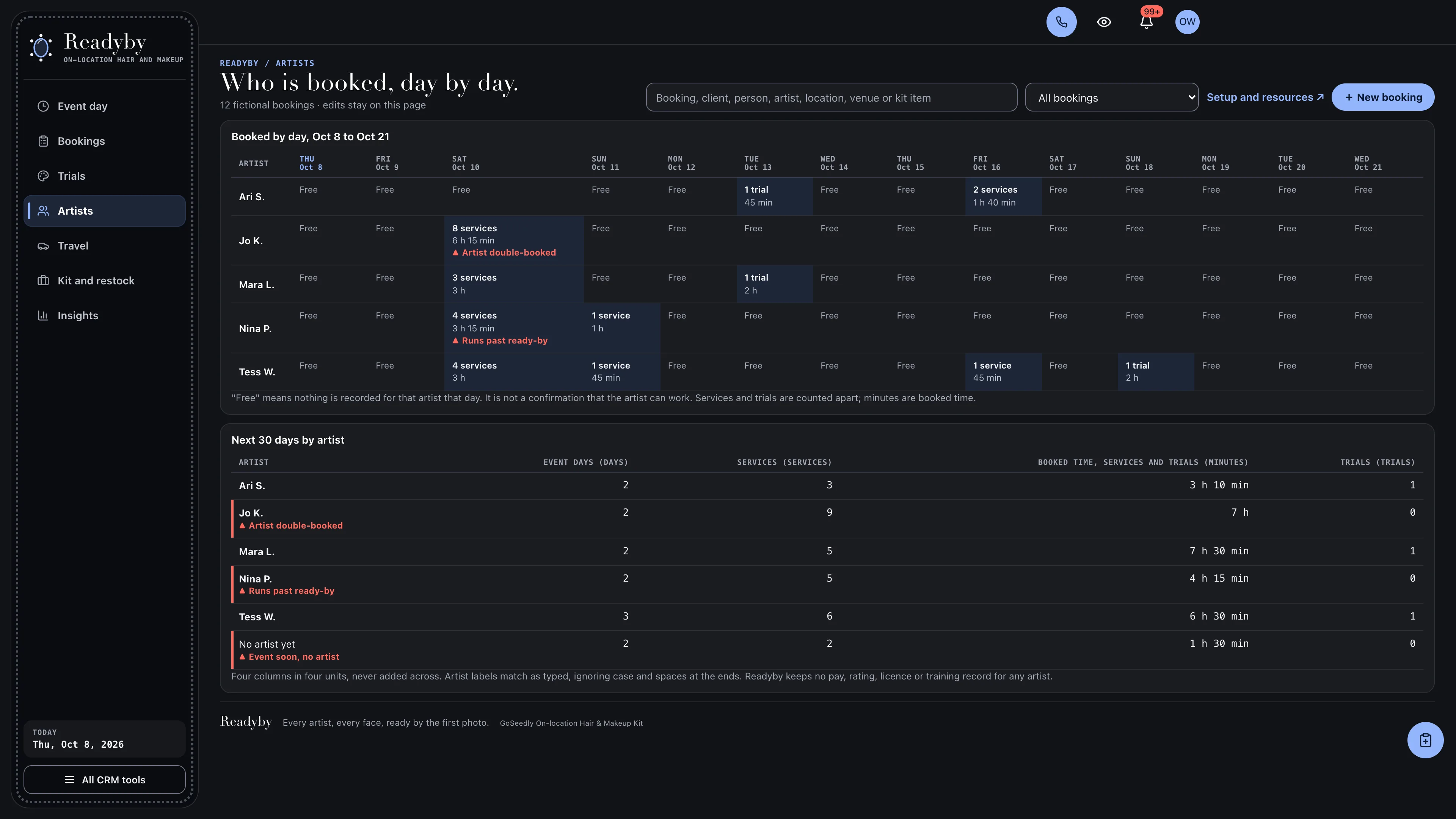
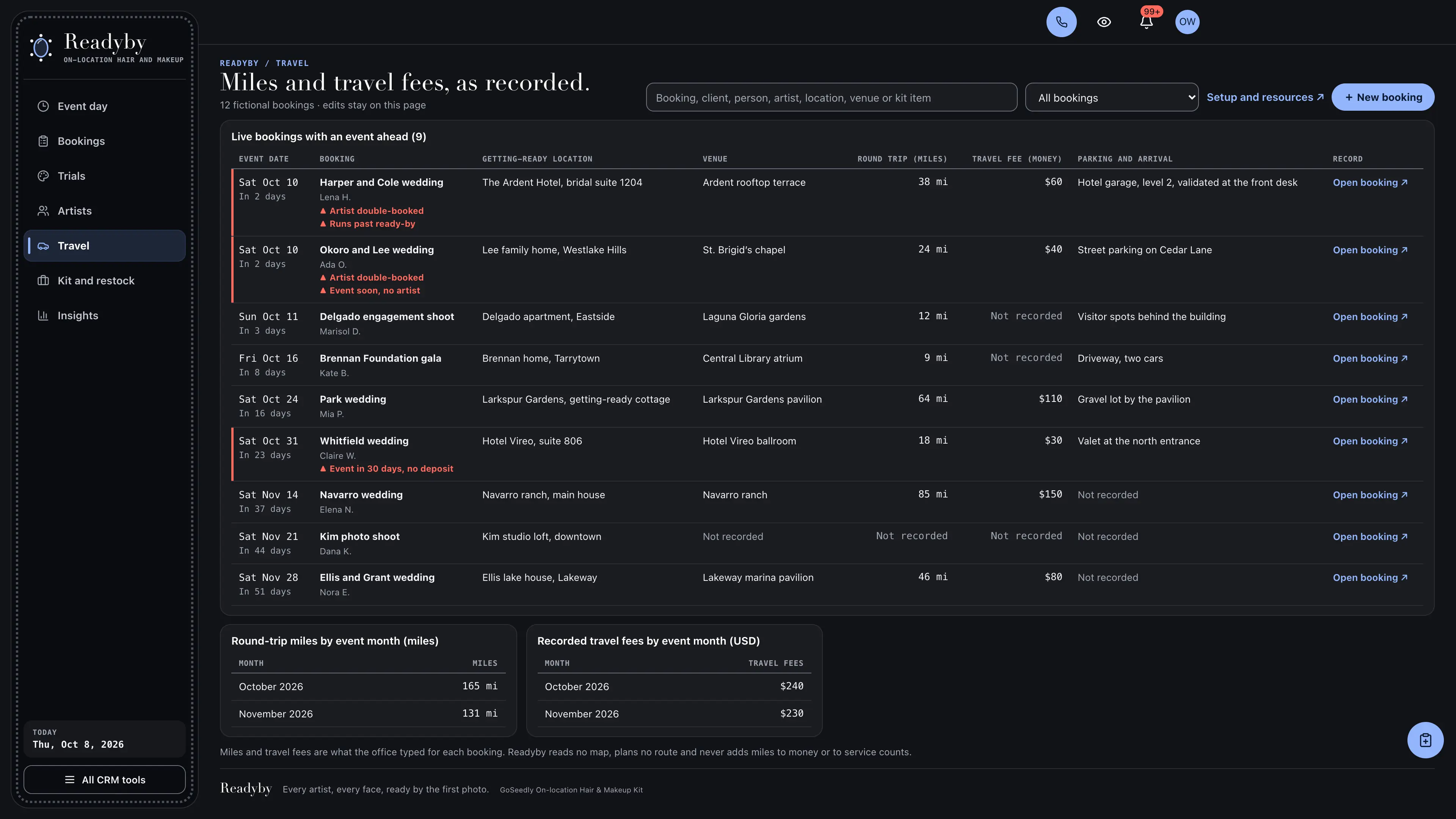
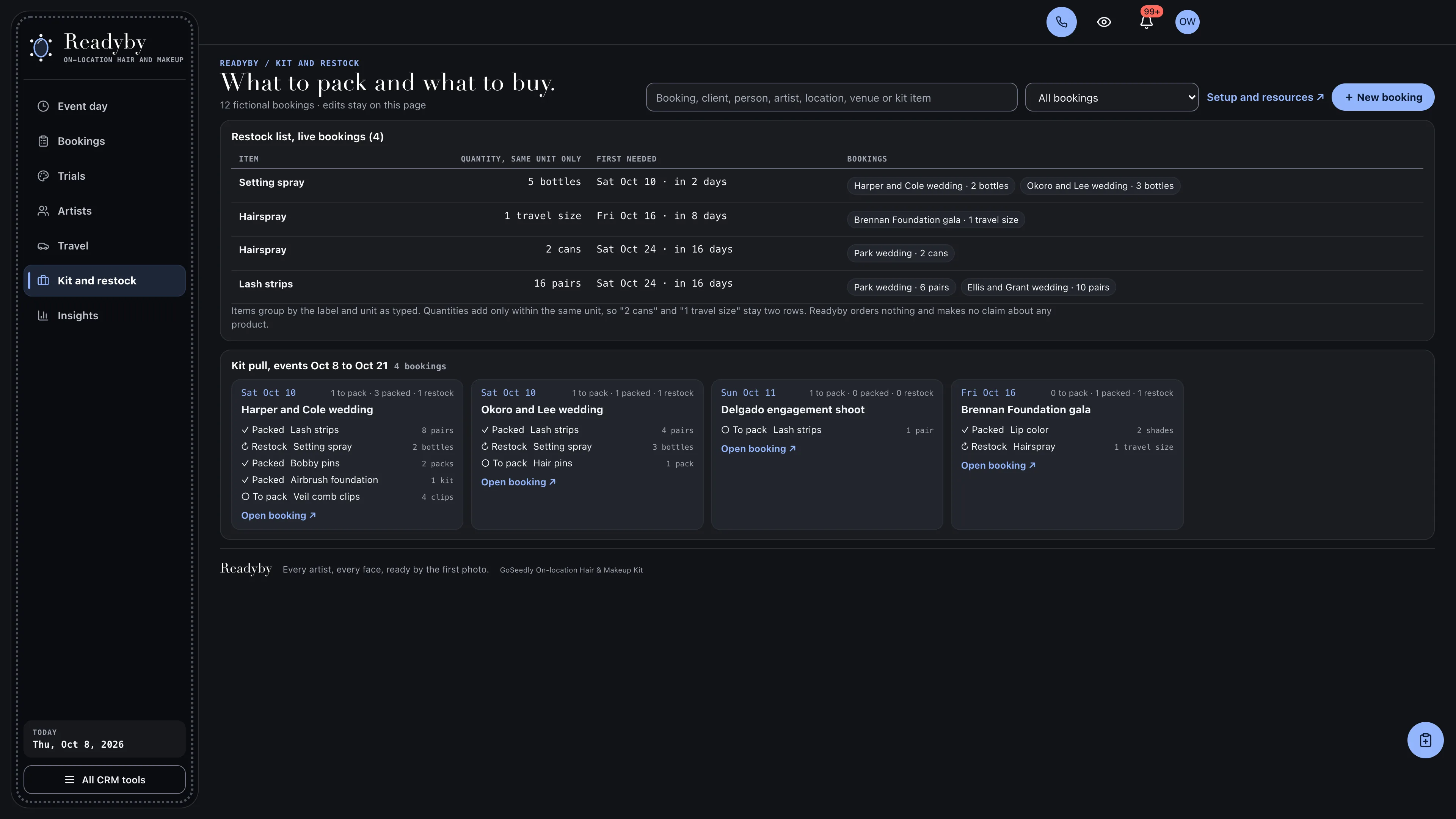
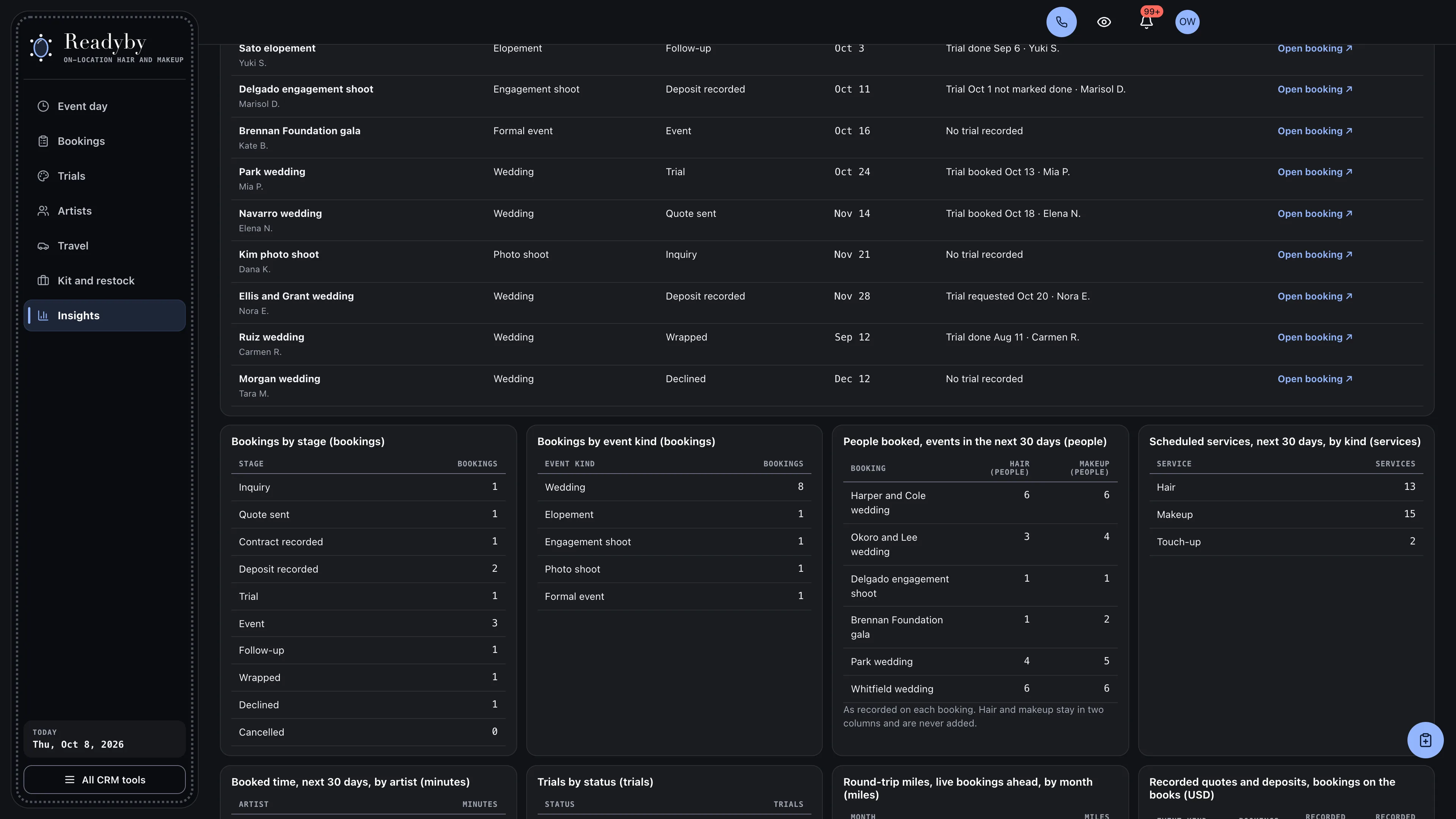
See the whole morning before the team leaves.
Artists as rows and time left to right, each block a hair, makeup or touch-up service for one named person, lettered by booking, under a dashed call-time line and a solid ready-by line for photos. The next six events sit above it with head counts, trial status and travel, and double-booked artists, blocks that run past ready-by, blocks with no artist and missing deposits lead the page.
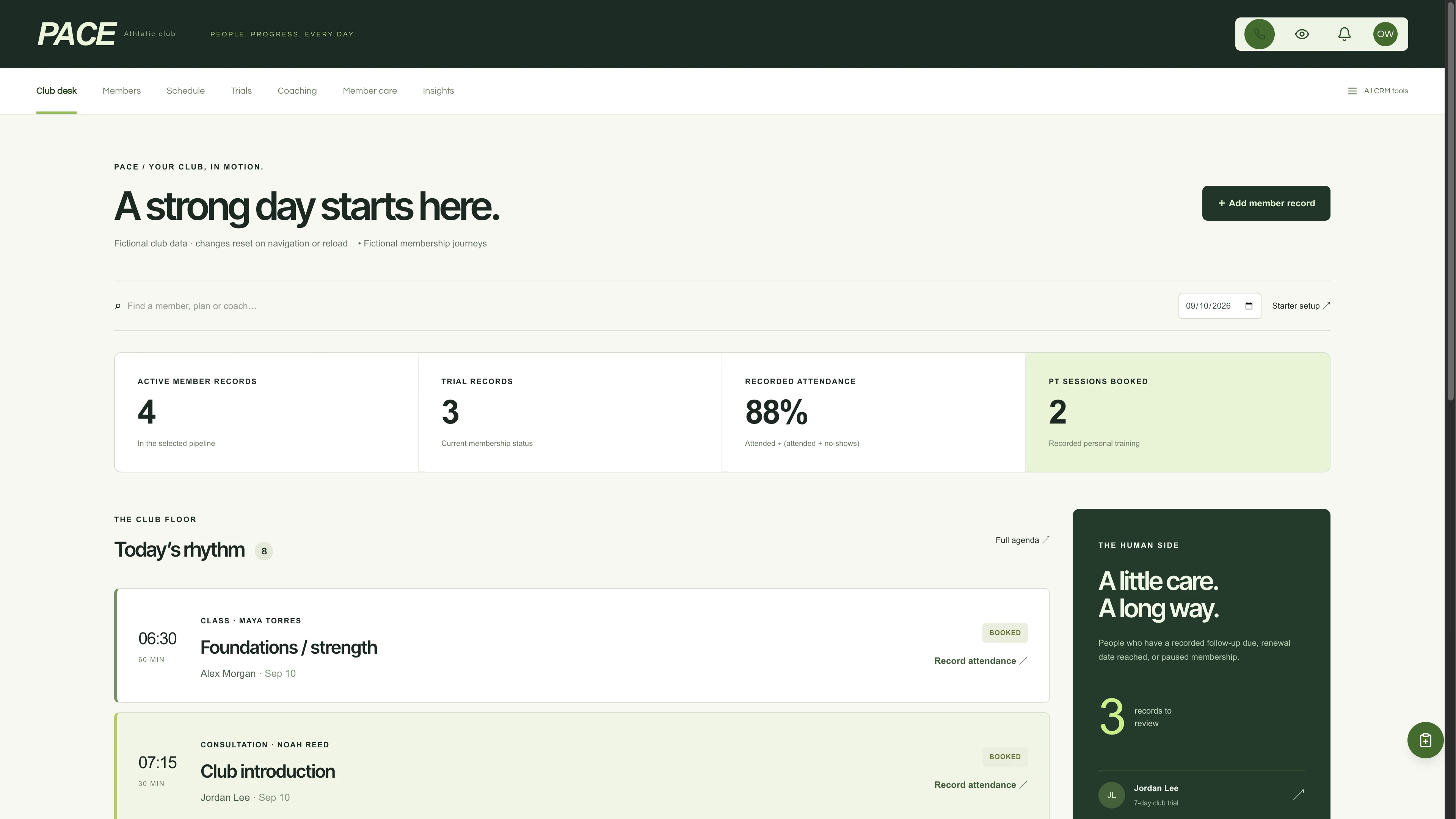
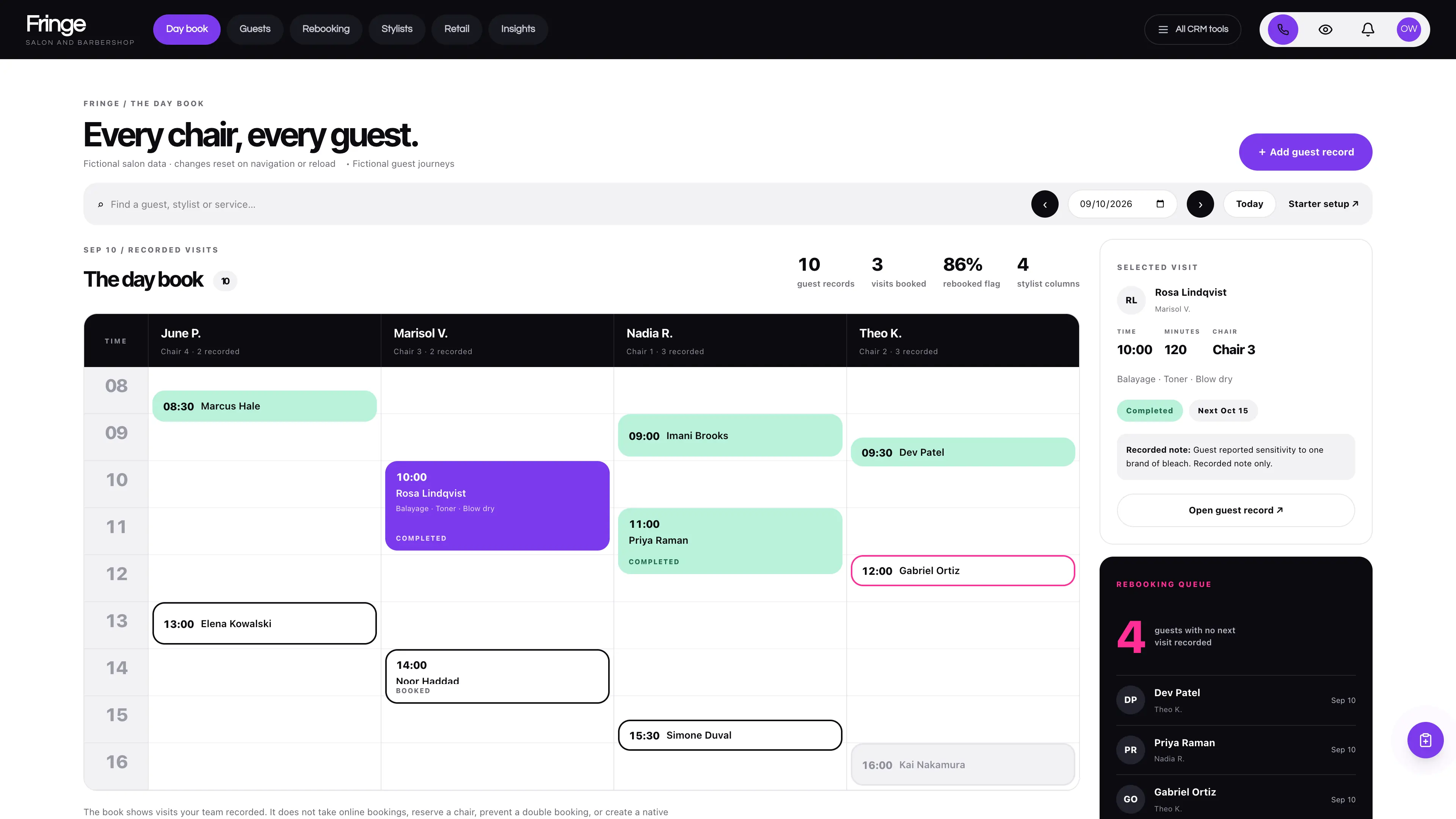
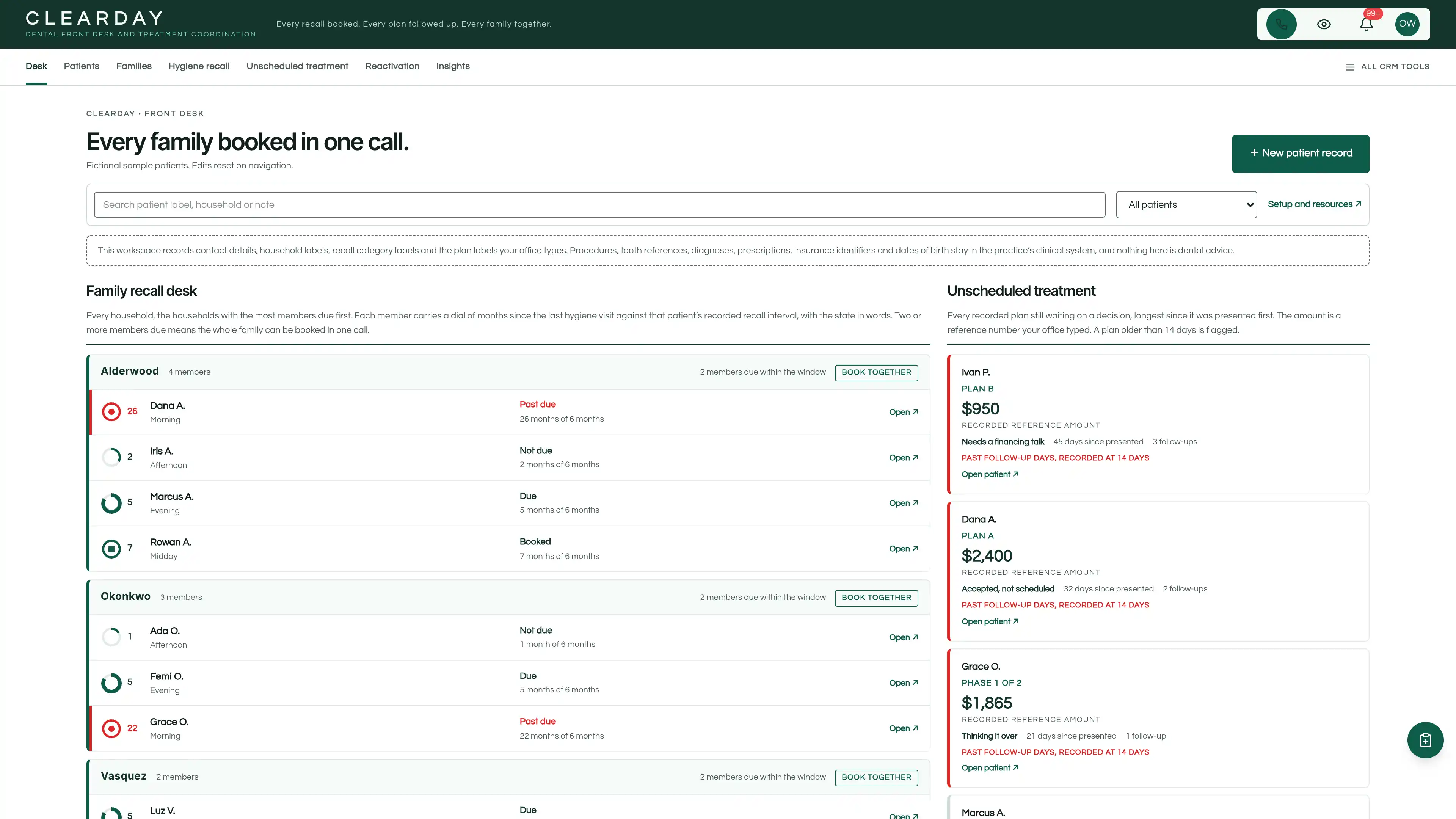
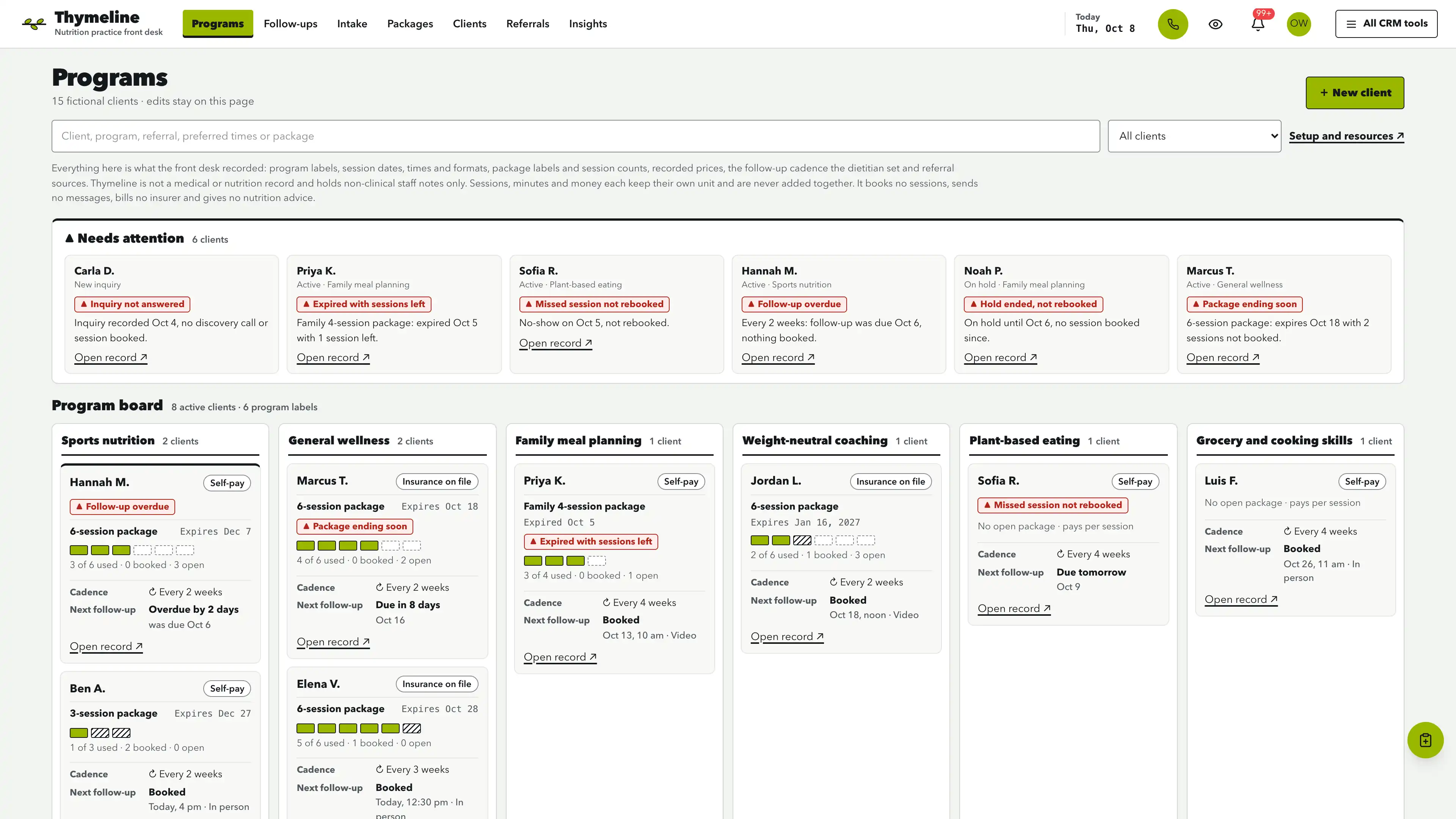
Actual interface captures with fictional sample data. Open a screenshot to see it full size.
What’s in the kit
Screens
- Event day operating view
- Bookings operating view
- Trials operating view
- Artists operating view
- Travel operating view
- Kit and restock operating view
- Insights operating view
- Three native form drafts and three editable document templates
- Editable booking checklists and preserved row history
four pipelines
- Wedding bookings · 8 stages
- Event and shoot bookings · 7 stages
- Trial requests · 7 stages
- Destination and travel bookings · 7 stages
Optional. Install the ones that match your work, or connect drafts to a pipeline you already use.
nine workflow drafts
- Quote follow-up
- Deposit check
- Trial preparation
- Look notes
- Event-day schedule
- Call sheet details
- Kit pull
- Follow-up after the day
- Travel plan
Inactive until you review and publish them. None send customer messages.
Forms and documents
- Wedding hair and makeup inquiry
- Trial request
- Getting-ready details
- Event-day call sheet
- Trial look notes
- Kit pull and restock list
Editable native forms and document templates. Forms collect information for staff review.
Sample workspace
Explore 12 fictional bookings: ten live (one inquiry, one quote sent, one contract recorded, two with a deposit recorded, one at the trial stage, three at the event stage and one in follow-up) and two closed, with 22 people, 36 event-day services, 10 trials, 14 kit items and 108 checklist steps. Weddings land on the coming weekends on any date. Sample edits stay in memory and reset on navigation or reload.
No sample customers are added to your CRM.
Setup and source
- Guided setup and compatibility report
- Private rollback receipt
- AI-agent guide for customized installations
- Original editable source, configuration, and tests
How setup works
Full installation guideCheck your Seedly
Extract the kit and run the guided setup. It checks your installation and flags customized files before it changes anything.
Connect the helper
Deploy the included helper from your backend source, then build your web app and choose any starter pipelines and drafts.
Make it yours
Set business name, descriptor and default pipeline name. Then sign in and check the workflows and permissions your team uses.
Technical details and compatibility
Seedly CRM 5.8.4 · extension API 1. Node.js 20 or newer. The installer checks supported integration-file versions and does not deploy your web app or backend. The included original backend helpers are required for connected booking creation, edits and resource setup. They preserve native account permissions, unrelated custom fields and row history, keep every figure in its own unit, hold people to a first name and last initial, refuse skin, allergy and health details, exact ages, dates of birth, access codes, passes, logins, bank details, card numbers and Social Security numbers, and check revisions before saving. Deploy them from the authoritative backend source. Pipelines and workflow drafts are optional.
One contact-linked booking holds the client, the event kind and stage, the event date, the call time and ready-by time, the getting-ready location and venue, the people booked for hair and for makeup, the recorded quote, contract and deposit with their dates, the recorded miles, travel fee and parking, every person as a first name and last initial with a role and a "Patch test requested" label, every service with its person, kind, artist, start time, minutes and status, every trial with its date, time, artist, location and status, the kit list with quantities and units, and an editable checklist.
Readyby records schedules, people, trials, travel and kit as the office typed them. It gives no skin-care, medical, allergy or product advice, does not run or record a patch test or its result, and does not say a look will last or a schedule is achievable. It is not a contract or an invoice, takes no payment or deposit, books nothing online, reads no map and sends no messages. Skin, allergy and health details, exact ages, dates of birth, hotel room, door and gate codes, passes and logins, bank details, card numbers and Social Security numbers are refused in recorded text and in the native form drafts.
Four optional pipeline templates and nine inactive workflow drafts. 12 fictional in-memory bookings.
Calling, messaging, signing, payments, and external integrations depend on your Seedly installation, account permissions, plan, and configured providers. Screenshots use sample data and reference imagery. Hosting, installation, and ongoing maintenance are your responsibility.
Get the On-location Hair & Makeup Kit
Checking access…

DevLaunch All Access
Every kit and every template.
- All 220 CRM kits for Seedly CRM
- All 190 website templates for Seedly Sites
- Every class, course, and product we release, added as it ships
- Private calls with Aaron
Already a member? Open your downloads.
Questions
How do I receive the kit?
Purchase securely through Whop. Your original source ZIP and installation documentation are delivered manually to the email used at checkout. This is a one-time purchase of this kit; Seedly software, hosting, and installation services are separate.
Does this include Seedly CRM?
You obtain and configure Seedly separately. The kit adds original frontend screens, a shared theme, starter definitions, and integration instructions. It does not include Seedly’s codebase, license, hosting, or a separate CRM database.
Is this one connected workspace?
Readyby keeps its floating vanity rail, cornflower accent and fashion serif headings on a charcoal canvas across the kit views and native CRM tools in the same signed-in account. Contacts, Calendar, Estimates, Documents, and other full modules retain the functionality supplied by your own Seedly installation. Existing authored content and provider screens retain their own layouts.
Can I use it with existing customizations?
Yes, with a compatibility review. The installer checks the supported integration files. Changed integration files need a reviewed merge; the included AI-agent guide explains how to preserve custom extensions, permissions, providers, and routes.
Do I have to import all the starter content?
No. Choose individual pipelines and workflow drafts, use a compatible existing pipeline, or install none. Workflows remain inactive until reviewed and published. They use native triggers, internal tasks, optional notes, and timed waits. A wait does not verify task completion or recheck the current stage. The included drafts do not send customer messages.
Can I remove the examples and starter content?
Sample records stay in memory and never create customers in your CRM. Leave sample mode to return to your account. Starter setup lets you review removal of unused kit additions; server checks retain edited or published workflows and pipelines with live work or references. Removing the frontend does not delete account records.
Can different subaccounts use different kits?
The current design and branding apply to the whole web installation. Subaccounts still separate data and access. Use a separate web installation for another full-interface kit; running different kit designs by subaccount in one installation requires additional customization.
More health, beauty & wellness kits
Browse all 220 kits