$97 one time. All four classes, replays, and resources. All Access member? Your class is included.
All sales are final. No refunds, returns, exchanges, or credits. Except where required by applicable law, payment-network rules, or Whop’s binding terms. Read the full refund policy.
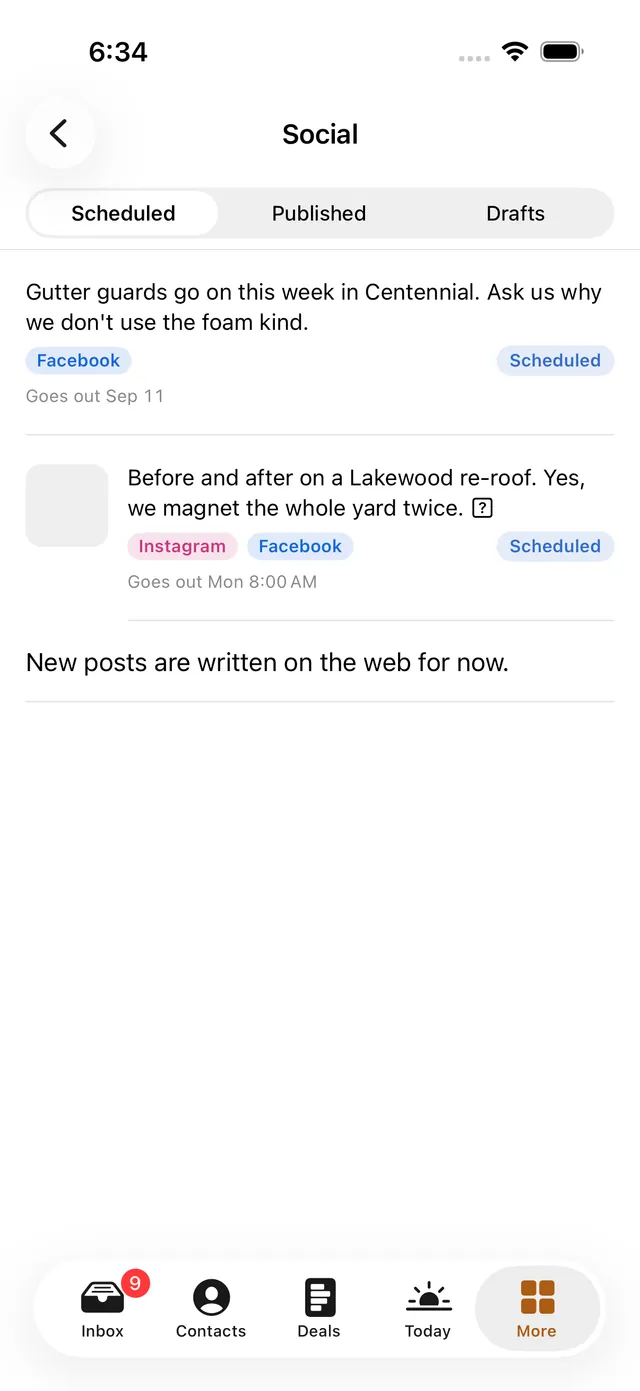
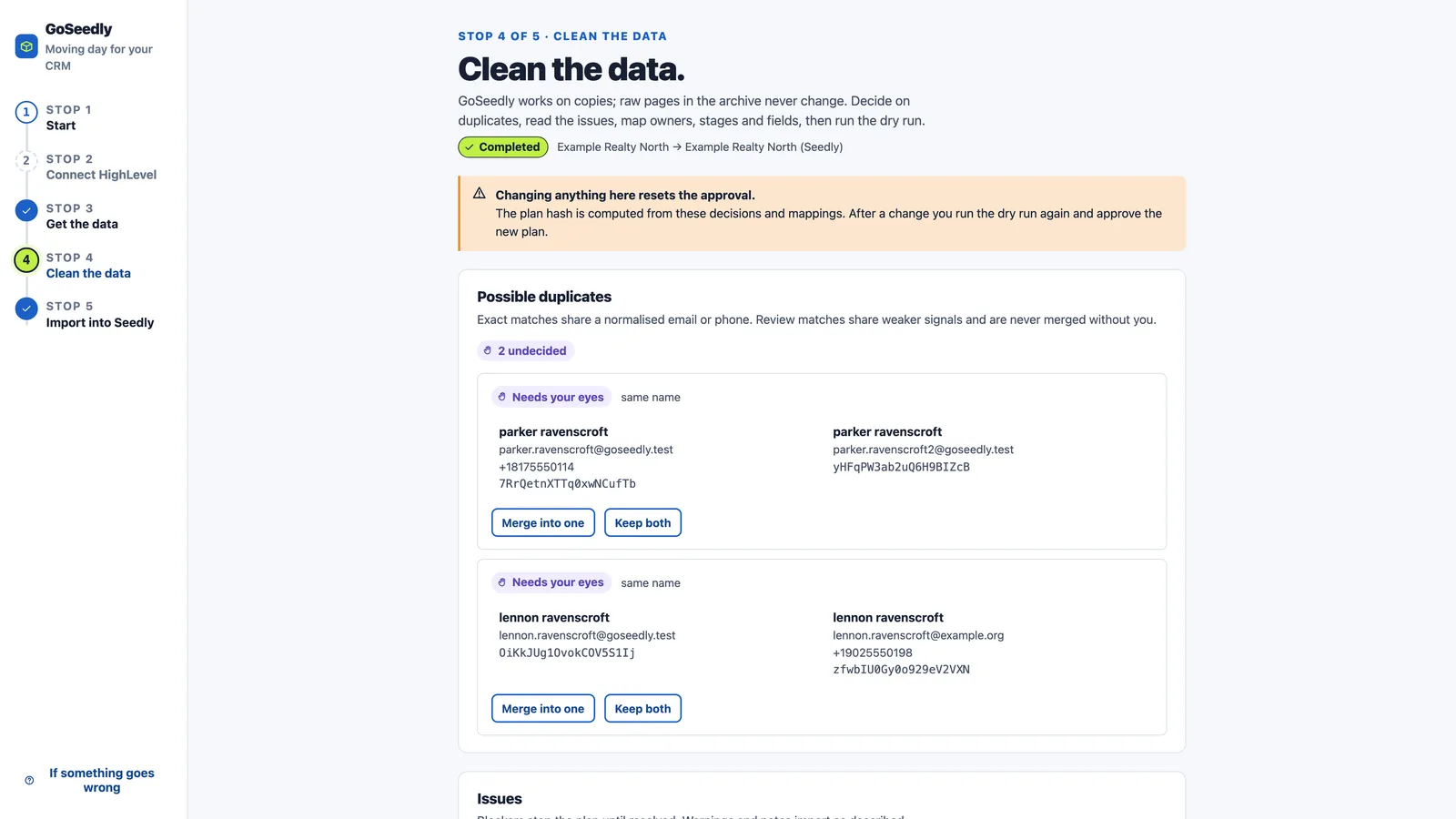
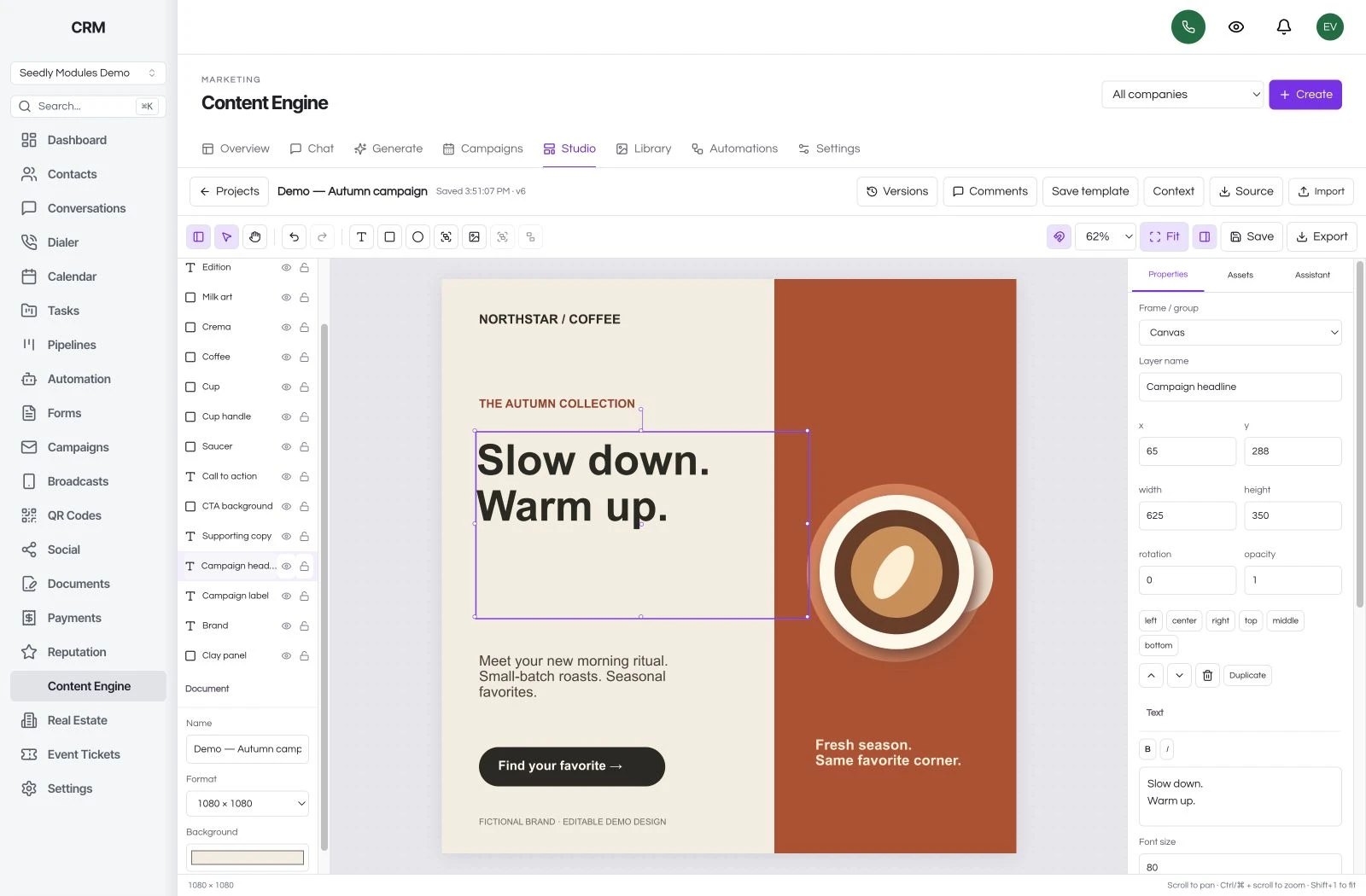
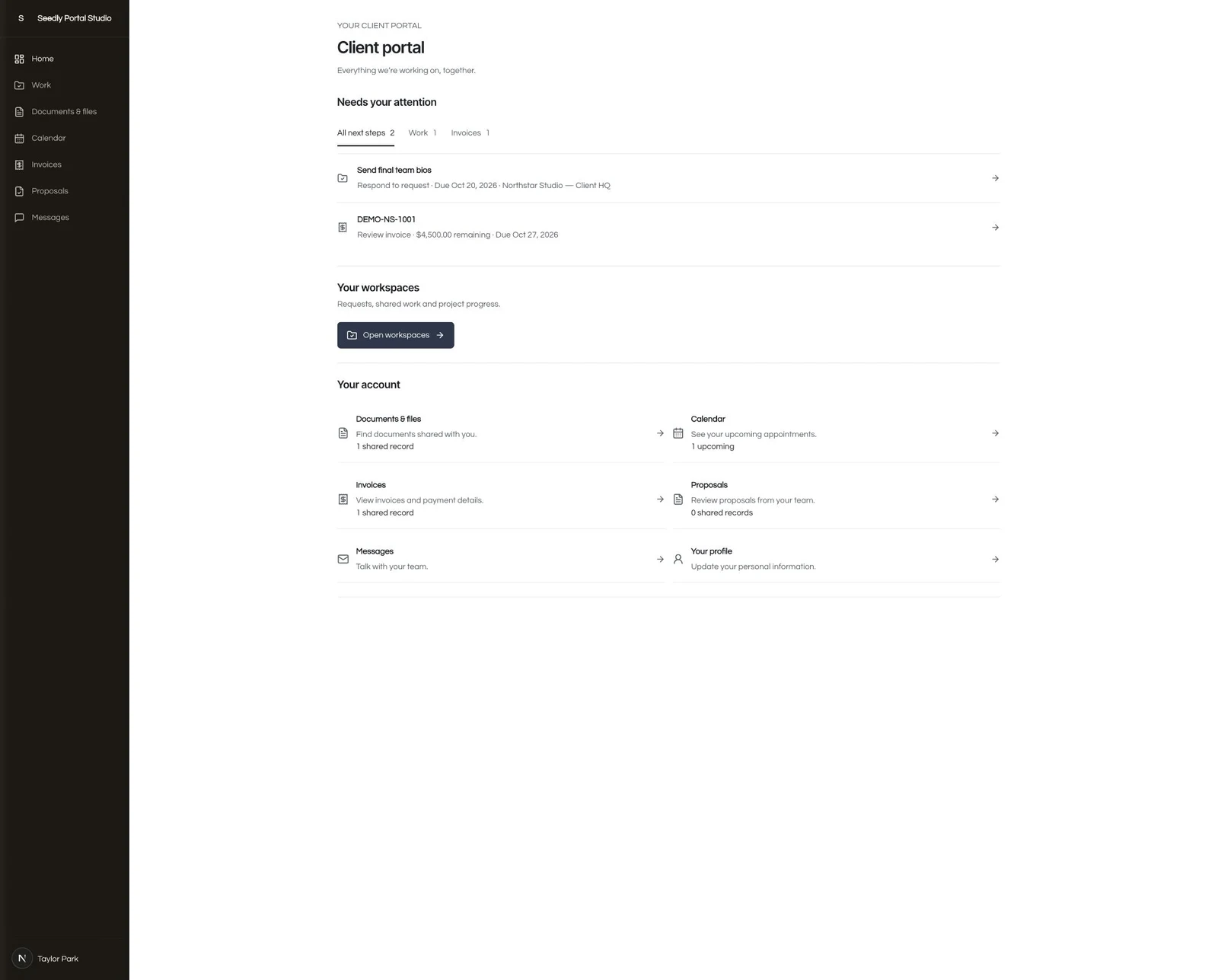
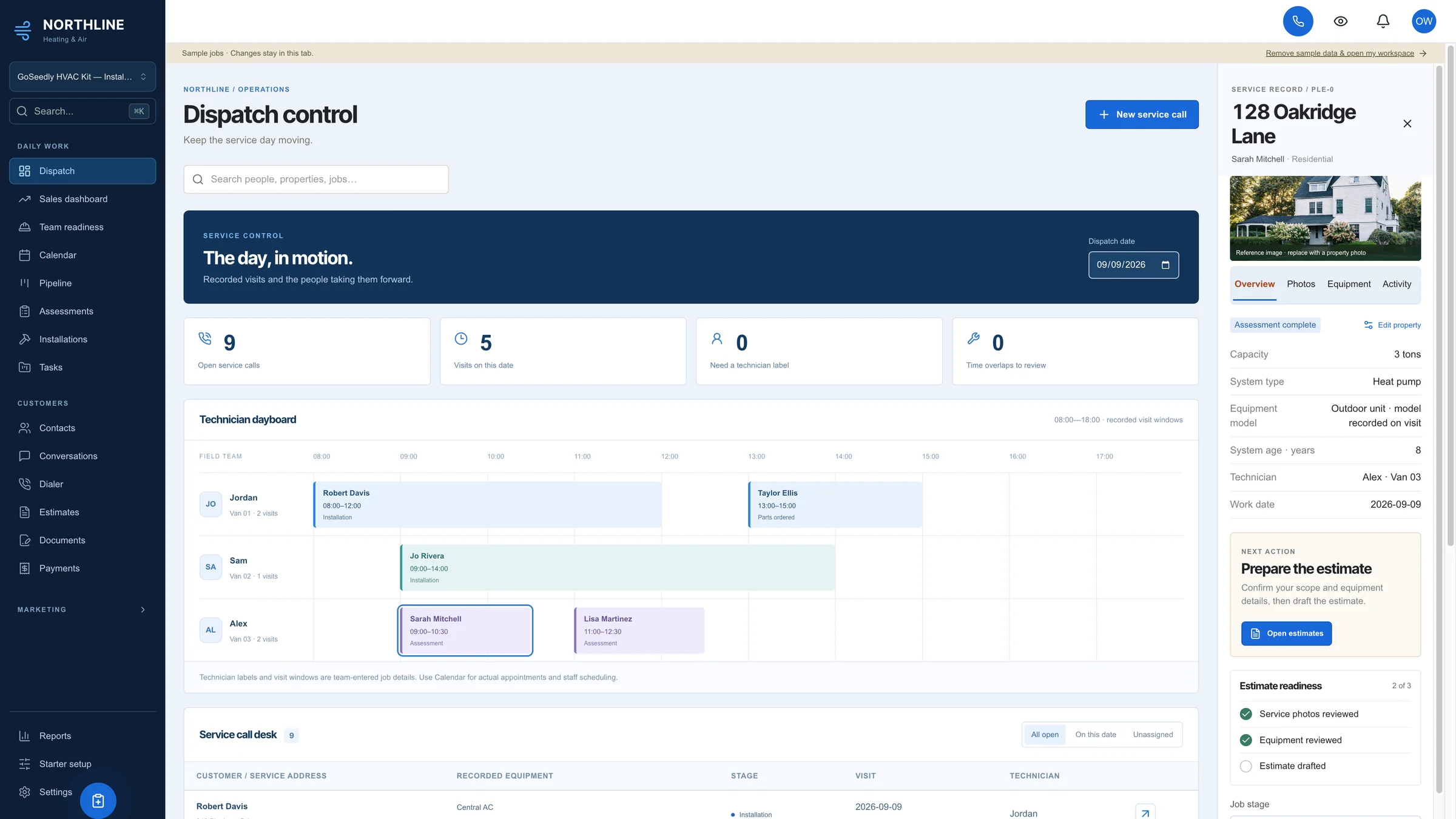
Real product captures with sample data. GoSeedly tools are optional, separate purchases; your $97 pass covers the classes, replays, and companion resources.
SAME SEEDLY. DIFFERENT BUSINESSES.
See how a workspace can fit the work.
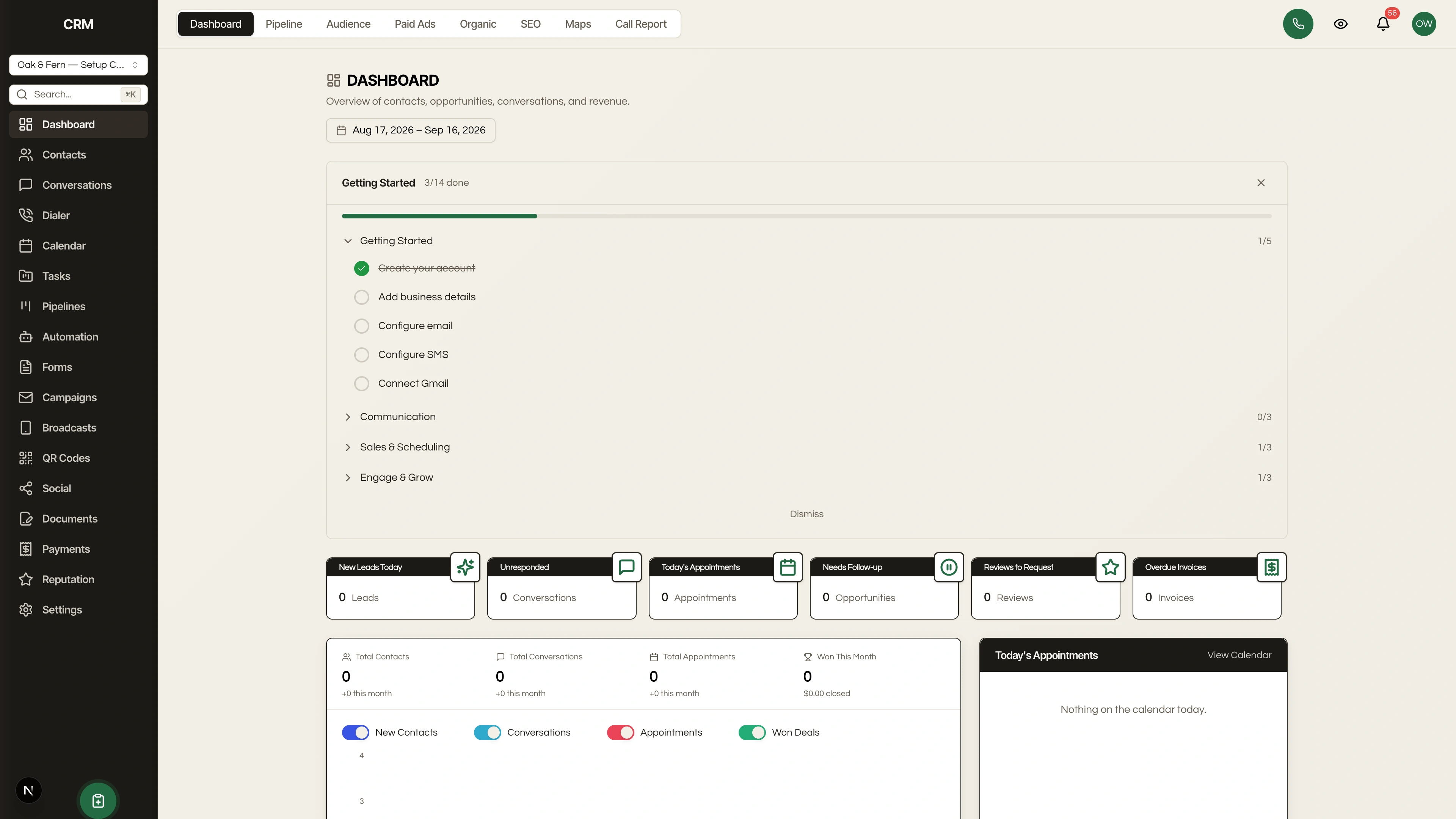
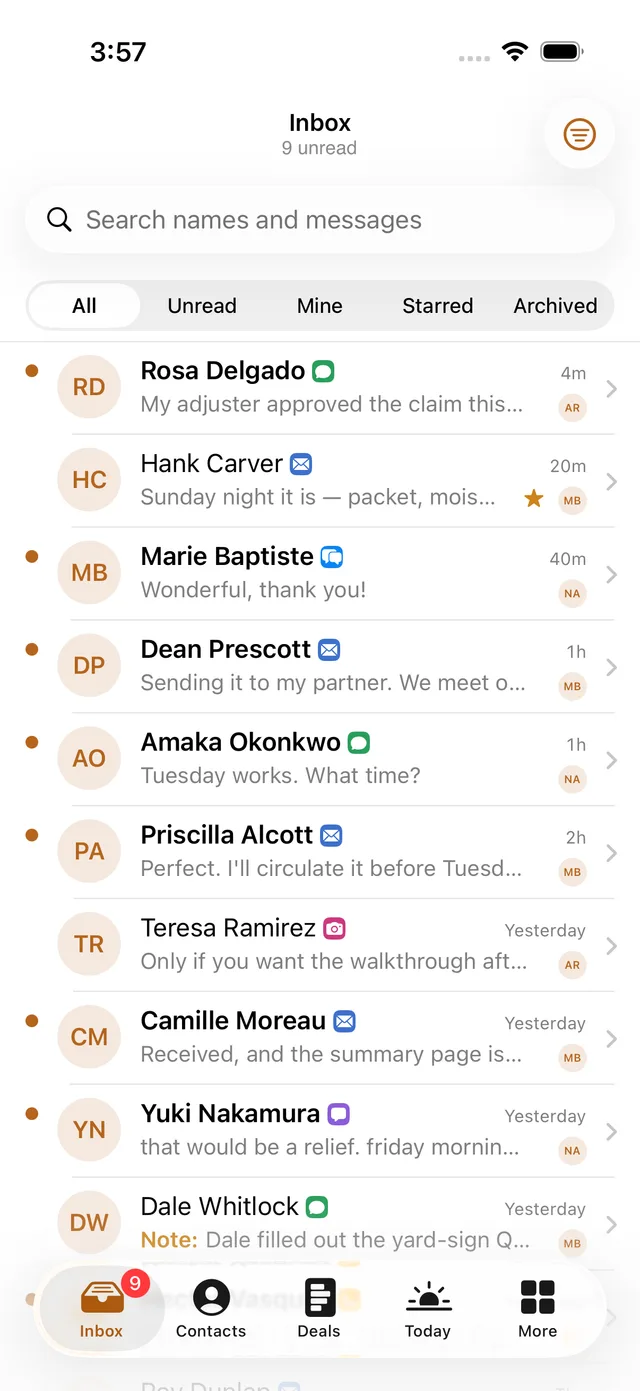
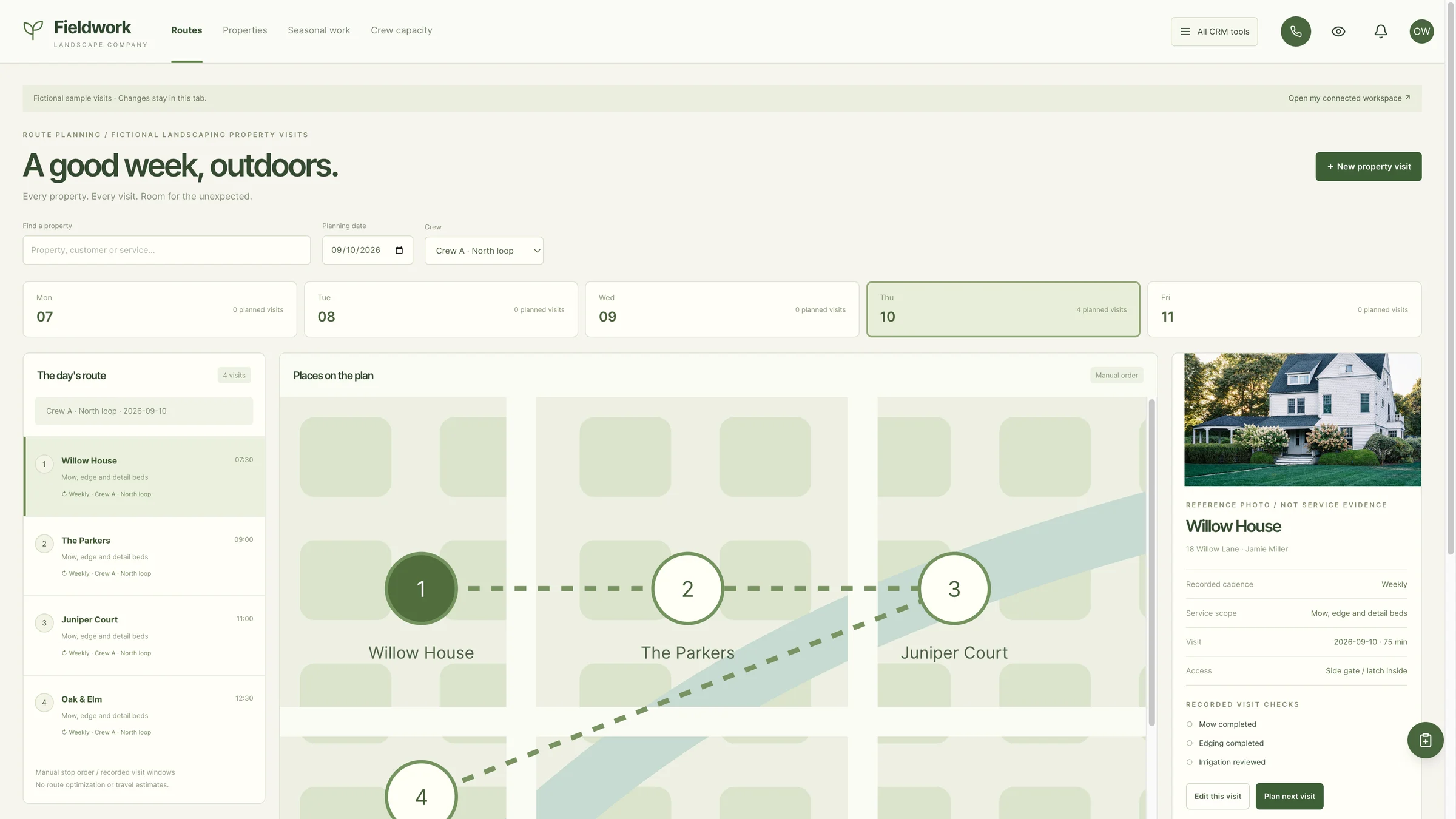
Roofing, HVAC, landscaping: three real CRM kit examples to help you picture your own business or a client’s. Choose an industry to explore its screenshot.
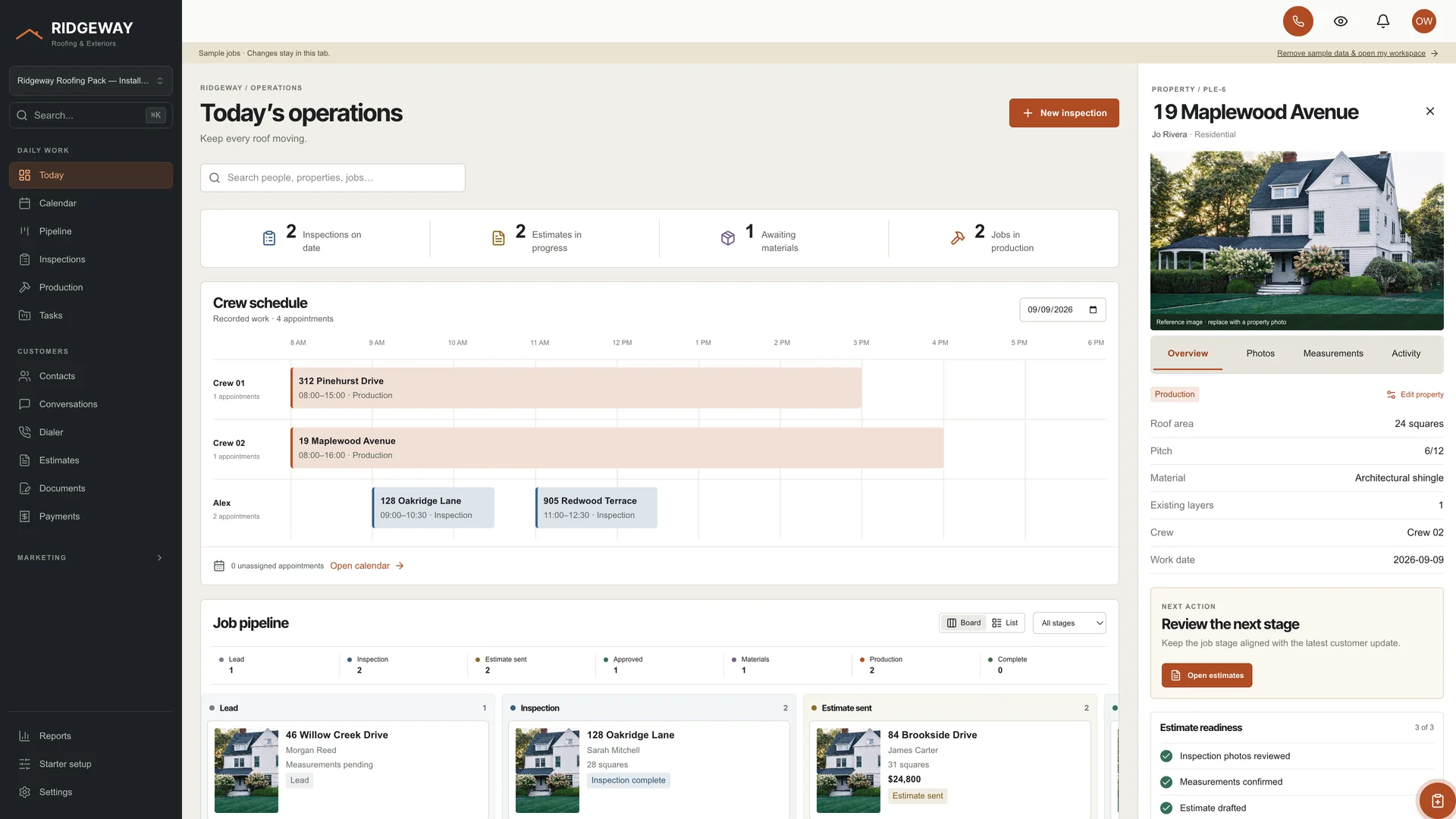
A workspace built around the next roof.
A real GoSeedly Roofing Kit capture: sample jobs, a crew schedule, a pipeline, and property details in one workspace.
Actual GoSeedly CRM kit captures with fictional sample data. Open the selected image full size to inspect it. CRM kits are optional, separate purchases.
Four live classes with Aaron Rountree, every session replay, and practical resources to keep you moving.
Getting-started checklist
Workspace customization planner
Communications setup & testing checklist
Offer & first-client action workbook
Your schedule, live links, recordings, and resources live together in your DevLaunch classroom.
GOSEEDLY LAUNCH WEEK
The complete four-class series.
$97
USD · one-time payment · all four classes
October 19–22, 2026
11 AM Pacific / 2 PM Eastern each day
All four session replays
All four companion resources
All sales are final. No refunds, returns, exchanges, or credits. Except where required by applicable law, payment-network rules, or Whop’s binding terms. Read the full refund policy.
All GoSeedly Launch Week sales are final. We do not offer refunds, returns, exchanges, or credits, except where required by applicable law, payment-network rules, or Whop’s binding terms. This product-specific final-sale policy replaces the general 14-day window for purchases where these terms were disclosed before checkout. Review the dates, agenda, and included resources before buying. Read the GoSeedly Launch Week refund policy.
When are the classes?
Monday, October 19; Tuesday, October 20; Wednesday, October 21; and Thursday, October 22, 2026. Each class starts at 11 AM Pacific / 2 PM Eastern and is taught live online.
Is $97 for one class or all four?
All four. Your $97 one-time purchase includes the complete live series, the replays of all four sessions, and the companion resources.
What if I miss a live class?
Every session will be recorded. Its replay will appear in your DevLaunch classroom after processing, so you can catch up and revisit the steps.
What resources are included?
A getting-started checklist, workspace customization planner, communications setup and testing checklist, and offer and first-client action workbook. They are available in your classroom to use alongside the series.
Do I need Seedly before joining?
You can watch the classes while exploring Seedly. To build along in your own workspace, bring your Seedly license and the accounts required by its setup guide. Purchase Seedly directly at seedlycrm.com. The $97 training pass does not include a Seedly CRM license or third-party running costs.
Can I really get started in under 30 minutes?
Monday’s walkthrough focuses on getting started in under 30 minutes with the required accounts and access ready. Your total setup time depends on your starting point. Customization, DNS changes, number ports, and provider approvals can take longer.
Will every phone, SMS, and social connection be ready immediately?
Wednesday covers the setup process, testing, and what to check while approvals are pending. Supported connections depend on your Seedly version and provider. Phone ports and messaging approvals follow their providers’ timelines.
Does this guarantee my first client?
Thursday helps you build your offer, outreach, and first-client action plan. Getting a client depends on your offer, audience, conversations, and follow-through; a client or income result is not guaranteed.
Is this included with All Access?
Yes. Active DevLaunch All Access members can open the classroom using their membership email. No separate class purchase is needed.
Is this official Seedly training?
This is independent training from DevLaunch, operated by Hypercat Studio LLC. We are not affiliated with or endorsed by Seedly CRM. Seedly CRM belongs to its respective owner.
A FRESH START FOR YOUR SEEDLY.
Let’s get growing.
Start Monday with the essentials. Leave Thursday with an offer and a plan.
All sales are final. No refunds, returns, exchanges, or credits. Except where required by applicable law, payment-network rules, or Whop’s binding terms. Read the full refund policy.
October 19–22 · 11 AM Pacific · Replays + resources included
Your privacy, your choice.
We use essential storage to keep the site working. With your permission, we also use analytics and the Whop Pixel to understand visits and advertising results. Optional analytics stay off until you choose.