Make it look like you
Pair heading and body fonts, set your palette and choose the spacing. Style individual sections with accent rules, color washes and custom alignment.
Turn the work inside Seedly into a client report you’re proud to send. Your brand, your numbers, your story.
USD · one time · editable source · included with active All Access
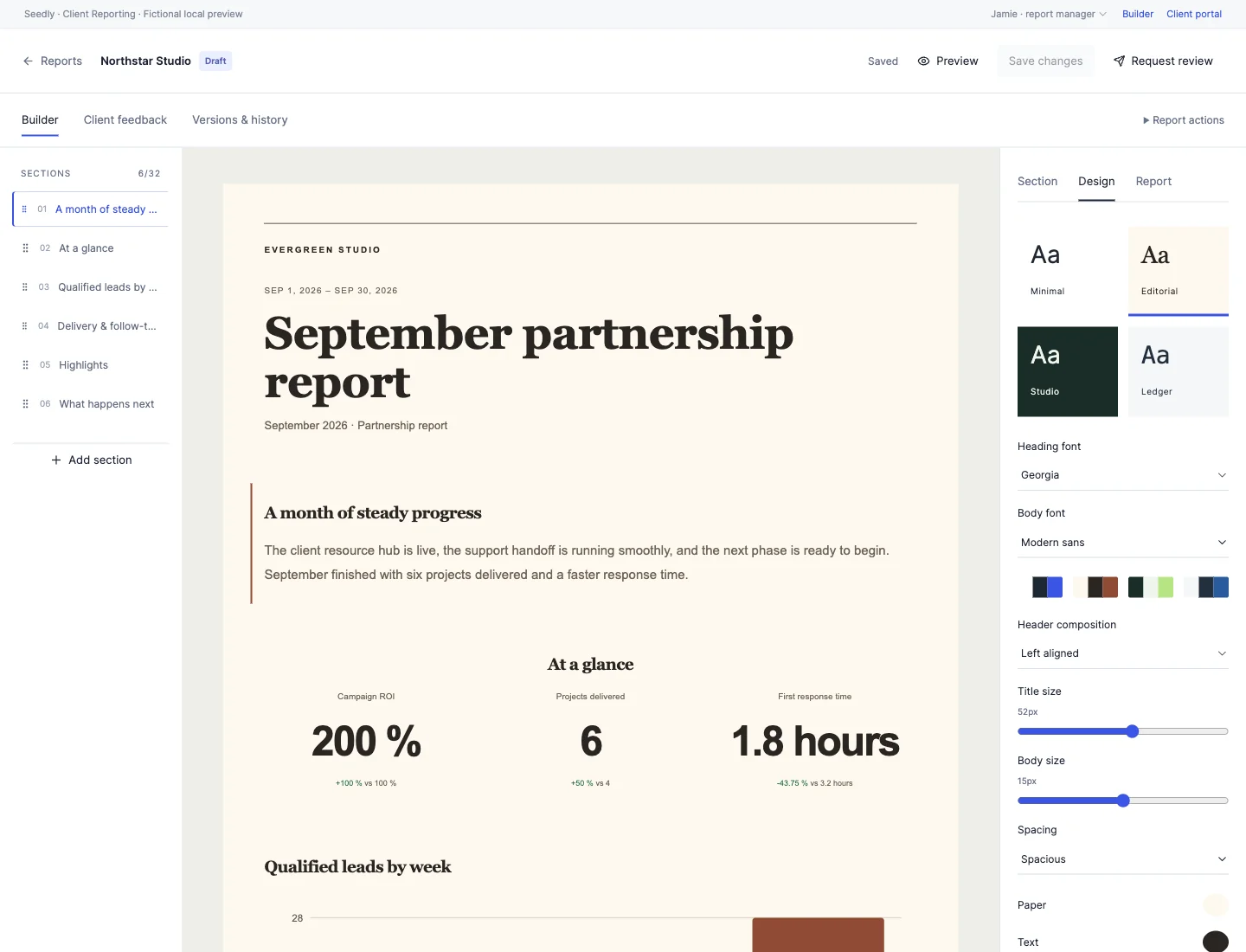
Monthly updates, campaign results, quarterly reviews and project journals. Eight starting points, with room for your own style.
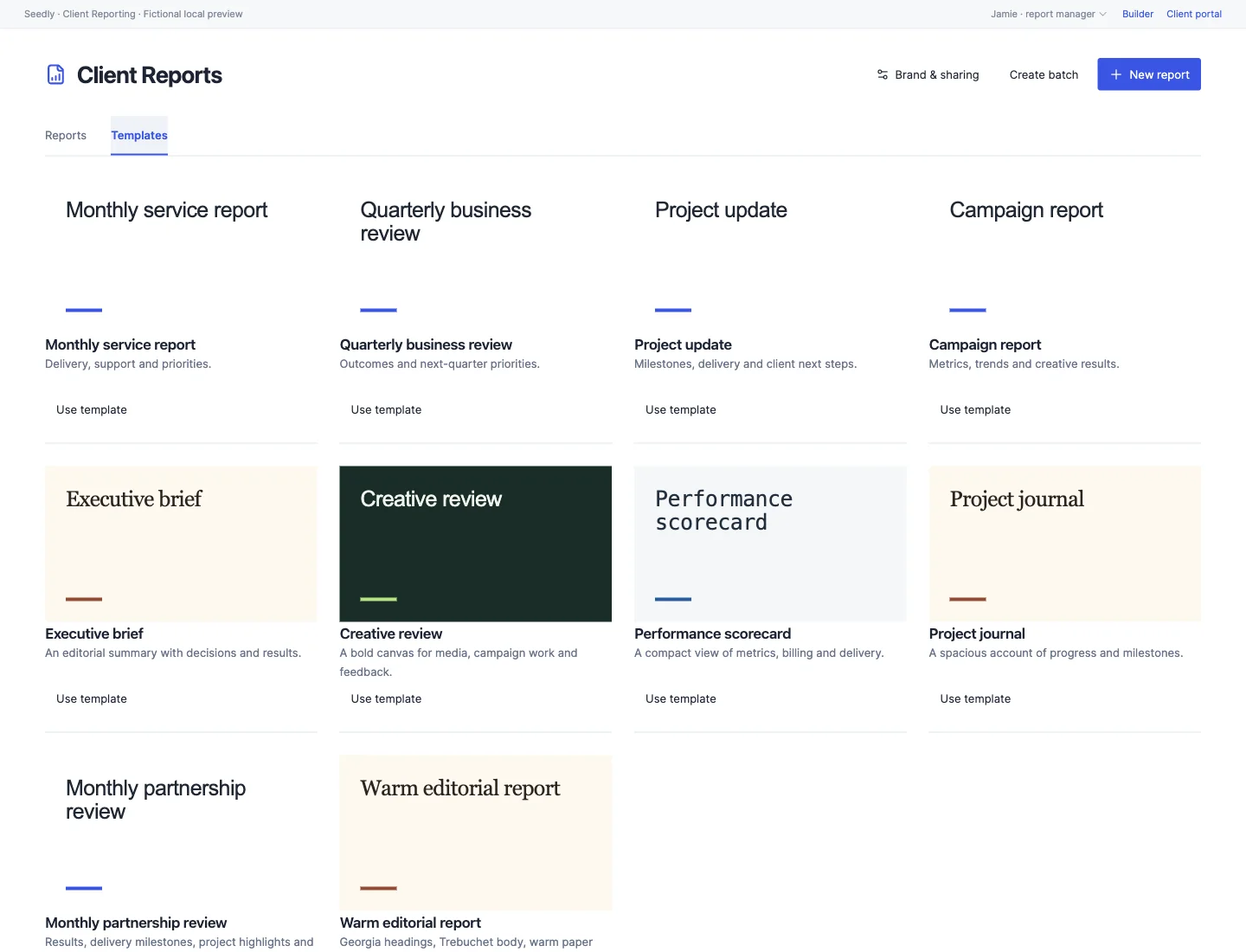
Editorial warmth. A bold studio palette. A clean scorecard. Change the entire report’s character with four design presets, then fine-tune the details.
Pick separate heading and body fonts. Choose your paper, text and accent colors. Give a key result more space, or keep a detailed update compact.
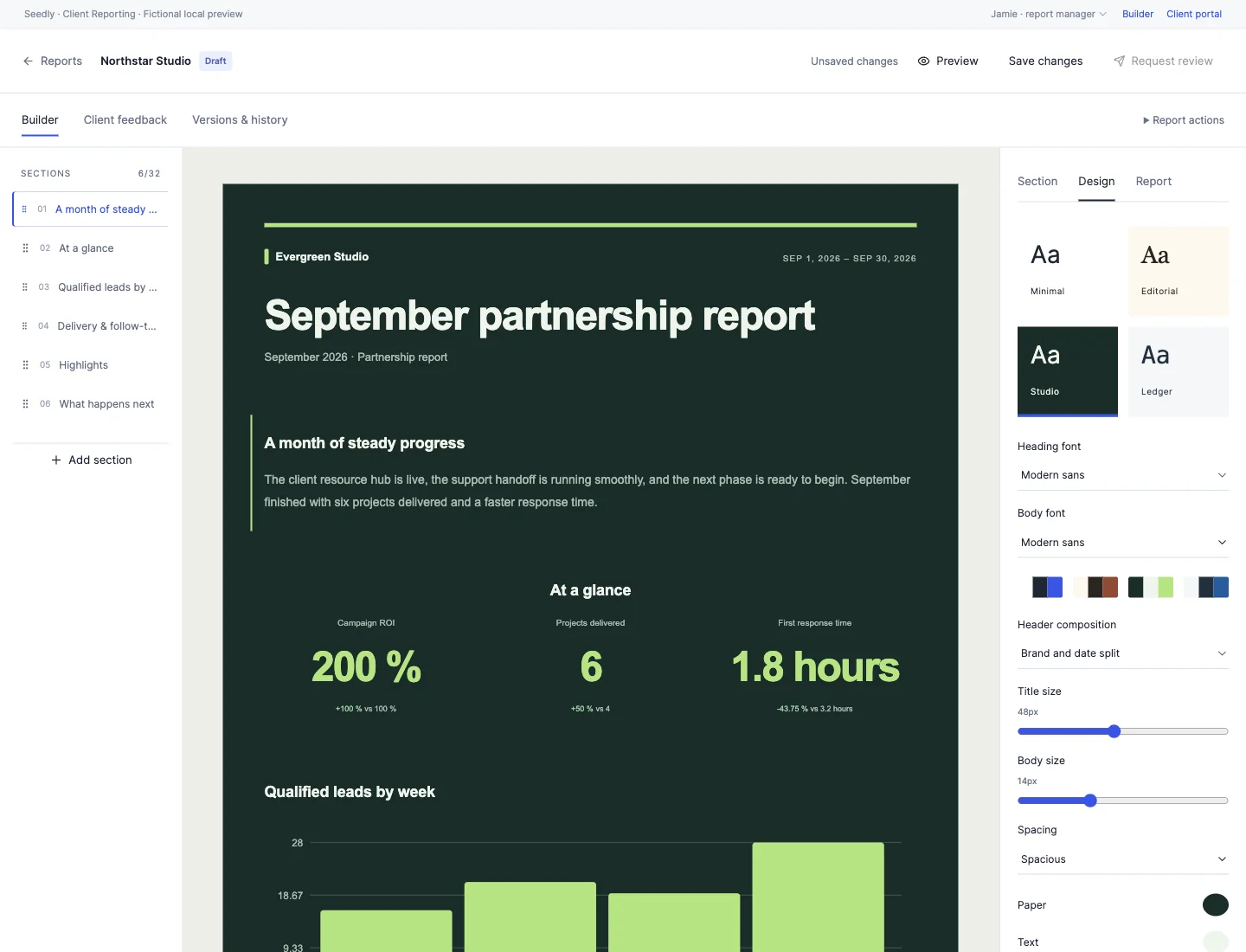
Pair heading and body fonts, set your palette and choose the spacing. Style individual sections with accent rules, color washes and custom alignment.
Build KPI scorecards and bar or line charts. Calculate totals, differences, ratios, percentages and ROI, then compare results with the previous period.
Add photos, video, audio, PDFs and resource links. Use Seedly’s file library or supported YouTube, Vimeo and Loom embeds.
Save your own reusable templates, create a next-period draft or prepare private drafts for up to 25 clients at once.
Check report readiness, request a second reviewer and compare published versions. Draft changes stay separate from the version clients see.
Publish to their existing Seedly portal with comments, acknowledgments and version history. Workspace and report sharing are both opt-in.
Bring together written updates, results, charts and media. Pull dated snapshots from contact-linked tasks and invoices, with optional connections to Support Desk, Onboarding and Client Success.
Refresh when you’re ready. Show the previous period, explain what changed and add the next steps. Your client gets a report, not a tour of your CRM.
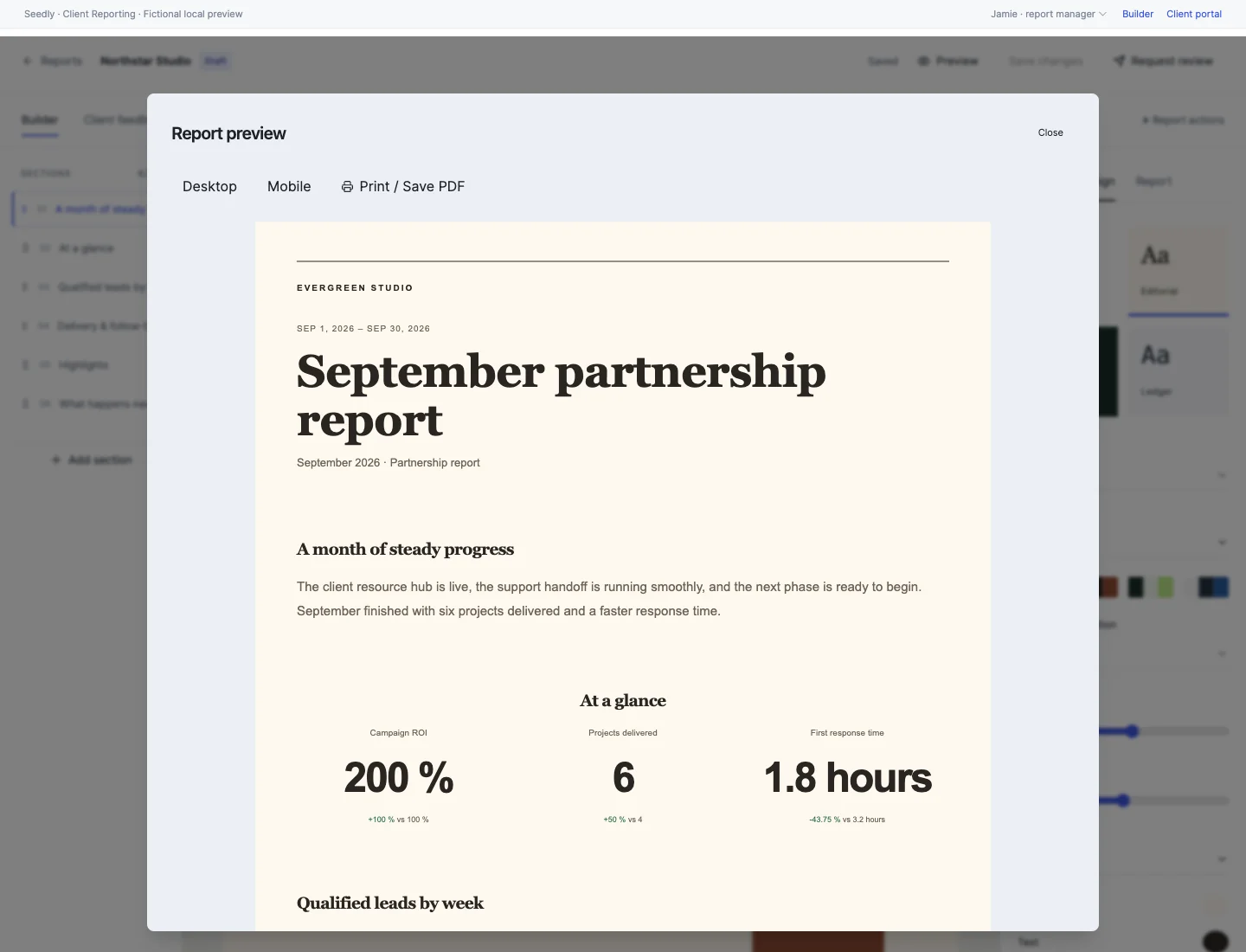
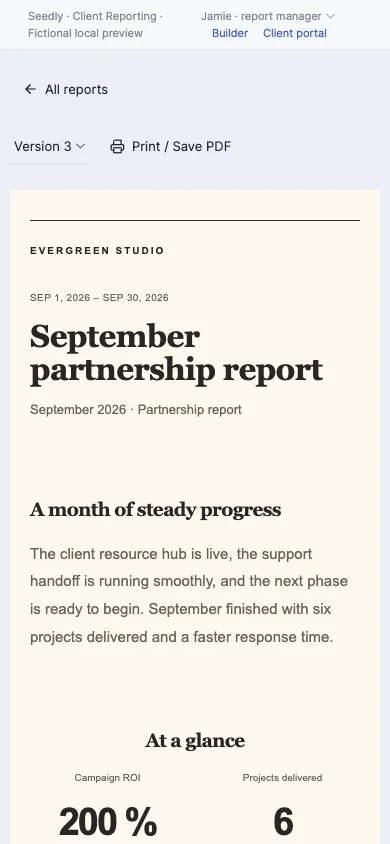
Publish a fixed version to the existing Seedly client portal. Clients can read it, leave comments and acknowledge it from their phone or desktop.
Keep working on your next draft while the published version stays put. Review version history together, or print a copy with the report’s own design.
Read the setup guide$97 USD · one time
All Access member? Open your download.
The editable frontend and backend source, installer, recovery and removal tools, setup documentation, tests and SHA-256 integrity manifest. This is a one-time source module purchase for your own Seedly installation.
Yes. Active DevLaunch All Access members can download it from the portal without a separate purchase.
Contact-linked tasks and invoices, plus Support Desk, Client Onboarding and Client Success when those optional modules are installed and permitted. Refresh a section or all sources to save dated snapshots. Source reads are bounded and flag partial results; open and overdue counts describe the current state.
This release uses native Seedly sources and manually entered metrics. Data refresh and publication are manual; it does not include external analytics connectors, scheduled reports or automatic email delivery.
Yes. Start with one of eight templates or your own saved layout. Change heading and body fonts, colors, type sizes, spacing, header composition, section treatments and scorecard layouts. Rearrange, duplicate or remove sections.
Enable workspace sharing and publish the individual report for its connected contact. The client uses their existing Seedly portal link. They see published versions, not internal notes or unfinished drafts.
Use the report’s Print / Save PDF action and your browser’s PDF destination. It uses the report design and leaves out editor controls and internal notes.
We use essential storage to keep the site working. With your permission, we also use analytics and the Whop Pixel to understand visits and advertising results. Optional analytics stay off until you choose.
Read our Cookie Policy and Privacy Policy.