01
5 YouTube videos
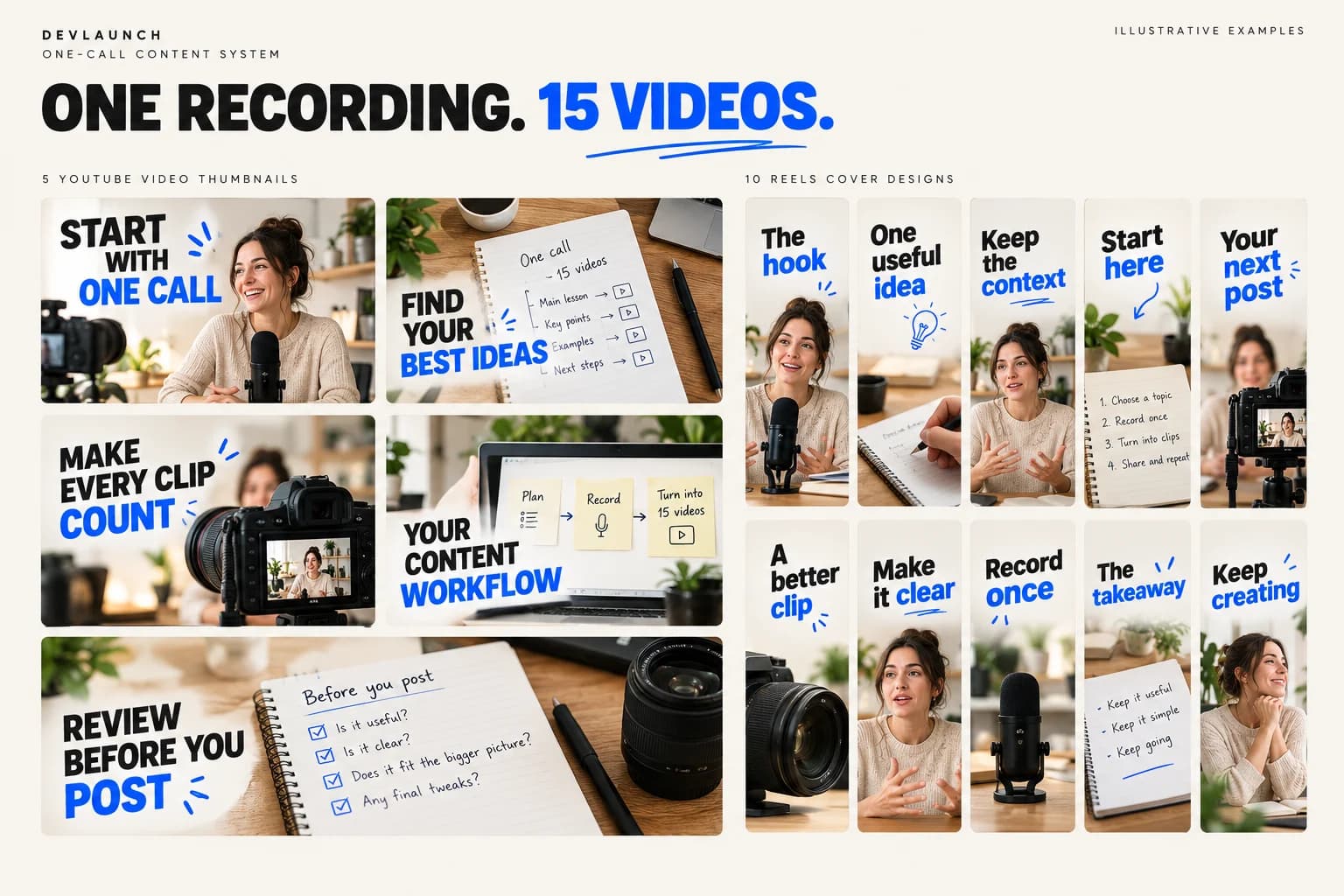
Turn the conversation into five focused videos, with titles and descriptions that tell people why to watch.

The One-Call Content System · A $97 class
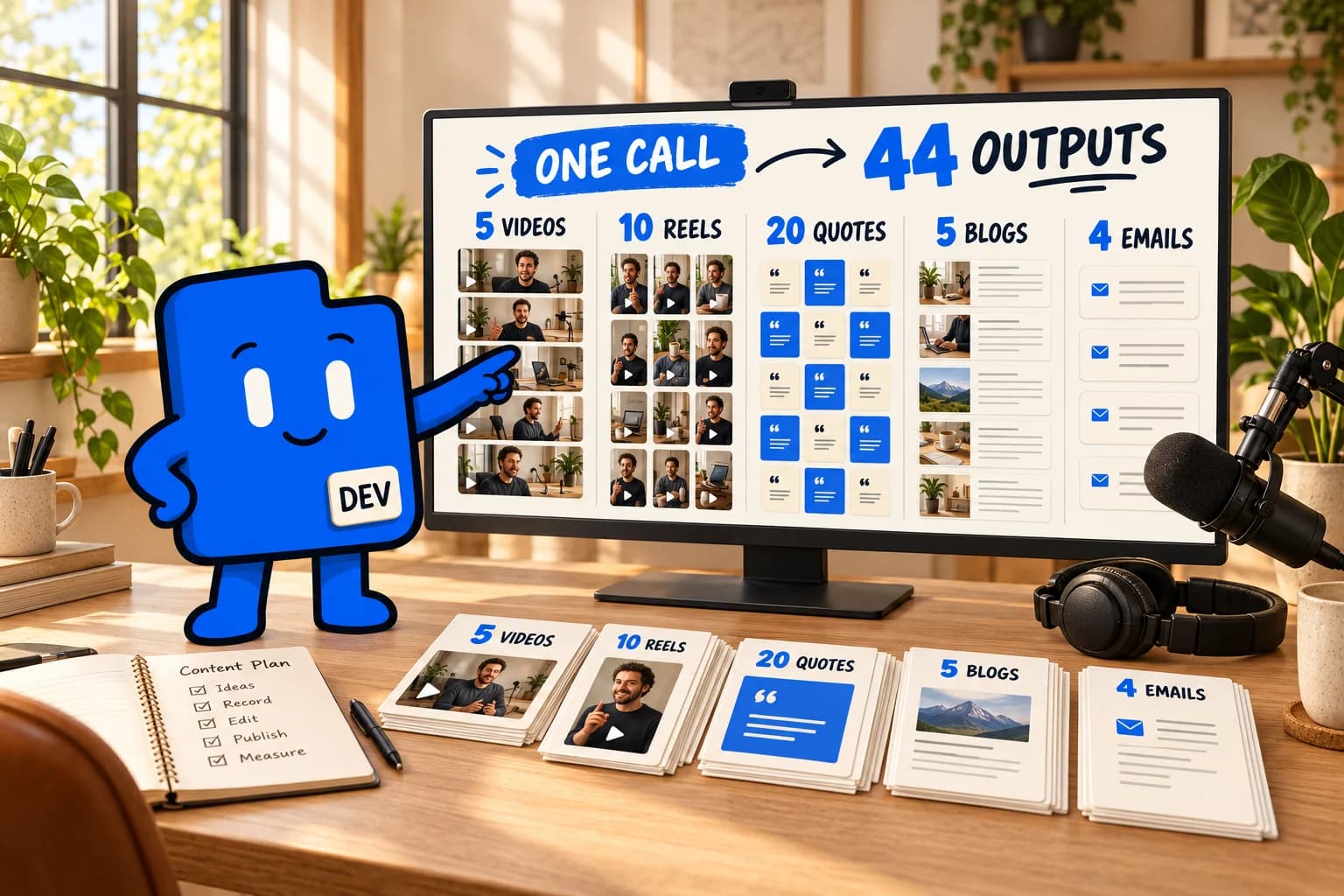
Five YouTube videos. Ten reels. Twenty social quotes. Five blog posts. Four emails. See how we turn a 60-minute live call into all of it, in minutes instead of days.
Under $10 is the processing cost for the workflow we demonstrate. The class is $97, paid once.
You already made the content
You spent an hour teaching, answering questions, or talking through something your audience cares about. Then the recording lands in a folder, and the next week starts.
Getting that conversation onto YouTube, into ten reels, onto social, onto your blog, and into your email usually means a long list of separate jobs.
This class shows you the workflow we use to turn the recording into that content package. Same ideas. More ways for people to find them.
One source. Five formats.
Follow one recording through the process, so you can see how each piece connects back to the original conversation.
01
Turn the conversation into five focused videos, with titles and descriptions that tell people why to watch.
02
Find ten useful moments and shape them into vertical clips that make sense on their own.
03
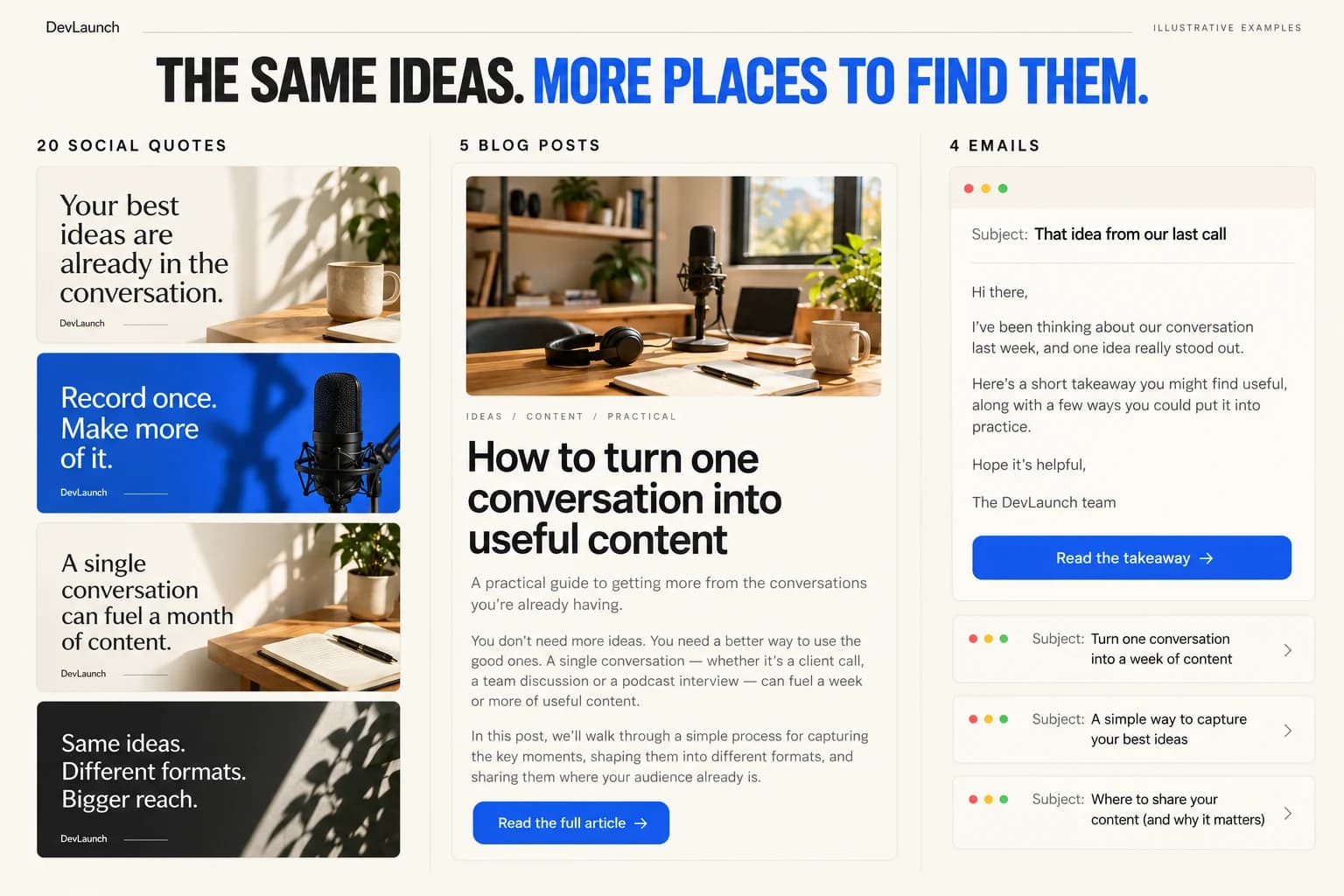
Pull twenty lines worth sharing and turn the ideas from your call into posts for your audience.
04
Build five readable articles around the strongest ideas, with a clear structure and your point of view.
05
Give your list four emails with useful takeaways and a reason to watch, read, or take the next step.
Picture the outputs
Illustrative output mockups: distinct video angles, shareable quotes, useful articles, and emails that carry the conversation forward.
Inside the class
From the original call to the finished content package, including what we automate and what we review before publishing.
01
Prepare the call and its transcript so the workflow has the context it needs. Identify the audience, the useful ideas, and the point of the content.
02
Find five useful angles in the conversation, shape each into its own video, and prepare the titles and descriptions.
03
Choose moments with a clear hook and a useful payoff. Turn those moments into standalone vertical clips.
04
Use the same source to create twenty social quotes, five focused blog posts, and four emails that sound like you.
05
Check the exports and the writing, walk through the tools and processing costs, and see how to repeat the process for your next call.
A straight answer

Your instructor
Aaron builds software and runs his own business with the tools he teaches. DevLaunch is where he records the work: client portals, content systems, AI employees, and the workflows that hold them together.
You see how the pieces fit, so you can use the same approach on your own projects.
Customer experiences / Trustpilot
Selected excerpts from reviews of DevLaunch training, software, and services. Individual customer experiences across DevLaunch.
One class. The whole workflow.
Drops Monday, October 26 at 10 AM Pacific. See the process behind the promise, from one live-call recording to 44 content outputs.
$97USD · one-time payment
Secure checkout through Whop. The $97 class price is separate from software subscriptions and usage costs.
Questions
Monday, October 26, 2026 at 10 AM Pacific / 1 PM Eastern. Sign in to your DevLaunch classroom with the email you use at checkout.
The class is $97, paid once. Under $10 refers to the processing cost for the content workflow we demonstrate, not the price of the class. Software subscriptions and other ongoing costs are separate.
The workflow covers five YouTube videos, ten reels, twenty social quotes, five blog posts, and four emails: 44 content outputs, all built from the same 60-minute live-call recording.
It describes the content production workflow we demonstrate after the source call is recorded. It does not mean the original hour-long call, initial tool setup, review, and publishing all take a few minutes. Processing time depends on the recording and your setup.
Yes. The tools, the order we use them, the steps we automate, and how we check the results are part of the class.
That is the idea. Start with a recording you have permission to use, then apply the process to the audience and channels you are creating for.
Yes. Check that clips make sense out of context, quotes reflect what was actually said, and the written content is accurate and sounds like you. The workflow speeds up production; your judgment is still part of it.
Your next call can go further.
Five YouTube videos, ten reels, twenty social quotes, five blog posts, and four emails. Learn the workflow behind the full package.

We use essential storage to keep the site working. With your permission, we also use analytics and the Whop Pixel to understand visits and advertising results. Optional analytics stay off until you choose.
Read our Cookie Policy and Privacy Policy.