01
Set up a real development environment
The editor, terminal, files, and a verified AI coding setup.

Beginner course · 8 modules
Learn how code works, how AI coding tools think, and how to build software you can actually understand, debug, and ship.
Module 1 is free. No card. Real projects, not theory.
★★★★★“I am building things I never would have considered before making the investment in their products and classes.”John Wolf, on Trustpilot
“the ideas can be applied immediately.”
“The support and follow-up has been above what I expected”
“operate more strategically, improve efficiency”
The missing layer
Starting is easy now. The hard part comes ten prompts later, when a feature breaks, a file makes no sense, or the agent confidently changes the wrong thing.
You do not need to become a senior engineer. You need the fundamentals that let you read the map: what the pieces do, what good work looks like, and how to verify the result.
This course gives you that map, then helps you use it on a real build.
What changes by the end
Read the work. Direct the tool. Ship with confidence.
01
The editor, terminal, files, and a verified AI coding setup.
02
Understand the files, code, and errors in front of you.
03
Give AI enough structure to do useful, verifiable work.
04
Reproduce problems, read errors, test theories, and verify fixes.
05
Requests, responses, databases, secrets, and safe defaults.
06
Test the result, deploy it, and know how to change it later.
Meet Stack, your guide
Continue on your schedule, and use live support when the work raises questions a prerecorded lesson cannot predict.
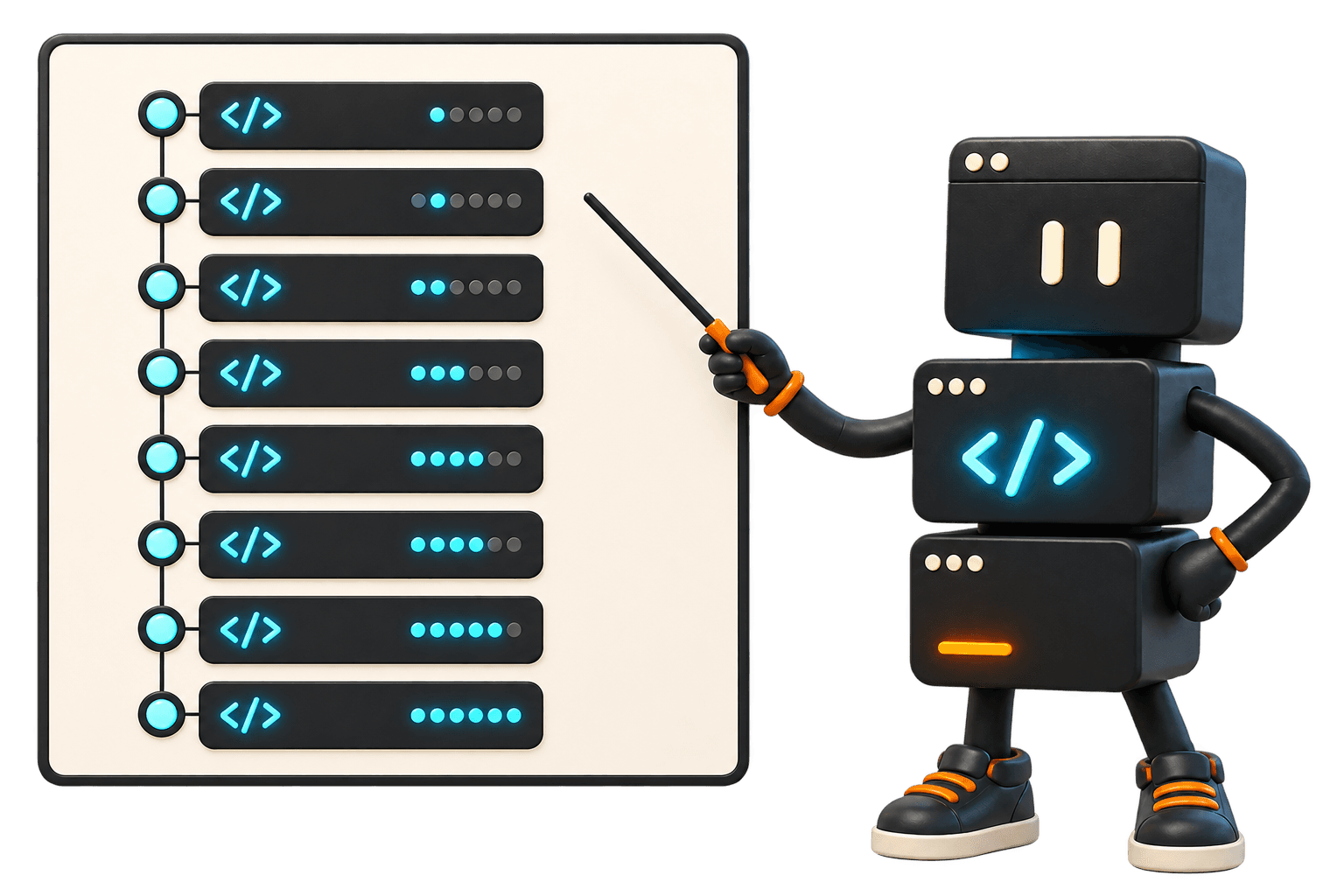
Eight modules, one complete foundation
Every module contains multiple focused video lessons, a practical exercise, and a clear checkpoint.
Module 01 · Free module
Set up your coding environment, meet the tools, and build something real with us from a blank folder.
Module 02 · Self-paced
Learn the small set of ideas hiding underneath almost every application, without a computer-science detour.
Module 03 · Self-paced
Understand what the browser is doing and how HTML, CSS, and JavaScript fit together.
Module 04 · Self-paced + Q&A
See what AI coding agents can do, where they lose the plot, and how to give them useful working context.
Module 05 · Self-paced
Turn a fuzzy idea into small, testable steps that you and your coding agent can both follow.
Module 06 · Self-paced + Q&A
Stop changing random things. Learn how to reproduce problems, read errors, test theories, and verify fixes.
Module 07 · Self-paced
Connect the front end to data and outside services while understanding the security boundaries involved.
Module 08 · Build lab + Q&A
Take a project from your machine to the internet, then learn the habits that make the next change easier.
How it works

Your instructor
Aaron builds software and runs his own business with the tools he teaches. DevLaunch is where he records the work: client portals, content systems, AI employees, and the workflows that hold them together.
You see how the pieces fit, so you can use the same approach on your own projects.
Customer experiences / Trustpilot
Selected excerpts from reviews of DevLaunch training, software, and services. Individual customer experiences across DevLaunch.
Enrollment is open
Both options include the complete eight-module course, live Q&A support, course resources, and lifetime access. Want to try it first? Module 1 is free, right below.
Best value
One payment. No recurring charge. Immediate course and community access.
$297one time
$330 total. Exactly two payments, then billing stops automatically.
$165today + once more in 30 days
Try the course before you buy it
Build ScopeKit with us, learn the workflow that makes AI coding click, and keep the complete first module. No card and no surprise trial expiration.
Free portal access
Use the same email when you return to the portal. Existing buyers will be taken to the full course.
Secure checkout powered by Whop. Questions? hello@hyperflow.cloud
Questions
No. This course starts with the editor, terminal, files, and the core concepts that make code readable. If you have experimented with AI coding already, it will also help you fill in the gaps that cause projects to become fragile.
No. Module 1 was taught live on Friday, August 28, 2026 and is now in the portal. The remaining modules are designed to complete at your own pace, with live Q&A sessions during the week so you can get unstuck and ask questions about your own build.
We will demonstrate modern agent-based tools, but the fundamentals are tool-independent. You will learn a workflow you can use with Codex, Claude Code, and other capable coding agents.
You will build small exercises as you learn, then bring the pieces together into a working web project that uses a real interface, data, and deployment.
Your purchase includes lifetime access to the course lessons and included course resources, so you can revisit the fundamentals whenever your projects get more ambitious.
No ongoing subscription. The payment plan is exactly two payments of $165, 30 days apart, for a total of $330.
Build things that work
Keep the complete first module, then unlock all eight for $297 or two payments of $165.
We use essential storage to keep the site working. With your permission, we also use analytics and the Whop Pixel to understand visits and advertising results. Optional analytics stay off until you choose.
Read our Cookie Policy and Privacy Policy.